
Renderly Is Now Officially Listed on the Zapier App Directory
Renderly's Zapier integration is now publicly available in the Zapier App Directory. Connect video rendering to 7,000+ apps — no invite link needed.

Founder

Big news today — Renderly is now officially listed in the Zapier App Directory.
That means anyone can find Renderly directly inside Zapier, install it in seconds, and start automating video renders as part of any workflow. No invite links, no special access, no waiting. Just search "Renderly" in Zapier and you're good to go.
This is a milestone we've been working toward for a while, and I'm genuinely excited about what it unlocks for our users.
What This Means for You
If you've been using Renderly's Zapier integration through our early-access invite link — nothing changes on your end. Your Zaps keep running exactly as they are.
What's new is that anyone on Zapier can now discover and install Renderly without needing a special link. It shows up in search results, in Zapier's integration browse pages, and in their app recommendations. That's a big deal for visibility and for making video automation more accessible to non-technical teams.
Here's what you get with the integration:
- Create Video Render — Trigger a render from any of your projects or system templates, with full dynamic variable mapping
- Get Render Status — Check progress, output URL, file size, and credits consumed
- Render Completed — Instant webhook trigger when a video finishes rendering
- Render Failed — Automatic notification when something goes wrong, so you can retry or alert your team
All of this connects to Zapier's ecosystem of 7,000+ apps. That means you can trigger video renders from form submissions, CRM updates, spreadsheet changes, e-commerce events, or literally any app that works with Zapier.
The Path to Getting Listed
Getting published in the Zapier App Directory isn't just "upload and done." Zapier has a real review process, and I think it's worth sharing what that looked like for us — especially if you're a developer building integrations for your own product.
Here's what it took:
-
Building the integration — We built the Zapier app using their CLI platform, supporting both triggers and actions with dynamic field loading. When a user selects a project, Zapier fetches the project's dynamic variables and shows them as input fields. That part alone took some serious work to get right.
-
Testing with real users — Zapier requires that your app has actual users with live Zaps running successfully. Not test data — real workflows producing real results. We onboarded early users through our invite link and iterated based on their feedback.
-
Passing the review — Zapier's team reviewed our app for quality, documentation, error handling, and user experience. They check everything from how your auth flow works to how your error messages read. It's thorough, and it should be — it protects their users.
-
Going public — Once approved, the app goes live in the directory. That's where we are now.
The whole process took some time, but it forced us to build a better integration than we would have otherwise. No complaints there.
Example: What You Can Build in 5 Minutes
Here's a real workflow that takes about 5 minutes to set up:
Auto-generate welcome videos for new signups:
- A new user signs up through your app (triggers a webhook or CRM entry)
- Zapier catches the signup event and pulls the user's name, email, and company
- Zapier triggers a Renderly render using your welcome video project — passing name and company as dynamic variables
- Renderly renders the personalized video and fires a webhook when it's done
- Zapier sends the video URL to the new user via email
That's a fully personalized onboarding video, generated and delivered automatically, for every single signup. No manual work. No video editing. No bottleneck.
And that's just one example. People are using this for:
- E-commerce — Product showcase videos triggered by new Shopify listings
- Real estate — Property tour videos generated from listing data
- HR & recruiting — Personalized offer letter videos for candidates
- Marketing — Social media videos generated from blog posts or campaign data
- Sales — Personalized outreach videos triggered by CRM events
Getting Started
If you're already a Renderly user, here's how to get going:
- Grab your API key from your Renderly dashboard under Settings → API Keys
- Go to Zapier and search for "Renderly" when adding a new step
- Connect your account by pasting your API key
- Pick a trigger or action and start building
If you're new to Renderly, sign up for an account first — you'll get starter credits to test with.
The full integration page is here: Renderly on Zapier
What's Next
This is just the beginning. We're actively working on more no-code integrations, including Make (already live) and n8n (coming soon). The goal is simple: wherever your workflow lives, Renderly should be there too.
We're also continuing to improve the Zapier integration itself — more triggers, more actions, and better dynamic field support are all on the roadmap.
If you build something cool with the Renderly + Zapier combo, I'd love to hear about it. Drop us a line at support@renderly.video or tag us on social.
Happy automating.
Related Articles
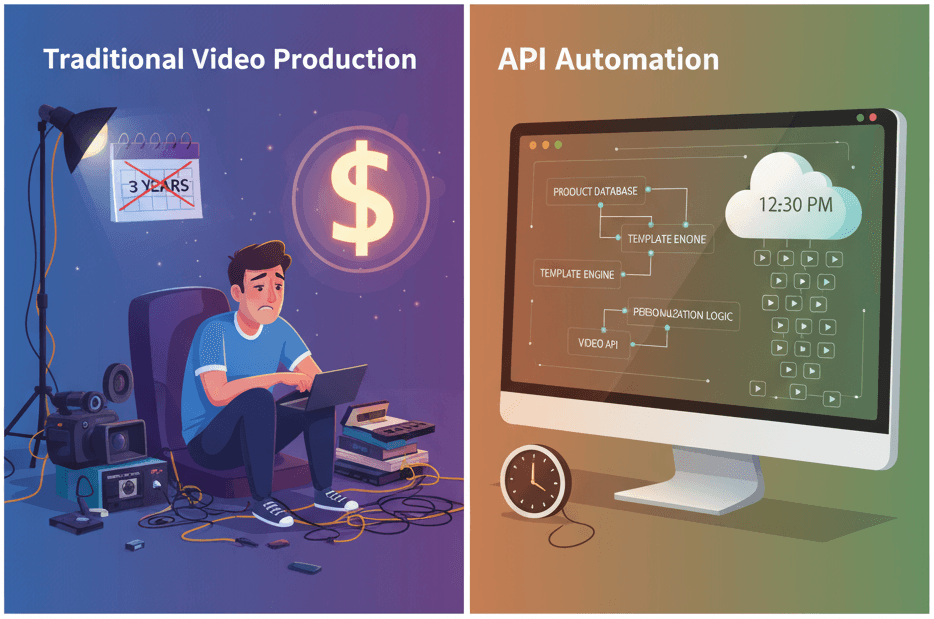
How to Generate 1,000+ Personalized Videos with API Automation (2026 Update)
A 30-second 1080p render costs $0.10 on a template API and $1.50+ on a generative one. Build the bulk pipeline: 1,000 personalized videos queued in under 20 minutes.
May 18, 2026
4 Best Video APIs for Developers (2026 Mid-Year Update)
We compared Renderly, Shotstack, Creatomate, and JSON2Video on price, speed, and DX. Subscription costs run $0.10 to $0.84 per minute at 1080p.
June 8, 2026