
E-commerce Product Drop
A premium 25-second Apple-style product ad that auto-builds from your catalog: a tease cold-open, a hero reveal, a craft/detail angle, an every-angle showcase, and a price + "Shop now" buy moment. Swap five dynamic fields per SKU - three product images, the product title, and the price - to batch-render a video ad for every product on a Shopify/WooCommerce webhook.
- Aspect ratio
- 16:9 · Horizontal
- Duration
- ~25s
- Category
- Ecommerce
Try it with your own copy
Edit a field and the frame re-renders in your browser. No account, no credits - previews are free because they cost a browser paint, not a render.
What you can customize
This template exposes 5 dynamic fields you can swap per video - edit them in the editor or pass them to the API to batch-render variations at scale. The monospace name is the exact key to send in replacements.
Product Image 1
urlproduct_image_1https://images.pexels.com/photos/17488644/pexels-photo-17488644.png?auto=compress&cs=tinysrgb&w=1200
Product Title
textproduct_titleAera Lounge Chair
~56 characters max · 1 line
Product Image 2
urlproduct_image_2https://images.pexels.com/photos/17488642/pexels-photo-17488642.png?auto=compress&cs=tinysrgb&w=1200
Product Image 3
urlproduct_image_3https://images.pexels.com/photos/17488645/pexels-photo-17488645.png?auto=compress&cs=tinysrgb&w=1200
Price
textprice$1,290
~13 characters max · 1 line
Render it from the API
Copy either call below. Both already carry this template's ID and its real variable keys - swap the values for your own.
1. Preview it — free
Same body as a render. Costs no credits, creates no job. Returns a public URL that plays the video in a browser, plus a list of problems with your payload — a mistyped key is otherwise ignored in silence.
curl -X POST https://renderly.video/api/v1/previews \
  -H "Authorization: Bearer $RENDERLY_API_KEY" \
  -H "Content-Type: application/json" \
  -d '{
  "templateId": "ecommerce-product-drop",
  "replacements": {
    "product_image_1": "https://images.pexels.com/photos/17488644/pexels-photo-17488644.png?auto=compress&cs=tinysrgb&w=1200",
    "product_title": "Aera Lounge Chair",
    "product_image_2": "https://images.pexels.com/photos/17488642/pexels-photo-17488642.png?auto=compress&cs=tinysrgb&w=1200",
    "product_image_3": "https://images.pexels.com/photos/17488645/pexels-photo-17488645.png?auto=compress&cs=tinysrgb&w=1200",
    "price": "$1,290"
  }
}'2. Render it
Change one word in the URL. Keep templateId — it is what links your call to this template, so later improvements reach you automatically.
curl -X POST https://renderly.video/api/v1/renders \
  -H "Authorization: Bearer $RENDERLY_API_KEY" \
  -H "Content-Type: application/json" \
  -d '{
  "templateId": "ecommerce-product-drop",
  "replacements": {
    "product_image_1": "https://images.pexels.com/photos/17488644/pexels-photo-17488644.png?auto=compress&cs=tinysrgb&w=1200",
    "product_title": "Aera Lounge Chair",
    "product_image_2": "https://images.pexels.com/photos/17488642/pexels-photo-17488642.png?auto=compress&cs=tinysrgb&w=1200",
    "product_image_3": "https://images.pexels.com/photos/17488645/pexels-photo-17488645.png?auto=compress&cs=tinysrgb&w=1200",
    "price": "$1,290"
  }
}'Read the full contract, with character limits, from GET /api/v1/templates/ecommerce-product-drop/variables. See the previewing guide, the rendering guide, or the OpenAPI spec.
Frequently asked questions
How do I customize the E-commerce Product Drop template?
Open the template in the Renderly editor and replace its 5 customizable fields (such as Product Image 1) with your own text, images, or video. Every change previews instantly before you render.
How much does it cost to render this template?
Rendering is credit-based - 1 credit equals 1 minute of 1080p video, billed by the second. You only pay when you export, and credits never expire on the pay-as-you-go plan.
Can I generate this video at scale via the API?
Yes. POST this template's ID and a replacements object to /api/v1/renders - one call per row of data, 5 fields swappable per video. Send the same body to /api/v1/previews first to check it for free. No-code integrations like Zapier work the same way.
Sell on Shopify? The free Shopify product video maker turns one product link into a 15-second vertical video. No signup.
More Ecommerce templates
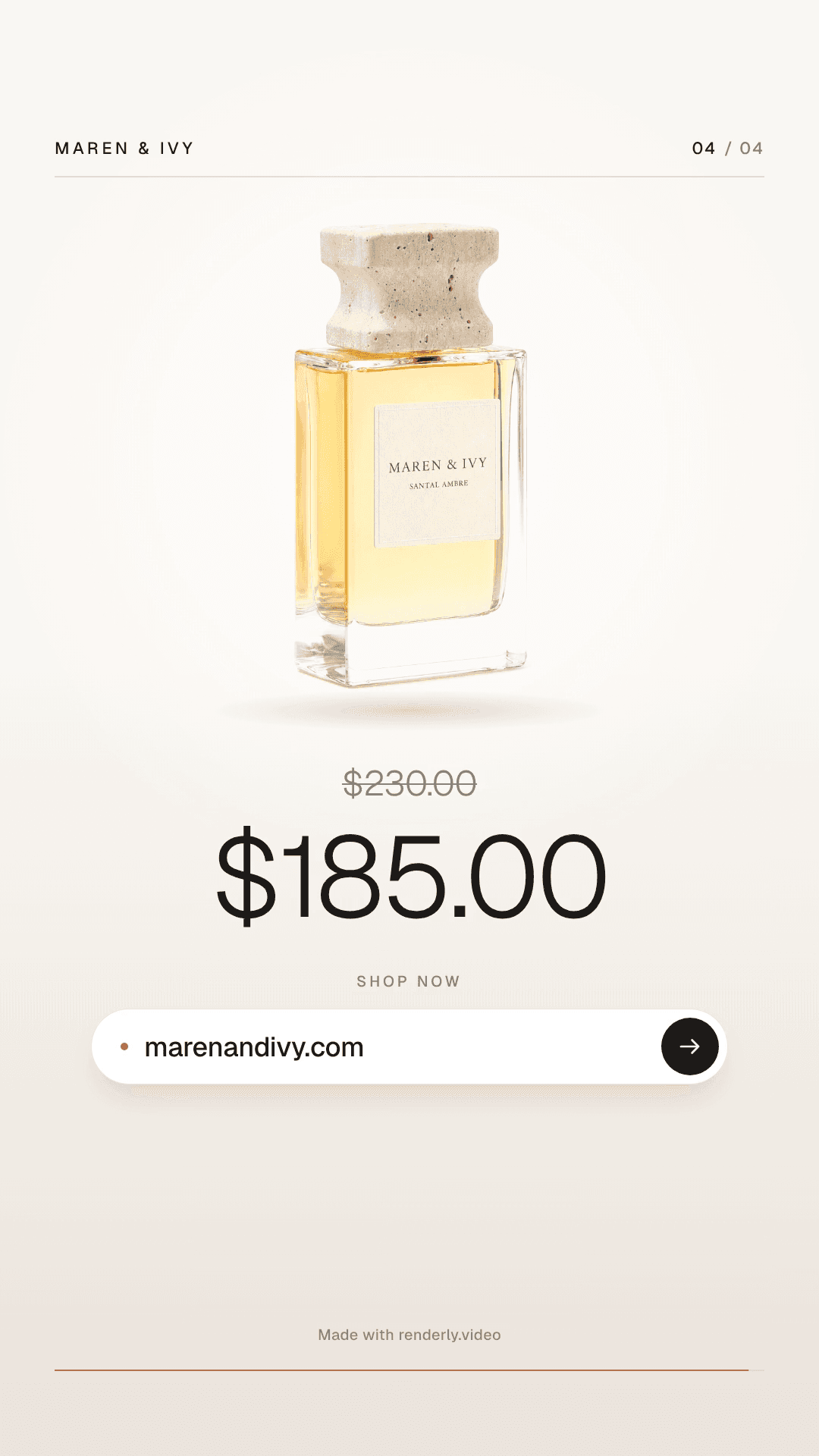
Product Reel - Minimal
A 15-second vertical product reel in a quiet, premium style, made for Instagram Reels, TikTok and YouTube Shorts. 1080x1920, 30fps, five scenes on a warm, minimal electronic bed: the product rises from behind a fine horizon line under the store name, moves into an editorial frame with the product title in a light sans, opens into a three-card gallery, fills the frame under "Now available.", and settles above the price, the old price struck through and an address bar with the store URL. Warm paper and stone neutrals, one muted clay accent, Geist type in two weights, and smooth shared-element moves instead of wipes. Eight fields swap per render: product_title (up to about 60 characters, 1 to 3 lines), price and was_price (preformatted, up to 12 characters each), store_name (up to 24 characters), store_url (up to 30 characters), and product_image_1, product_image_2 and product_image_3. Every photo is contain-fit and blended onto a white surface, so a white-background packshot or a transparent PNG reads as cut out and is never cropped, and a lifestyle photo keeps its own background. One photo can fill all three slots. Fill every text field: an empty value renders placeholder text. In the free Shopify product video tool the old price disappears when a product has no compare-at price. Attribution appears once, small, on the closing seconds.
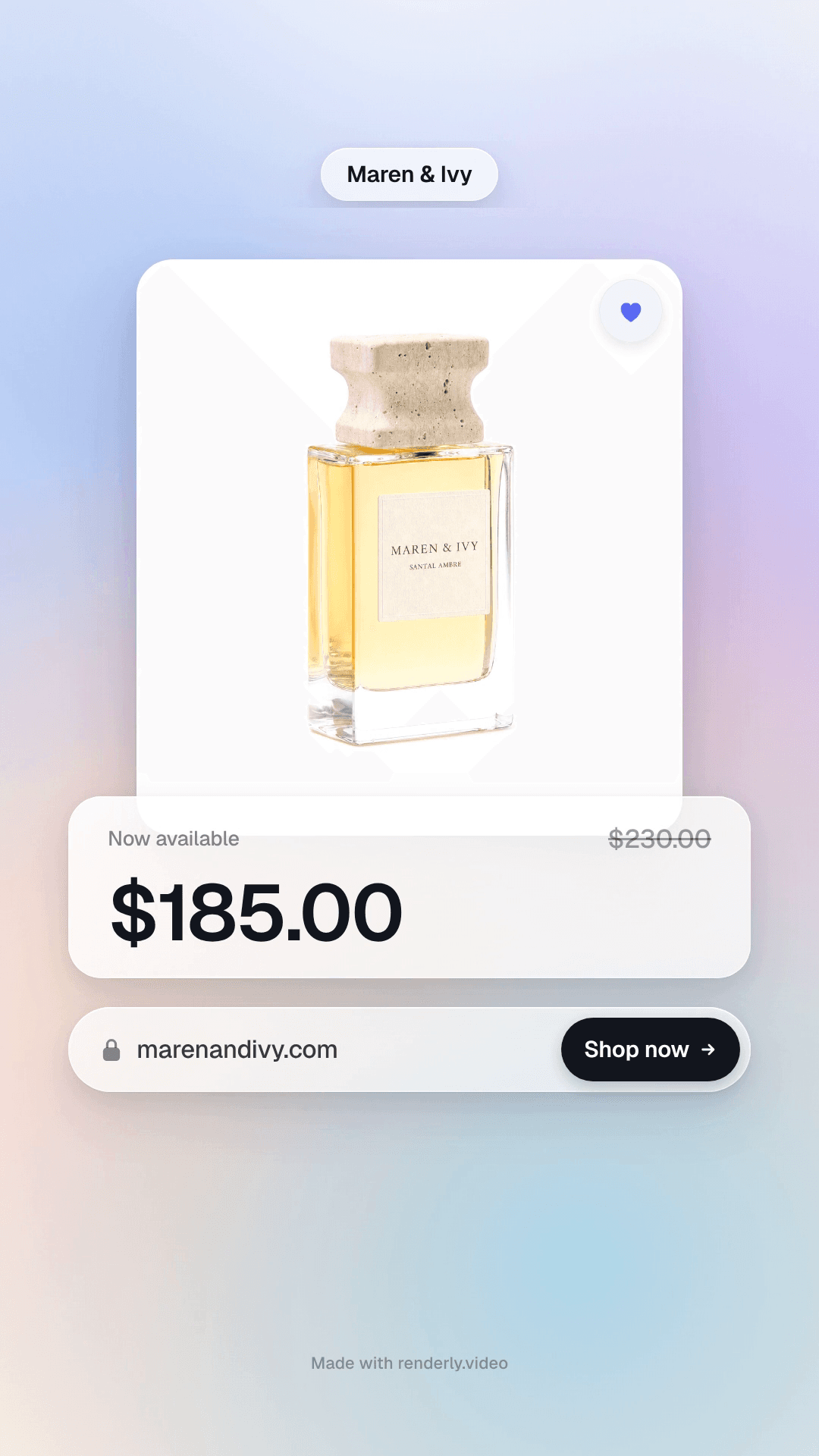
Product Reel - Glass
A 15-second vertical product reel in a soft, modern app style, made for Instagram Reels, TikTok and YouTube Shorts. 1080x1920, 30fps, five scenes on a bright, soft electronic bed: a frosted notification from the store lands on a drifting pastel gradient and grows into the product card, the product title sits on a frosted panel, three photo cards fan out with a gentle 3D turn, and the offer ends on a price card with the old price struck through and an address bar with the store URL and a Shop now button. Frosted cards with large rounded corners, soft layered shadows, Geist type and one periwinkle accent. Eight fields swap per render: product_title (up to about 60 characters, 1 to 3 lines), price and was_price (preformatted, up to 12 characters each), store_name (up to 24 characters), store_url (up to 30 characters), and product_image_1, product_image_2 and product_image_3. Every photo is contain-fit and blended onto a white surface, so a white-background packshot or a transparent PNG reads as cut out and is never cropped, and a lifestyle photo keeps its own background. One photo can fill all three slots. Fill every text field: an empty value renders placeholder text. In the free Shopify product video tool the old price disappears when a product has no compare-at price. Attribution appears once, small, on the closing seconds.
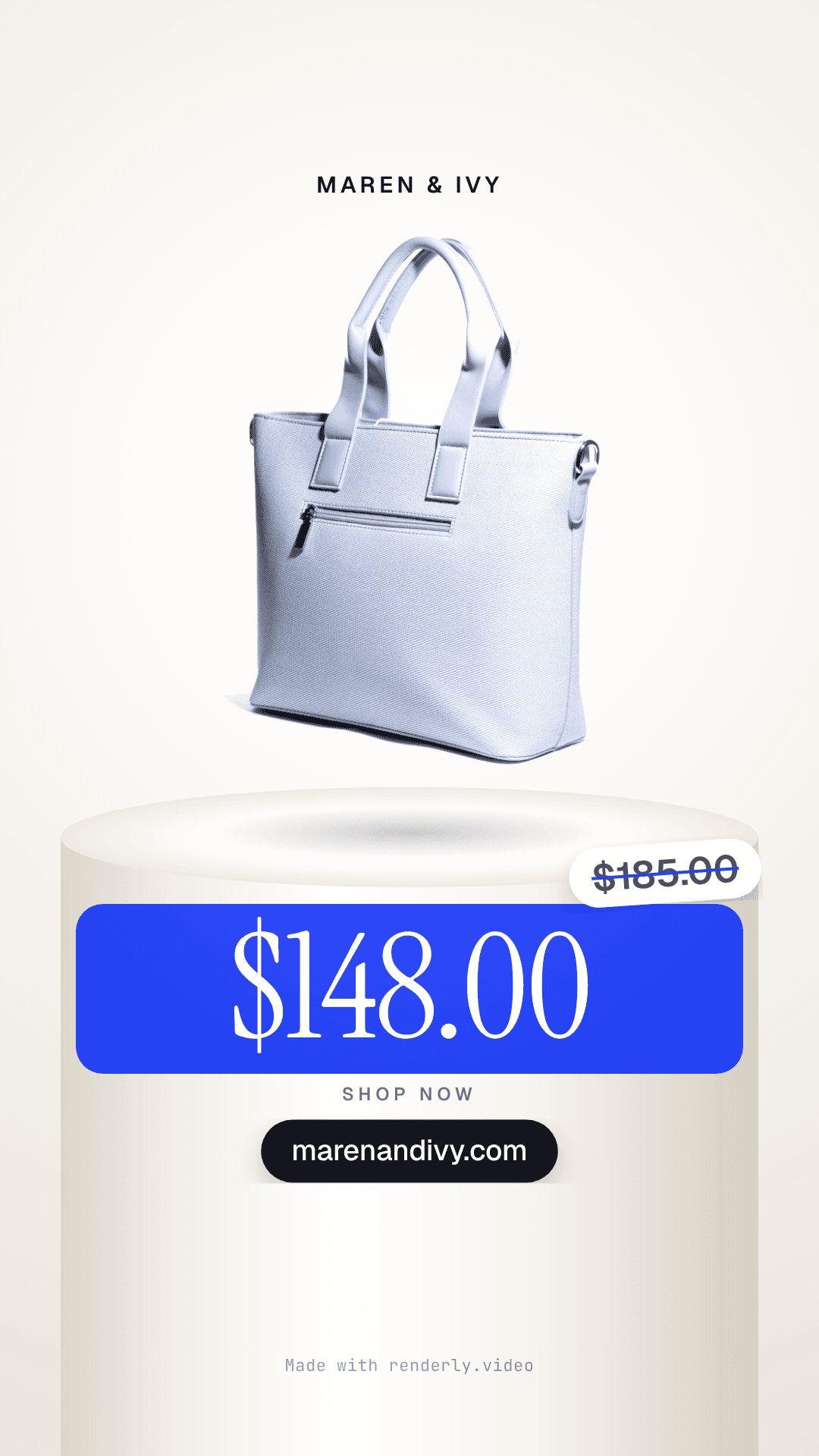
Product Reel - Studio
A 15-second vertical product reel in a clean, light studio, made for Instagram Reels, TikTok and YouTube Shorts. 1080x1920, 30fps, five scenes cut on the beat of an upbeat electronic bed: the product rises onto a white plinth under the store name, the beat drops through a cobalt wipe onto a large photo with the product title in an editorial serif, the product turns in a white arch on a powder-blue set, a cobalt 'Yours for' card collapses into the price band, and the product drops back onto the plinth with the price, a struck-through sale sticker, Shop now and the store address. Every photo is contain-fit and blended onto the white stage, so a white-background packshot or a transparent PNG reads as cut out and is never cropped, and a lifestyle photo keeps its own background. Each photo slot has its own framing, so one photo can fill all three. Eight fields swap per render: product_title (up to about 60 characters, 1 to 3 lines), price and was_price (preformatted, up to 12 characters each), store_name (up to 24 characters), store_url (up to 30 characters), and product_image_1, product_image_2 and product_image_3. Fill every text field: an empty value renders placeholder text. In the free Shopify product video tool the sale sticker disappears when a product has no compare-at price. Attribution appears once, small, on the closing frame.