
Free Product Hunt launch video maker
Pick a template, type your copy, download a real 1920x1080 MP4. It takes about a minute - no account, no credit card, and no watermark over your footage.
Pick a template1920x1080 MP4·17-27 seconds·4 templates·Link lasts 7 days
Four templates, built for launch day
Every one carries the Product Hunt badge. Clear that field and it becomes a general launch video.
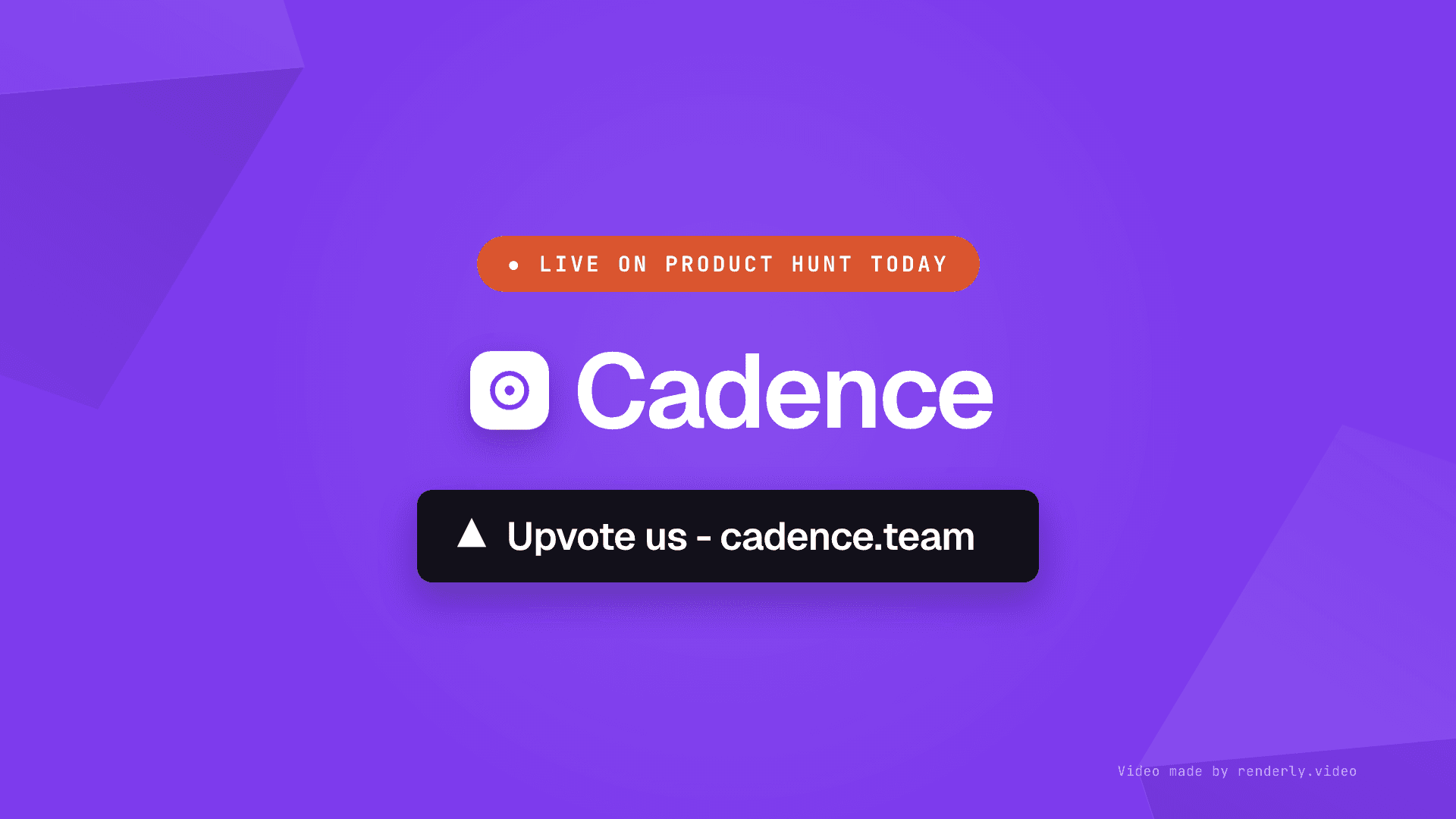
Typographic
No screenshots needed. A logo, a name and three lines.
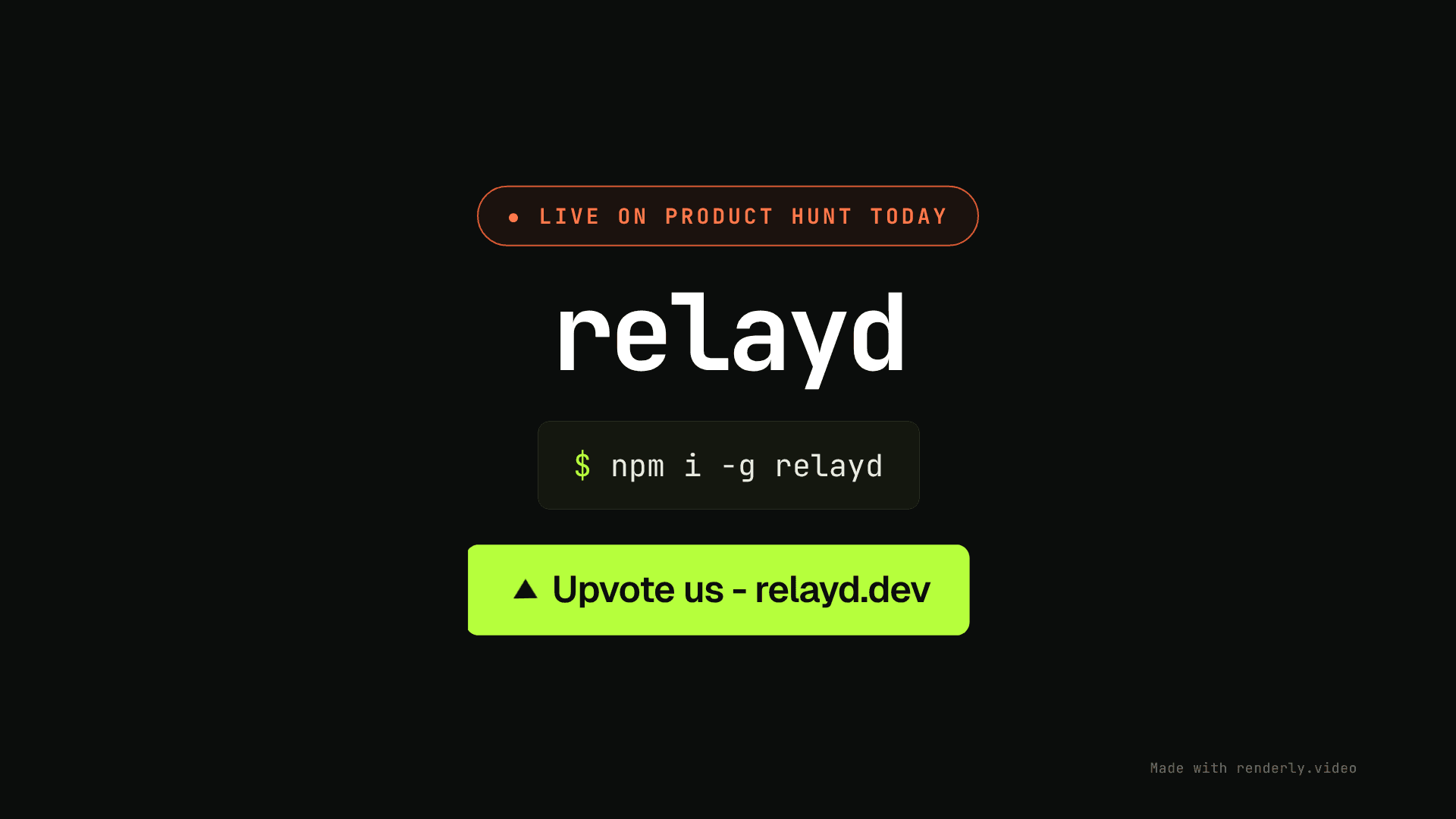
Dev tool / CLI
Install command, a run, and the output. Built for terminals.
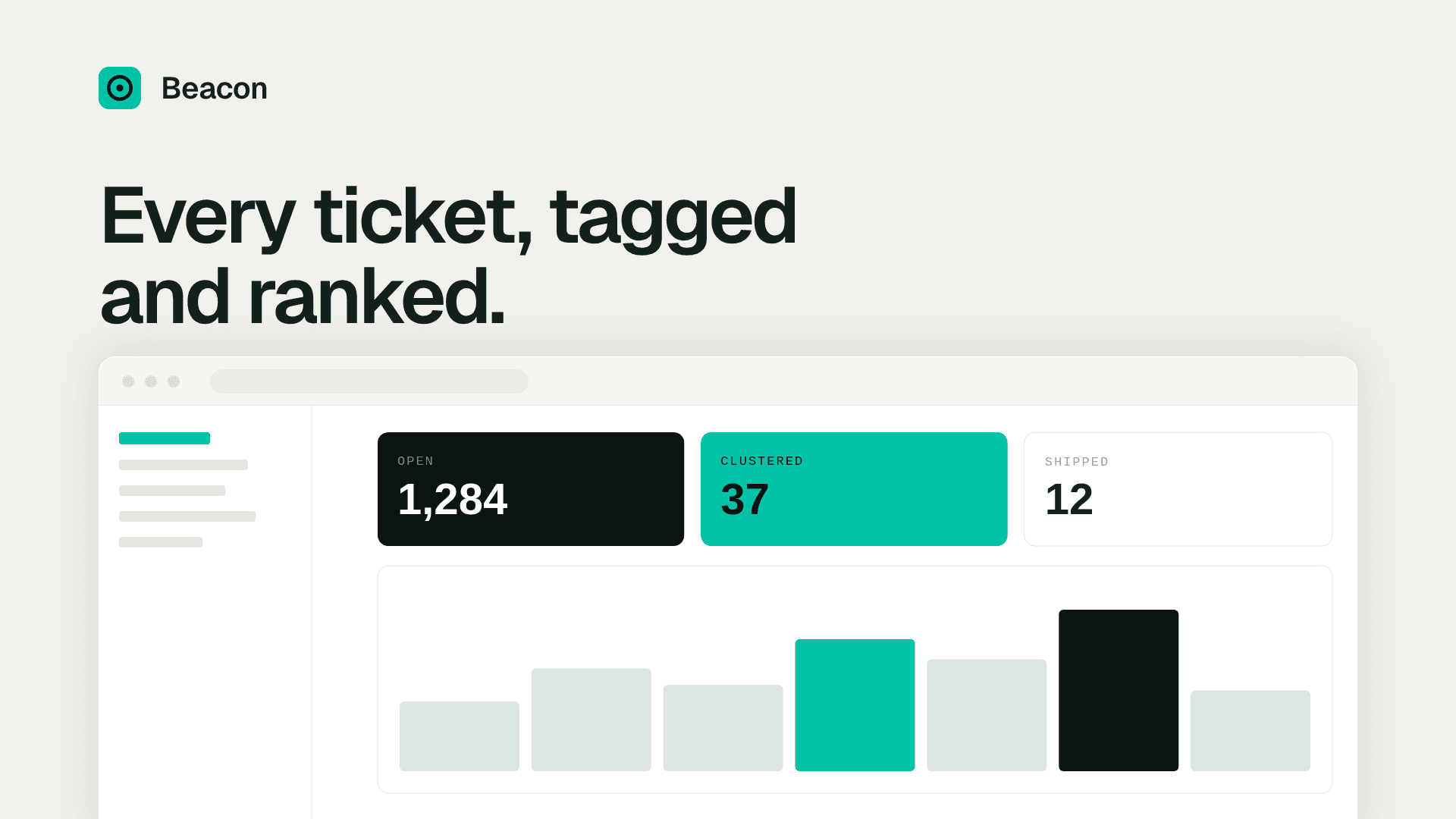
Web app
Three screenshots of your app, tilted onto their own planes.
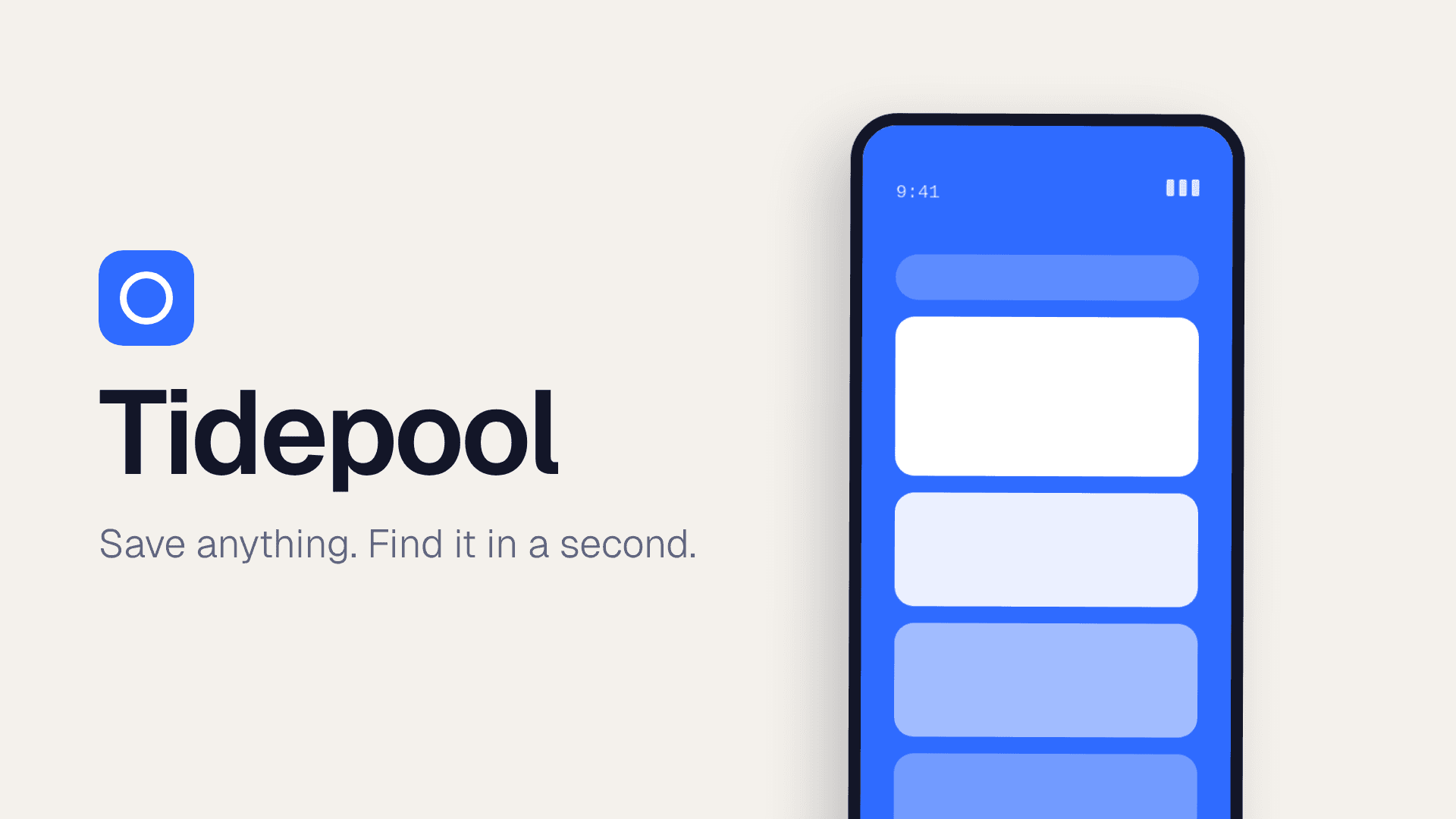
Mobile app
Three phone captures, for an app launch.

AI product
One request, end to end: you type it, it answers, it cites.

Browser extension
Your popup, over a real page. Where an extension actually lives.

Marketplace
A grid that reads as supply, and the number that proves it.
How to make a Product Hunt launch video
Step 1
Pick a template
Typographic if there is nothing to screenshot, a terminal cut for dev tools, or web and mobile versions built around your own captures.
Step 2
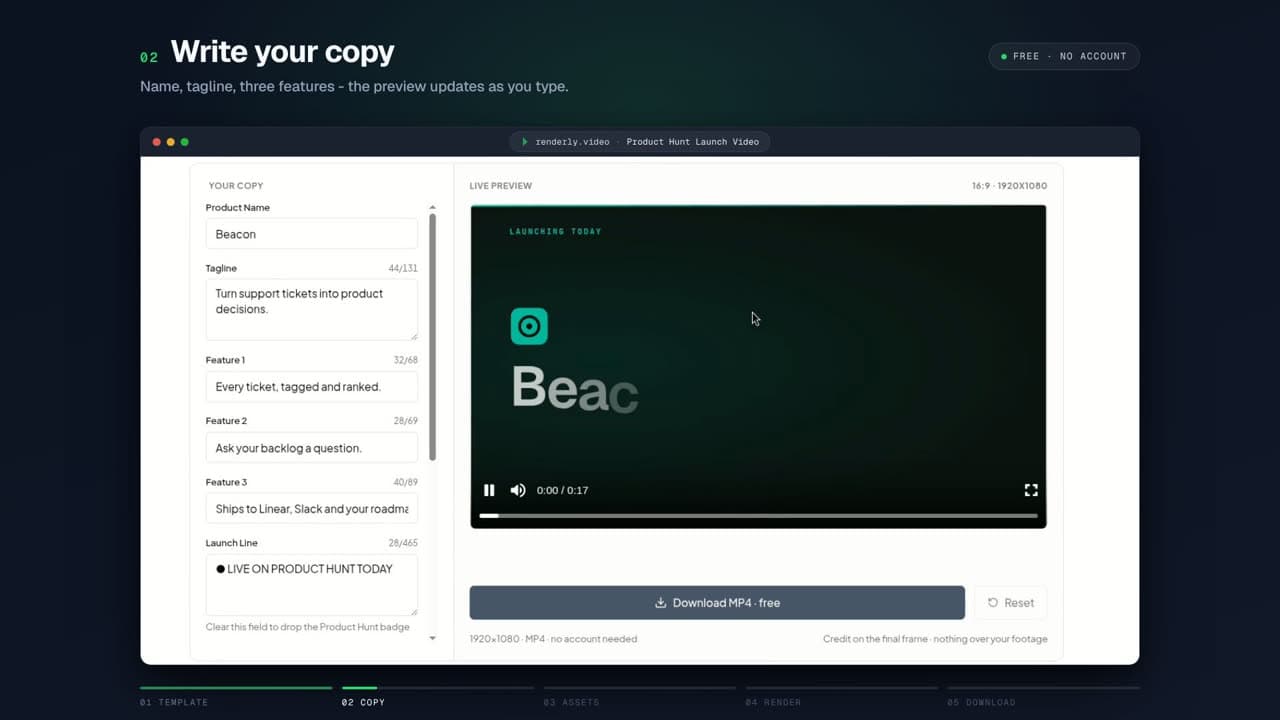
Type your copy
Product name, tagline and three short lines. The preview updates from the first keystroke, and a counter warns you before a line runs past its box.
Step 3
Download the MP4
One click renders a real 1920x1080 file on the same pipeline our paying customers use. The link appears as soon as it finishes.
What is free, and what an account adds
No trial, no expiry, no card. The free render carries a small “Made with renderly.video” credit on the final frame - that is how the tool pays for itself. Nothing sits over your footage.
| Feature | Free | Account |
|---|---|---|
| Live preview and editing | Yes | Yes |
| MP4 download, 1920x1080 | Yes | Yes |
| Keep and re-edit your video later | — | Yes |
| The other 99 templates | — | Yes |
| Render from an API or a spreadsheet | — | Yes |
| 5 credits to try anything else | — | Yes |
Product Hunt launch video FAQ
Is it actually free?
Yes. No account, no email, no credit card, and no trial that expires. The rendered video carries a small 'Made with renderly.video' credit on the final frame, which is how the tool pays for itself. There is no watermark over your footage.
Do I have to sign up to download the video?
No. The download link appears as soon as the render finishes. There is an optional field to email yourself the link, which is useful if you started on a laptop and want the file on your phone, but you can ignore it entirely.
What do I need before I start?
For the typographic and dev tool templates, just your product name, a tagline and three short lines. Your logo is optional. The web app and mobile app templates also take three screenshots of your product.
How long is the video, and what size?
Between 17 and 27 seconds depending on the template, always 1920x1080 (16:9). That is the right shape for a Product Hunt gallery, a YouTube embed and a launch post.
Can I use it for something other than Product Hunt?
Yes, and the templates are built for it. Every one has a launch line that carries the Product Hunt badge; clear that field and the badge disappears, leaving a general-purpose launch video for X, LinkedIn, a landing page or an email.
Can I remove the Renderly credit?
No, and that is deliberate. The credit on the final frame is the only thing we get back from a tool that costs us a render and asks you for nothing, so it is what keeps the tool free. Nothing sits over your footage.
How many videos can I make?
A few per hour, which is plenty for tuning your copy - re-rendering the exact same text costs nothing and returns the file you already made. There is also a daily cap across all visitors, so on a very busy day you may be asked to come back tomorrow.
How long does the download link last?
Seven days. Download it and keep your own copy rather than linking to ours.
Your next release needs a video too
Launch day happens once. Shipping happens every week. Renderly turns a changelog, a listing or a spreadsheet row into a finished video through an API - so the next one takes no time at all.
Launching something bigger?