
Valentine's Day Offer
A 23-second 9:16 (1080x1920) reservations driver for any business that sells a dated seasonal offer — restaurants, florists, salons and jewellers all fit the same five frames, because nothing static on the card names a trade. Deep burgundy and blush alternate as ground and ink, Prata sets the display like an engraved menu card, and crimson is spent exactly four times, each on the thing the viewer is meant to act on: the date chip, the price, the covers-remaining chip and the booking bar. The five scenes carry the occasion and date, one breath of atmosphere over the venue's photograph, the offer with what is included and what it costs, the seatings and how little is left, then the booking instruction. Sixteen fields are swapped per render — 14 text (offer_name, date_label, venue_name, location_label, offer_line, include_1, include_2, include_3, price_value, price_unit, seating_times, scarcity_note, booking_channel, booking_deadline) and 2 evergreen photos (hero_image full-bleed, detail_image matted into a hard-edged window) — so a booking platform, an ordering system or a salon scheduler can render one clip per venue on the first of February and serve a whole high street in an afternoon.
- Aspect ratio
- 9:16 · Vertical
- Duration
- ~23s
- Category
- Social Media
Try it with your own copy
Edit a field and the frame re-renders in your browser. No account, no credits - previews are free because they cost a browser paint, not a render.
What you can customize
This template exposes 16 dynamic fields you can swap per video - edit them in the editor or pass them to the API to batch-render variations at scale. The monospace name is the exact key to send in replacements.
Location Label
textlocation_labelMarylebone · London
~52 characters max · 1 line
Date Label
textdate_labelFriday 14 February
~49 characters max · 1 line
Offer Name
textoffer_nameValentine's Dinner
~33 characters max · 2 lines
Venue Name
textvenue_nameMaison Laurent
~31 characters max · 1 line
Hero Image
urlhero_imagehttps://images.pexels.com/photos/36747299/pexels-photo-36747299.jpeg?auto=compress&cs=tinysrgb&w=2400
Offer Line
textoffer_lineOne table, one evening, and nothing else to think about.
~78 characters max · 3 lines
Include 1
textinclude_1Five courses, wine paired
~40 characters max · 1 line
Include 2
textinclude_2Champagne on arrival
~40 characters max · 1 line
Include 3
textinclude_3A rose for the table
~40 characters max · 1 line
Price Value
textprice_value£95
~8 characters max · 1 line
Price Unit
textprice_unitper person
~65 characters max · 1 line
Booking Deadline
textbooking_deadlineBookings close 11 February
~69 characters max · 1 line
Detail Image
urldetail_imagehttps://images.pexels.com/photos/6840080/pexels-photo-6840080.jpeg?auto=compress&cs=tinysrgb&w=1800
Seating Times
textseating_times6:30 & 9:00
~20 characters max · 1 line
Scarcity Note
textscarcity_note24 covers only
~50 characters max · 1 line
Booking Channel
textbooking_channelmaisonlaurent.co.uk
~29 characters max · 1 line
Render it from the API
Copy either call below. Both already carry this template's ID and its real variable keys - swap the values for your own.
1. Preview it — free
Same body as a render. Costs no credits, creates no job. Returns a public URL that plays the video in a browser, plus a list of problems with your payload — a mistyped key is otherwise ignored in silence.
curl -X POST https://renderly.video/api/v1/previews \
  -H "Authorization: Bearer $RENDERLY_API_KEY" \
  -H "Content-Type: application/json" \
  -d '{
  "templateId": "valentines-day-offer",
  "replacements": {
    "location_label": "Marylebone · London",
    "date_label": "Friday 14 February",
    "offer_name": "Valentine'\''s Dinner",
    "venue_name": "Maison Laurent",
    "hero_image": "https://images.pexels.com/photos/36747299/pexels-photo-36747299.jpeg?auto=compress&cs=tinysrgb&w=2400",
    "offer_line": "One table, one evening, and nothing else to think about."
  }
}'2. Render it
Change one word in the URL. Keep templateId — it is what links your call to this template, so later improvements reach you automatically.
curl -X POST https://renderly.video/api/v1/renders \
  -H "Authorization: Bearer $RENDERLY_API_KEY" \
  -H "Content-Type: application/json" \
  -d '{
  "templateId": "valentines-day-offer",
  "replacements": {
    "location_label": "Marylebone · London",
    "date_label": "Friday 14 February",
    "offer_name": "Valentine'\''s Dinner",
    "venue_name": "Maison Laurent",
    "hero_image": "https://images.pexels.com/photos/36747299/pexels-photo-36747299.jpeg?auto=compress&cs=tinysrgb&w=2400",
    "offer_line": "One table, one evening, and nothing else to think about."
  }
}'The body above shows 6 of 16 variables. Send any subset — every key you leave out renders its authored default. Read the full contract, with character limits, from GET /api/v1/templates/valentines-day-offer/variables. See the previewing guide, the rendering guide, or the OpenAPI spec.
Frequently asked questions
How do I customize the Valentine's Day Offer template?
Open the template in the Renderly editor and replace its 16 customizable fields (such as Location Label) with your own text, images, or video. Every change previews instantly before you render.
How much does it cost to render this template?
Rendering is credit-based - 1 credit equals 1 minute of 1080p video. You only pay when you export, and credits never expire on the pay-as-you-go plan.
Can I generate this video at scale via the API?
Yes. POST this template's ID and a replacements object to /api/v1/renders - one call per row of data, 16 fields swappable per video. Send the same body to /api/v1/previews first to check it for free. No-code integrations like Zapier work the same way.
More Social Media templates

Job Ad - Field & Facilities Roles
A narrated, confident-corporate 61-second 4:5 recruitment video for operational, technical and field roles - one render per open vacancy, built to fire straight from the ATS row and post to LinkedIn, Meta or Indeed. Seven scenes on a strict ink / warm-paper / signal-amber rhythm (photo, paper, ink, full amber, paper, ink, paper): a NOW HIRING hook over an on-the-job photo, the three facts a candidate decides on (location, contract, salary), three duties as numbered rows, three honest requirements on a full-amber ground, three white benefit cards, an Apply scene with a QR code and short URL, and a contact endcard. Geist headlines with JetBrains Mono kickers and a persistent NN/07 scene counter. Ships with an AI voiceover - one Speechify clip per scene, paced so each list item lands as the narrator reads it - over an ambient corporate bed, and the lower 170px of every frame is kept clear as a caption safe zone. Swap the 22 per-vacancy fields - company_logo, job_title, location, employment_type, salary_range, four photos, duty_1/2/3, req_1/2/3, benefit_1/2/3, apply_url, apply_qr, contact_email and contact_phone - plus voiceover_1-7 to re-narrate per role. Salary is passed preformatted; duties, requirements and benefits are written to fit two lines at their set size, so keep each under ~60 characters.
Shift - Cinematic Job Poster
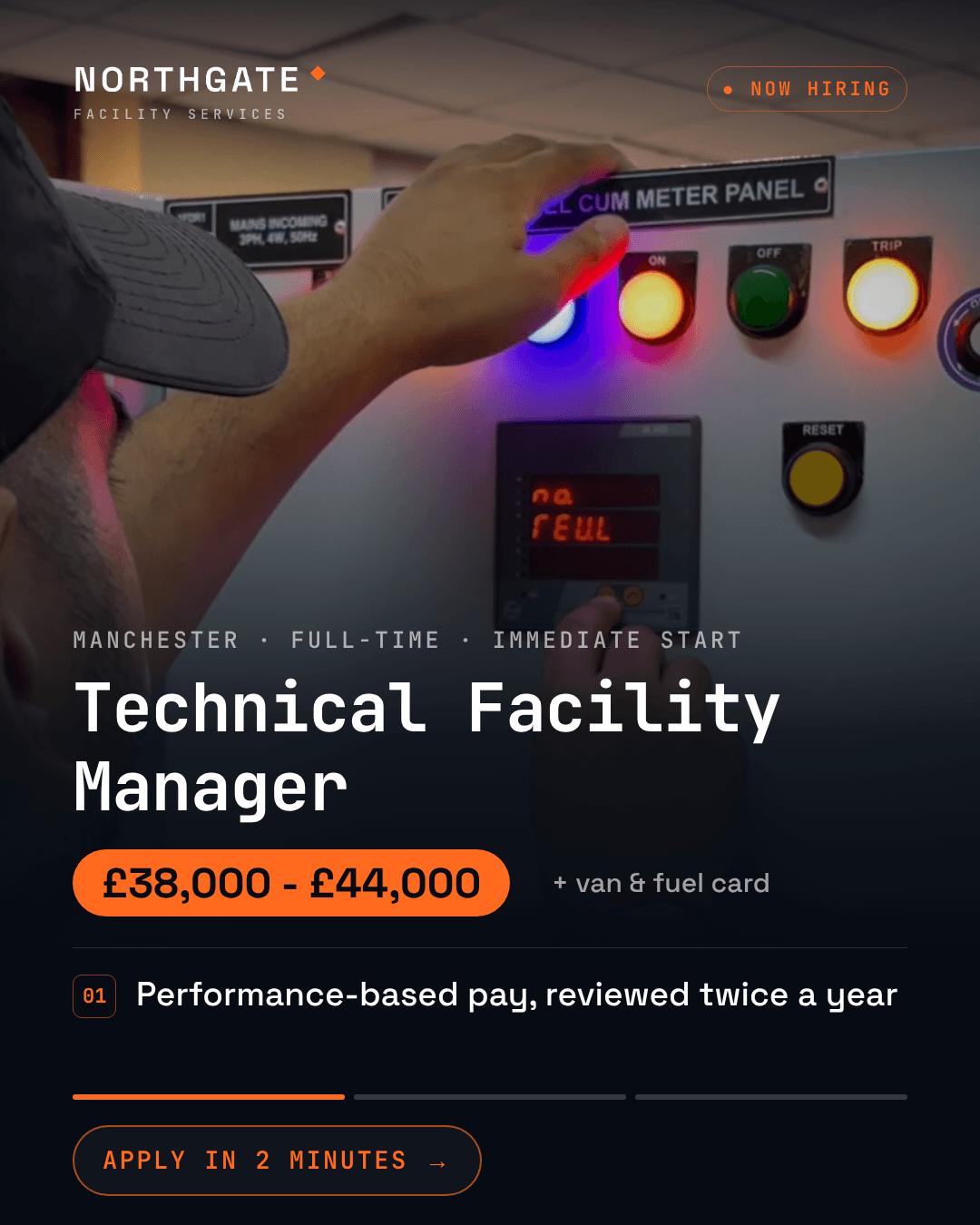
A 4:5 recruitment ad built as a persistent information HUD over full-bleed graded footage, for the Meta and Instagram feed. The role, the salary and the Apply button never leave the frame, so a scrolling candidate can stop on any frame and read the whole job - but the picture is always moving underneath, and the proof points rotate through a single slot against a three-segment progress rail instead of sitting as a dead bullet list. Signal orange on ink, JetBrains Mono job title, Space Grotesk everywhere else. Five nine-second scenes with an AI voiceover, one line per scene. Swap per role: job_title, location_line, pay_range, pay_note, company_line, perk_1/2/3, cta_label, company_logo, five footage clips and five voiceover lines. Salary on screen from frame one is the point - it is the biggest response lever in trades recruitment and the thing most job ads leave out. Supply footage with the subject in the upper 55% of frame; the bottom sits under the scrim.
Product Hunt Launch - Dev Tool / CLI
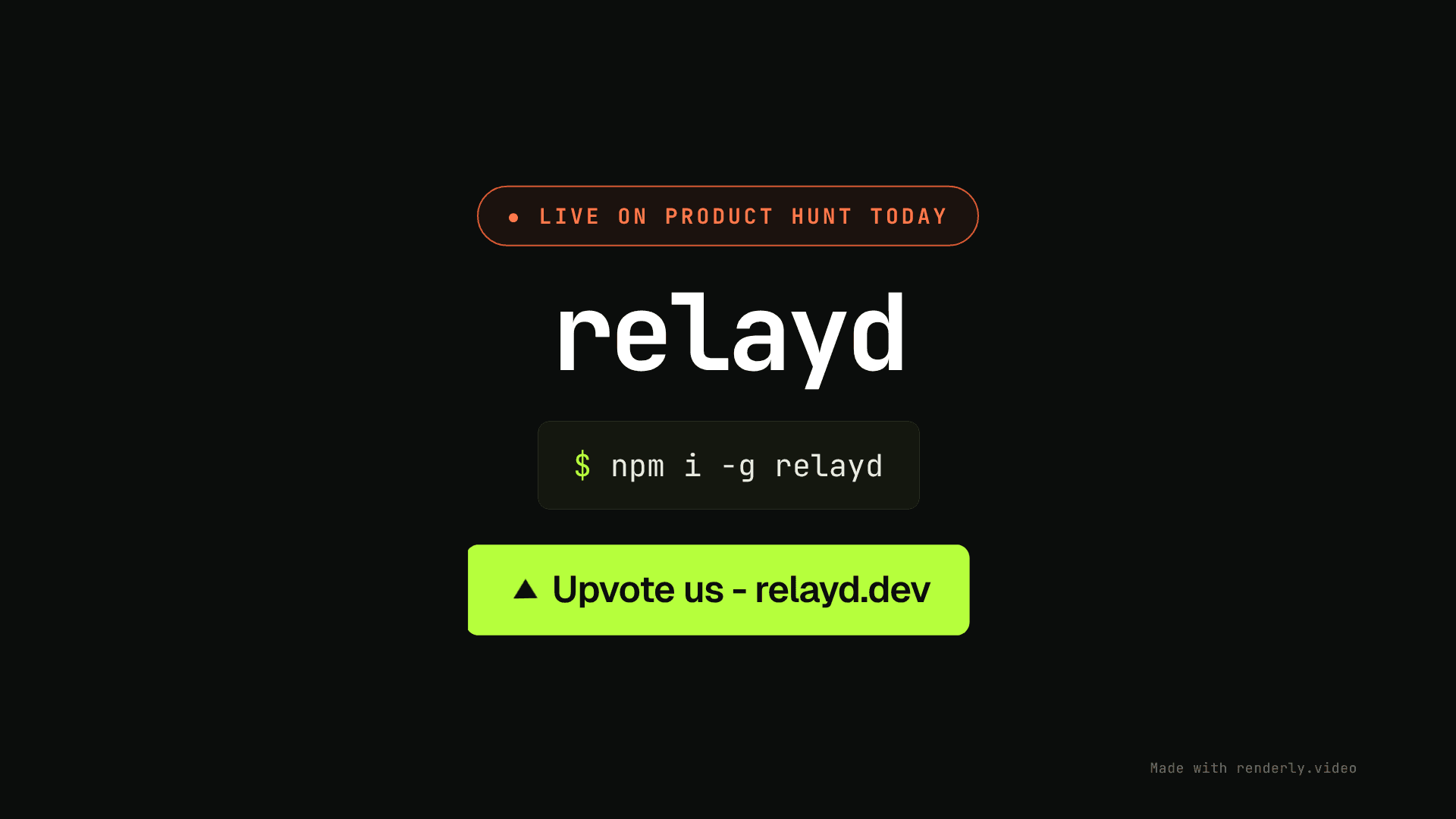
A 27-second 16:9 launch video for products whose demo is a command, not a dashboard - CLIs, APIs, SDKs and developer tools, where a generic screenshot template flatters none of them. Terminal-dark throughout, monospace-led, with the install line as the hero object: it types on character by character behind a blinking caret, and the pill grows to fit whatever command you give it, so a long `npm install -g` never clips. Five scenes on an alternating near-black and paper ground, cut by hard-edge wipes rather than dissolves: the prompt opens with your mark, wordmark, tagline and install command; the command runs and prints its output one line at a time onto a terminal that tilts into the frame and settles flat; a config panel proves how little there is to adopt; a p99 latency card and a live log stream prove it is production-serious; and the close pairs the Product Hunt pill with the command again and an upvote CTA. Every panel is built from primitives rather than uploaded screenshots, so the defaults look finished before you change anything, and the depth is real - each window arrives at an angle and rotates flat over its entry, with a slow sway holding it alive afterwards. Eighteen dynamic fields cover the whole video and all of them are short single-line strings plus one logo image: product_name and install_cmd (each used twice, in the opening and the close), version_line, tagline, the three feature headlines, the five terminal lines (run_cmd, step_1, step_2, success_line, deploy_url), config_filename, metric_label and metric_value, launch_line and cta_line. launch_line is the Product Hunt switch and the only Product-Hunt-specific element in the template: empty it and the orange pill disappears, leaving a generic launch video that works on X, LinkedIn, a landing page or a mailer. A restrained sound design rides under the music - keystrokes under the two typewriters, a whoosh on each scene wipe, and a software tone on the "live in 11.4s" beat. Two notes for integrators: install_cmd renders at a fixed 38px and the pill shrink-wraps around it, so length is free but a very long command makes a wide pill; and the six config lines and six log rows are static sample chrome, since per-token syntax colour cannot survive a single-string replacement.