
How to Create Personalized Outreach Videos That Convert
Sales emails with video get 26% more replies (Salesloft). Here's how to make a personalized outreach video for every prospect at scale - from a CRM, with one API call.

Founder
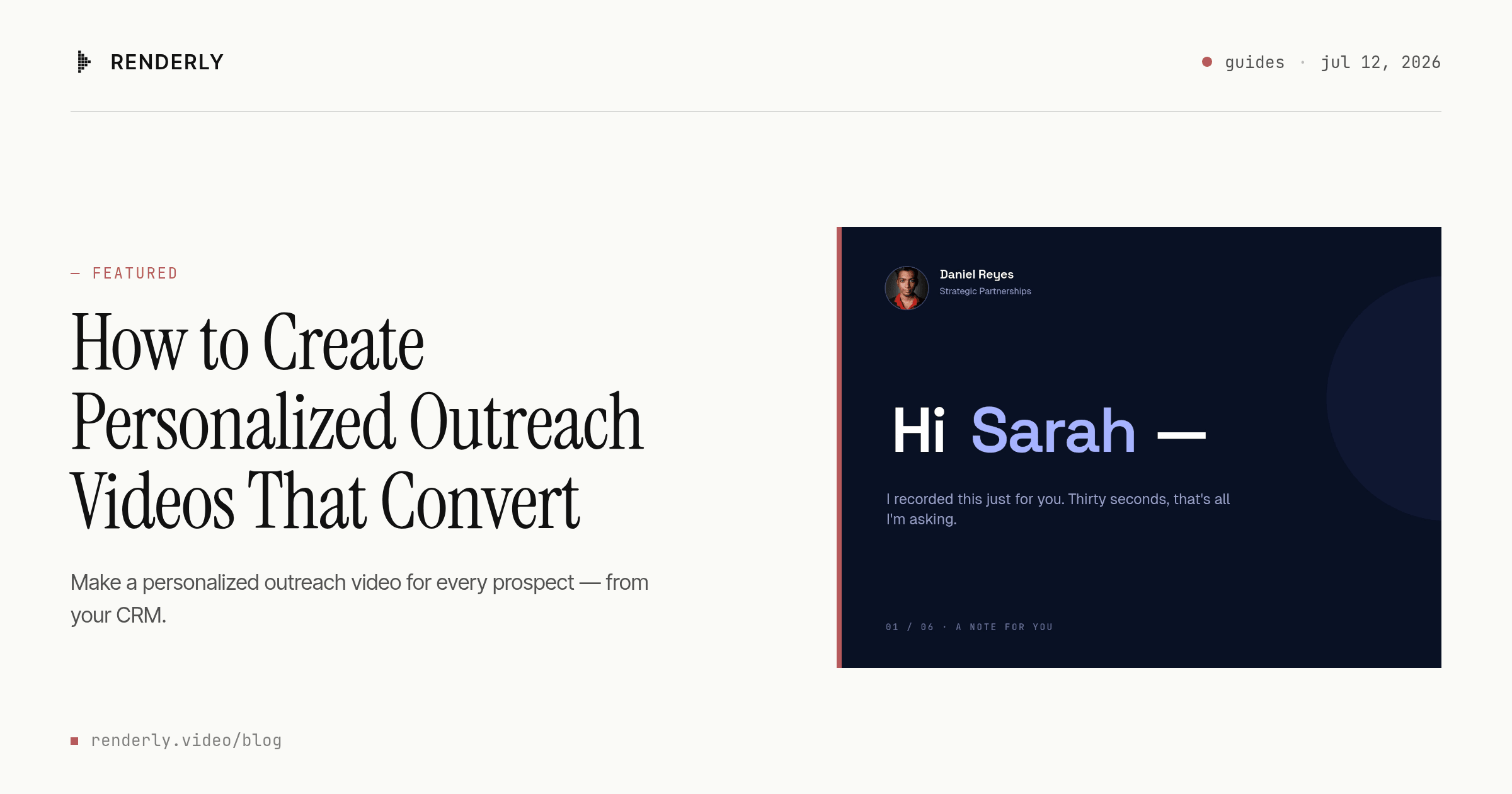
Sales emails that contain a video get 26% more replies - that figure, from Salesloft's analysis of 134 million sales emails (2018), is the single most-quoted reason to put video in your outreach. The catch nobody mentions: it only works if the video is actually relevant to the person watching. And relevance, at any real volume, is where video outreach quietly falls apart.
You have two options today, and both are broken. Record a fresh clip for every prospect by hand, and you'll burn a full day of selling time to reach fifty people. Or fake the personalization with an AI avatar - right when 74% of consumers say they fear deepfake video (Jumio, 2025). This guide covers a third path: a real-footage template where only the variables change, batch-rendered one video per prospect from your CRM. By the end you'll render a personalized 33-second outreach video from a single API call.
Key Takeaways
- Sales emails with video see 26% more replies and 16% more opens (Salesloft's analysis of 134M emails, 2018), but the lift depends on the video being relevant to each prospect
- Recording by hand caps out fast; AI avatars backfire as 74% of people now fear deepfake video (Jumio, 2025)
- The scalable answer is a template with dynamic variables - keep real footage and a real headshot fixed, swap only name, company, logo, and role, and render one video per CRM row
- Six variables produce a unique 33-second video per prospect, and they map straight onto columns in a CRM export or CSV
Do Personalized Outreach Videos Actually Convert?
Yes - when the message is relevant. In 2018, Salesloft's data team analyzed 134 million sales emails and found that the ones containing video earned 26% more replies and 16% higher open rates. Text personalization stacks on top: Backlinko's study of 12 million outreach emails (2019) measured an 8.5% baseline reply rate that climbed 32.7% when the body was personalized to the recipient (Backlinko, 2019).
The levers compound. That same Backlinko study found a single follow-up lifted replies 65.8%, and reaching more than one person at a target account raised them 93% (Backlinko, 2019). Personalization isn't one trick - it's a set of relevance signals that add up. Video is the highest-bandwidth one, because a prospect sees a real person say their name and their company out loud.
There's a bigger business case underneath the reply rates. McKinsey has repeatedly found that personalization typically drives a 10–15% revenue lift, and that faster-growing companies pull about 40% of their revenue from personalization versus their slower peers (McKinsey, 2021). Outreach video is just one of the most direct ways to deliver it.
Why Recording Every Video by Hand Doesn't Scale
Manual video outreach hits a wall at a few dozen prospects. Recording a decent 60-second clip - frame it, flub a line, re-record, review, upload - realistically takes five to eight minutes each once you account for the retakes nobody admits to. At 500 prospects, that's several full days of a rep's week spent staring at a webcam instead of selling.
So reps do the rational thing: they stop personalizing. The video becomes a generic "hey there" clip pasted into every email, which defeats the entire point. And generic video is losing its edge anyway - Wistia's State of Video report (2025) found video engagement fell about 7% in 2024, its steepest drop in four years, as feeds saturated with sameness. Relevance, not production polish, is what still moves a reply.

Here's the trap most "video prospecting at scale" advice walks you into: it treats recording faster as the answer - better scripts, teleprompter apps, cloning your voice off a master take. That's optimizing the wrong step. The bottleneck isn't how fast you talk; it's that a human has to be present for every single output. Remove the human from the assembly and keep them only in the footage, and the ceiling disappears.
Are AI-Avatar Outreach Videos Trustworthy?
No - and the data is moving in the wrong direction for them. In 2025, Jumio surveyed 8,001 adults across four countries and found 74% fear video and voice deepfakes, 69% are more skeptical of online content than they were a year earlier, and 75% worry specifically about AI-generated scam emails (Jumio, 2025). A synthetic face reading your script to a cold prospect now sits one association away from fraud.
That's the quiet problem with the AI-avatar shortcut. It solves the scaling math by replacing the one element that earned trust in the first place - a real human being visibly bothering to show up. When a prospect senses the face isn't real, the effort signal inverts: instead of "this person made me a video," it reads as "this bot is impersonating a person."
The takeaway isn't "avoid AI." It's keep the human real and let automation do the assembly. You still film one genuine take with a real person. The machine's job is to swap the prospect-specific pieces around that footage - never to fabricate the person. That distinction is the whole ballgame, and it's the design principle behind the template approach.
Templates, Not Recordings: How Personalization at Scale Actually Works
A personalized outreach video template keeps the footage and the presenter fixed and exposes a small set of dynamic variables; a render API swaps them per prospect and outputs one unique MP4 per CRM row - no camera, no retakes, no synthetic faces. You define the look and the script structure once, mark the per-prospect fields as dynamic, and the render engine does the rest.
This is a fundamentally different model from both alternatives. It's not mail-merge, which only swaps text in a document. And it's not a generative avatar, which invents the person. It's closer to how a printing press works: one carefully-set plate, many copies, each with a few fields changed. Renderly marks these swappable fields with an isDynamic flag, and every field left alone stays identical across every render - so a thousand outreach videos all look like they came from the same person, because they did.
Why a template instead of generative video? Outreach is a bounded-variation problem: the arc repeats, only the prospect data changes. We go deeper on the trade-offs in our template-based vs AI-generated video comparison, but for cold outreach - where a real face is the trust asset - faithful-to-the-footage wins every time.
Inside the Template: A 33-Second Personalized Outreach Video
Here's the template this guide renders - Renderly's Personalized Sales Outreach, running with its default demo data:
The video runs 33 seconds and follows a six-beat arc that mirrors how a good rep actually opens a conversation: greet the prospect by name → show you know their company → name a real pain → pitch the fix → prove it with social proof → ask for the meeting. That arc isn't decoration - it's the reusable structure. Because each beat is anchored to a variable, you can swap the who without touching the how.
When we designed this template, the hardest decision was restraint. It's tempting to expose twenty variables - job title, mutual connection, last funding round, favorite sports team. But over-personalization tips into the uncanny fast, and a video that knows too much reads as surveillance, not effort. So we settled on six fields that a rep can pull from any CRM export, and we deliberately kept the presenter's footage and headshot fixed and real. The machine varies the message; the human stays human.
Six variables control the output:
| Variable | Type | What it controls |
|---|---|---|
first_name | text | The greeting and the closing ask (used twice) |
company_name | text | The "I know what [company] is dealing with" beats |
company_logo | image | The prospect's brand mark shown on screen |
sender_name | text | Who the video is from |
sender_headshot | image | A real photo of the sender - never an avatar |
role_industry | text | Tailors the pain and pitch (e.g. "logistics teams") |
That's the whole interface: four strings and two image URLs. Pull the logo automatically from the prospect's domain with a logo-by-domain service, use the sender's real headshot for every render, and you have everything you need to generate a unique video per row.
Step-by-Step: Rendering a Personalized Video with the API
One POST request renders a personalized video: send a template ID plus a replacements object, get a job ID back immediately, and receive a webhook when the MP4 is ready - usually within minutes. Here's the full flow against the template above.
Step 1 - Get an API key. Sign up at renderly.video, open Settings → API Keys, and create one. New accounts include free credits, so your first renders cost nothing.
Step 2 - Send the render request. Map one prospect's data to the template's variable names:
curl -X POST https://renderly.video/api/v1/renders \
  -H "Authorization: Bearer $RENDERLY_API_KEY" \
  -H "Content-Type: application/json" \
  -d '{
    "templateId": "outreach-personalized",
    "replacements": {
      "first_name": "Sarah",
      "company_name": "Northwind Logistics",
      "company_logo": "https://logo.clearbit.com/northwind.com",
      "sender_name": "Daniel Reyes",
      "sender_headshot": "https://yourcdn.com/team/daniel.jpg",
      "role_industry": "logistics teams"
    },
    "webhookUrl": "https://yourapp.com/webhooks/renderly"
}'The response includes a jobId with status pending. Any variable you omit keeps the template's default - handy while you're testing.
Step 3 - Receive the finished video. You can poll GET /api/v1/renders/:jobId, but don't. Pass webhookUrl as above and Renderly fires a render.completed event with the download URL the moment rendering finishes; failed renders send render.failed with a reason. Our guide to setting up video rendering webhooks covers signature verification and retries.
Step 4 - Loop it over your prospect list. In production this is a short worker that reads a CSV or CRM export and fires one render per row:
import { parse } from "csv-parse/sync";
import fs from "node:fs";

const prospects = parse(fs.readFileSync("prospects.csv"), { columns: true });

async function renderOutreachVideo(p) {
  const res = await fetch("https://renderly.video/api/v1/renders", {
    method: "POST",
    headers: {
      Authorization: `Bearer ${process.env.RENDERLY_API_KEY}`,
      "Content-Type": "application/json",
    },
    body: JSON.stringify({
      templateId: "outreach-personalized",
      replacements: {
        first_name: p.first_name,
        company_name: p.company,
        company_logo: `https://logo.clearbit.com/${p.domain}`, // illustrative - swap in your logo-by-domain provider

        sender_name: p.owner_name,
        sender_headshot: p.owner_headshot,
        role_industry: p.segment,
      },
      webhookUrl: "https://yourapp.com/webhooks/renderly",
    }),
  });
  return res.json(); // { jobId, status: "pending", ... }
}

for (const p of prospects) await renderOutreachVideo(p);That's the whole engine. One template, one loop, one video per prospect. The same pattern scales from a ten-person account list to thousands - we've documented the batching and rate-limit approach in how to generate 1,000+ personalized videos with API automation.
How Do You Wire It to Your CRM or a Spreadsheet?
You don't need to write code at all. A no-code workflow in Zapier or Make can watch your CRM for a new lead, create the render, and drop the finished link into your sequence automatically. The trigger fires on a new row in HubSpot, Salesforce, Airtable, or a Google Sheet; an action maps the columns to the six variables; a webhook step catches the finished video and hands it to your email tool.

The field mapping is the only real work, and it's a one-time setup. Your CRM's first-name column maps to first_name, the account name to company_name, and the company domain to company_logo via a logo-by-domain lookup. The sender fields stay constant per rep. Once it's wired, a new lead entering your pipeline can have a personalized video waiting in the follow-up email before a human has even opened the record - the same automation pattern we cover in our guide to personalized video at scale.
Start Sending Personalized Video That Scales
Personalized outreach video works - Salesloft's 134-million-email study (2018) settled that with its 26% reply lift. What's changed is that the two obvious ways to do it are now dead ends: recording by hand doesn't scale past a few dozen, and AI avatars run straight into a wall of deepfake distrust, with 74% of people wary of synthetic video (Jumio, 2025).
The template approach threads the needle. You keep the one thing that earns trust - a real person on camera - and hand the machine the one thing humans are bad at: producing five hundred faithful variations without fatigue. The fastest way to feel the difference is to try it: open the Personalized Sales Outreach template, swap in a real prospect's name, company, and logo, and render your first video on free credits. Then point it at your CRM and let every lead get a video that greets them by name.
Frequently asked
Do personalized videos actually increase cold email reply rates?
How do you personalize sales videos at scale without recording each one?
Are AI-generated avatar videos trustworthy for sales outreach?
How long should a personalized prospecting video be?
What's the difference between a template-based personalized video and a Loom recording?
Related Articles
Personalized Video at Scale: The Complete Guide (2026)
83% of consumers can spot AI video and 36% trust those brands less. Here's how to scale personalized video in 2026 without falling into the avatar trap.
June 4, 2026
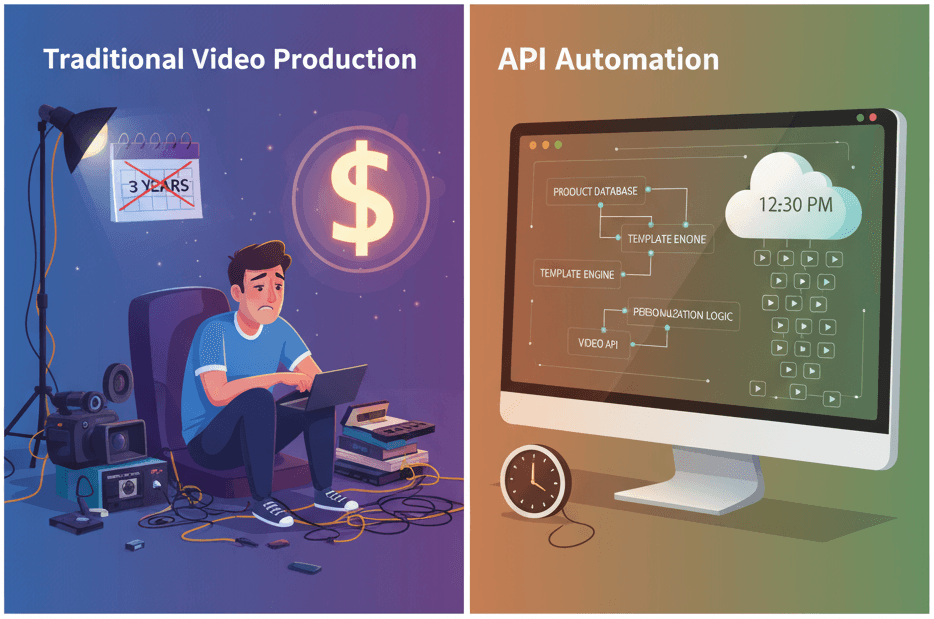
How to Generate 1,000+ Personalized Videos with API Automation (2026 Update)
A 30-second 1080p render costs $0.10 on a template API and $1.50+ on a generative one. Build the bulk pipeline: 1,000 personalized videos queued in under 20 minutes.
May 18, 2026
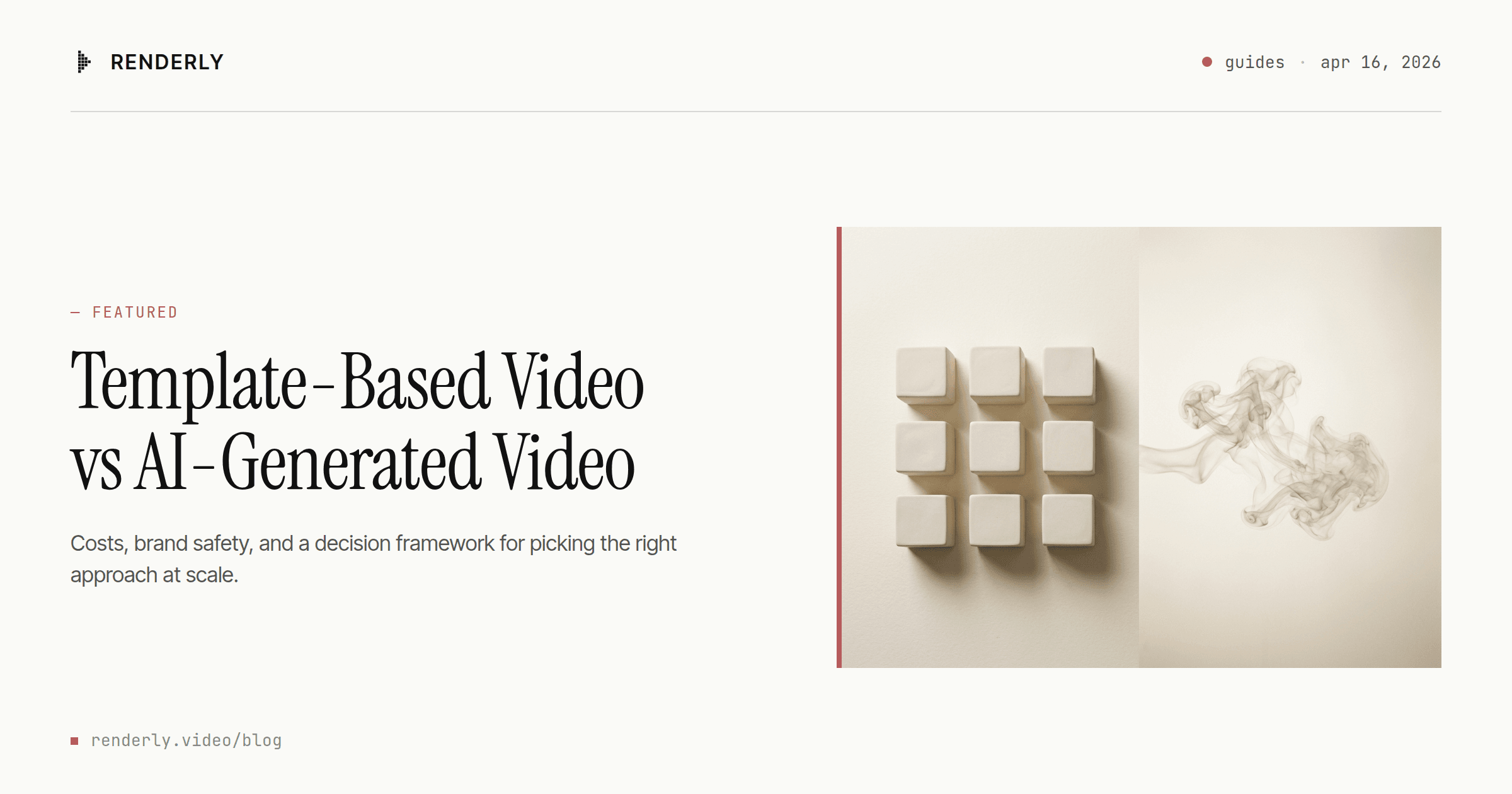
Template-Based Video vs AI-Generated Video: Which Should You Choose?
Template video vs AI video in 2026: a 1080p minute costs $0.10-$0.20 to render from a template and $4.80-$24.00 to generate with Veo 3.1. Here's the decision rule.
April 16, 2026
How to Set Up Video Rendering Webhooks (Production Guide)
Video rendering is asynchronous — polling wastes 90%+ of requests. This guide covers HMAC SHA-256 signature verification, retry semantics, idempotency, and the raw-body pitfall that breaks most webhook handlers.
May 28, 2026