
Template-Based Video vs AI-Generated Video: Which Should You Choose?
Template video vs AI video in 2026: a 1080p minute costs $0.10-$0.20 to render from a template and $4.80-$24.00 to generate with Veo 3.1. Here's the decision rule.

Founder
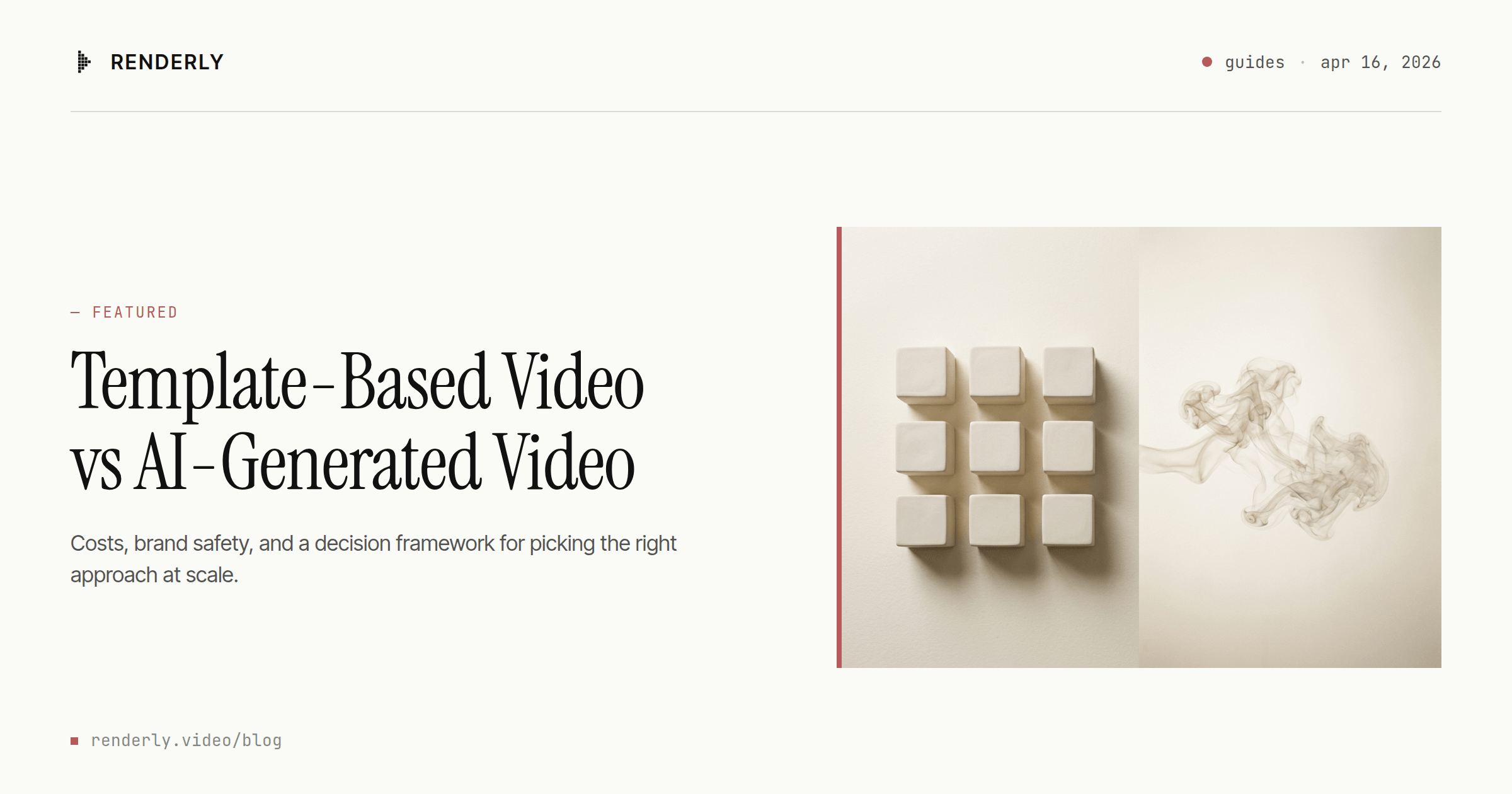
Everyone's picking AI for video automation. Most of them picked wrong.
The pitch is seductive: type a prompt, get a video. In 2026 you can genuinely do that, and the output is good. But the tool that produces the best single cinematic clip is rarely the tool that produces a thousand consistent marketing videos.
That's the split this post is about. If you're building a video workflow and you can't decide between "template-based" and "AI-generated," the framework below will give you the answer in about a minute.
For the full stack picture, start with our complete guide to automating video creation. This post zooms in on the architectural choice at the center of that stack.
Key Takeaways
- A minute of 1080p video costs $4.80-$24.00 to generate on Veo 3.1 (Google, 2026) and $0.10-$0.20 to render from a template on Renderly. That's a 24x to 240x gap.
- The gap widens with volume, because generation bills per clip while template pricing tiers down.
- Brand drift is the real cost of AI at scale: AI-assisted creative "converges toward the average" instead of holding your identity (Column Five, 2026).
- The decision rule: if the video must be one of many near-identical variants, use templates. If it must be unique among a few, use AI. Everything else is hybrid.
What's the Difference Between Template-Based and AI-Generated Video?
Template-based video fills a pre-designed shell with data. Text, images, clips, colors and durations drop into slots you defined in advance. AI-generated video synthesizes net-new footage from a prompt. The useful way to hold the difference: one is deterministic assembly, the other is probabilistic generation.
That distinction sounds academic. It isn't.
With a template, the first render and the millionth are identical on every element you didn't mark dynamic. Logo position is the same. Brand hex values are exact. Typography doesn't move. Only the slots you chose to vary actually vary.
With a generative model, every render is a fresh sample. The model produces something that looks like what you asked for, and two runs of the same prompt produce two different outputs. Sometimes the difference is imperceptible. Sometimes your logo lands in the wrong corner, or your brand blue comes back a slightly different blue.
That's not a flaw. That's the design. Sampling is what the model is for.
Here's the reframe that makes the rest of this easier. Most "AI vs template" articles stage a head-to-head fight. The real question isn't which is better, it's what kind of video you're making. Templates are for identical-at-scale. AI is for unique-at-low-volume. The fight only exists when you ignore that distinction.
How Do Costs Compare at Scale?
One minute of 1080p output costs between $4.80 and $24.00 to generate on Google's Veo 3.1, depending on model tier: $0.08 per second on Lite, $0.12 on Fast, $0.40 on Standard, audio included (Google, pricing as of 2026-09-11). The same minute rendered from a template on Renderly costs $0.10 to $0.20, because one credit buys one minute of 1080p and a credit runs $0.099 on the Business plan up to $0.20 pay-as-you-go.
Call it 24x at the cheapest end and 240x at the most expensive. For the full cost breakdown across template vendors, see the developer's complete guide to video APIs.
Read that chart carefully, because the log scale flatters AI. Each gridline is ten times the one below it, so the amber bar being roughly twice as tall as the purple one means it costs about a hundred times as much.
There's also a hidden cost people rarely model: iterations. A template render either succeeds or fails, and if the template works, render 1,000 looks like render 1. A generative render might need three or ten attempts before it's usable, and every attempt bills. MindStudio's 2026 filmmaking breakdown budgets 80 to 150 individual clips to assemble a single three-minute film (MindStudio, 2026). For narrative work that's fine, because you're producing a handful of finished minutes. For marketing it's ruinous.
Worth naming the case where AI wins outright on cost. That same breakdown puts a three-minute AI-produced narrative short at $75-$175, against $5,000-$30,000 for a traditionally shot short of equivalent runtime (MindStudio, 2026). Against a film crew, AI is a bargain. Against a render farm, it isn't. Those are different fights, and most "AI is cheap now" articles are quietly reporting the first one.
Which Wins on Brand Consistency and Control?
Templates win, and not by a little. The reason is structural rather than statistical: a template is an executable specification of what the video must look like. If your guidelines put the logo 32px from the top-right corner, the template puts it there on every render, because placing it anywhere else would require the code to do something it wasn't told to do.
A diffusion model has no such guarantee. It was trained to produce plausible output, and plausible has a distribution. Run the same prompt twice and you get two samples from that distribution. Tighten the prompt and you narrow the distribution; you don't collapse it to a point.
The cumulative effect has a name. Column Five defines brand drift as "the gradual, unintentional divergence of a company's creative output from its intended identity," and argues AI didn't invent it but is accelerating it (Column Five, 2026). Their sharper observation is the one worth sitting with: AI-assisted creative converges toward the average rather than scattering randomly. Human teams drift in a hundred idiosyncratic directions. Models drift in one direction, toward the median of their training data, which is to say toward looking like everybody else.
That reframes the risk. The failure mode isn't that one render comes out wrong and you catch it. It's that a hundred renders come out slightly generic, each defensible on its own, and a quarter later your campaign looks like a competitor's. MarTech made the related argument in 2026 that AI amplifies drift precisely by making every inconsistency more visible at scale (MarTech, 2026).
Prompting harder doesn't fix this, because it isn't a prompting problem. For use cases where consistency is the quality bar, ads, onboarding, personalized outreach, localized variants, that's the end of the conversation.
Which Produces Better Quality? (And for Which Use Cases?)
Quality depends entirely on what you're measuring, and the two approaches aren't measured on the same axis.
AI wins on fidelity. For stylized, narration-driven or cinematic content, current models produce genuinely professional output. If you're making a hero brand spot or a short film, that's exactly the property you want, and a template can't give it to you.
Templates win on reliability. A template-based product video doesn't need to be cinematic. It needs the right product name, the right price, the right colorway and the right call to action, for the right customer, ten thousand times. Fidelity is table stakes there; correctness is the whole job.
You'll find plenty of statistics claiming some precise share of viewers can't tell AI video from real footage. We've checked several and they mostly trace back to AI vendors' own marketing pages, with figures that disagree wildly. Skip them. The honest version doesn't need a number: for most business video, nobody is grading your fidelity, they're deciding whether to click.
One caveat on the whole framing: for some brands the winning format is neither. A phone-shot customer testimonial can outperform anything either pipeline produces, because its value is that it obviously wasn't produced. If authenticity is your differentiator, the right answer may be to automate less, and that's a legitimate outcome of this comparison.
How Do They Handle Scale and Volume?
The scaling difference is a pricing-model difference before it's a throughput difference, and the pricing model is the part you can verify without trusting anyone's benchmark.
Generation bills per clip, every time, forever. Ten thousand AI clips cost ten thousand times one clip. Template rendering bills per minute of output against a plan allowance that tiers down as you buy more: Renderly's Business plan is $99 for 1,000 credits, and credits beyond that run $0.12 rather than the $0.20 pay-as-you-go rate. One curve is flat, the other bends in your favor. That alone decides most high-volume cases before throughput enters the conversation.
Throughput does eventually matter, and we're not going to hand you a number for it. Real render throughput depends on composition complexity, asset sizes, output resolution and how many workers you're willing to pay for, and any vendor chart claiming a single videos-per-hour figure, ours included, is selling you an average of workloads that aren't yours. What's structurally true is narrower and more useful: a template render is a known-cost, known-duration operation you can capacity-plan against, while a generative render is a sampled inference whose cost depends on how many attempts you need.
Volume is also worth wanting for its own sake. Motion's 2026 Creative Benchmarks Report, drawn from 500,000+ Meta ads across 6,000 brands and $1B+ in spend, found that top-quartile advertisers ship roughly three times as many new creatives per week as the average account at every spend tier. Vendor research, so weigh it accordingly. But the direction is consistent with what per-render economics would predict: the teams who can afford to make more variants make more of them.
If your use case is a video for every row in a spreadsheet, every user in a cohort, or every product in a catalog, that's your whole decision. Our guide on how to generate 1,000+ personalized videos with API automation walks through a concrete pipeline, and our personalized video at scale strategy pillar covers all four production approaches.
When Should You Use Each? (The Decision Framework)
The deciding question isn't "which is better." It's this: does this video need to be one of many near-identical variants, or unique among a few? Templates win the first. AI wins the second. Hybrid pipelines win the middle.
Call it the Identity vs Uniqueness test. It cuts through the noise faster than any feature comparison. A personalized outreach video needs to be identical to 10,000 others except for a name and a logo. That's Identity. A hero brand film needs to be unique and memorable. That's Uniqueness. A product launch explainer usually wants both.
Apply it to your current use case:
- Identity dominant (templates win). Personalized marketing, cold sales outreach where real footage beats AI avatars, localized ad variants, product catalog videos, onboarding flows, social post templates, transactional video, real estate listings, e-commerce category sweeps.
- Uniqueness dominant (AI wins). Hero brand films, short narrative fiction, conceptual and experimental work, one-off cinematic pieces, art direction exploration, storyboard previs.
- Mixed (hybrid wins). Product launches with a template shell and AI-generated B-roll, YouTube series with template intros and human footage, social campaigns with creative variants, interactive and generative experiences.
Write down your next five video needs and label each one I, U, or M. Most teams find they've been paying generation prices for work that's overwhelmingly Identity. Closing that gap is usually the easiest budget win available to them.
Can You Use Both? (The Hybrid Approach)
Yes, and for most things at scale, hybrid is the sensible default. Hybrid pipelines use AI to generate novel assets, a background clip, a voiceover, an illustration, and templates to assemble those assets deterministically. AI handles the parts that benefit from novelty. The template handles the parts that benefit from consistency.
A concrete example: a weekly product-update video where the opening B-roll is AI-generated to match the week's theme, the host segment is pre-recorded, the screenshots are pulled live from your app, and the template glues it together with your brand motion graphics. The template is the skeleton. AI fills in specific muscles.
The economics work because you're buying generation only where it earns its price. One AI-generated B-roll clip amortized across fifty rendered variants costs a fiftieth of what generating fifty full videos would. The hybrid stack looks like this:
- Asset generation (AI) - novel background clips, voiceovers, stock-replacement images
- Asset assembly (template) - brand-locked shell that ingests those assets alongside structured data
- Automation glue - Make.com, Zapier or n8n connecting the data source to the render API
- Delivery (webhook) - finished video pushed to CMS, email, CDN or social scheduler
For most business video in 2026, that's the stack. It's also why the "template vs AI" framing is slightly wrong: the real answer is usually "both, in the right places." Our complete guide to automating video creation covers the full four-layer picture.
The Short Version
Pick the use case first, then the architecture. Templates win on cost, consistency and scale. AI wins on novelty and cinematic quality. Hybrid wins when you need both, which for most business video you do.
If you're rendering more than a handful of videos a month and consistency matters, start template-based and add generation only where novelty actually earns its price. Our guide to the best video APIs for developers covers the specific tools, and our cost comparison shows the raw per-video math.
Get started with Renderly and render your first template-based video in a few minutes. No credit card required to try it.
Frequently asked
Is AI video cheaper than template video?
Can AI-generated video match my brand guidelines?
Which is better for personalized marketing videos at scale?
Do I need technical skills for either approach?
What's the fastest path to 1,000 videos a month?
Related Articles
Video APIs in 2026: The Developer's Complete Guide
What a video API costs, how the three architectures differ, and how to ship your first render. One 1080p minute runs $0.10-$0.84 across four verified rate cards.
August 12, 2026
Dynamic Video Templates: Variable-Based Video Creation
91% of businesses use video and 82% report good ROI (Wyzowl 2026). Dynamic video templates let you build one design and render thousands of unique videos.
July 16, 2026
The Complete Guide to Automating Video Creation in 2026
Automate video creation in 2026 with templates, APIs, and AI agents. An expert production company charges about $1,000/min; a template render, $0.10-0.20.
July 28, 2026
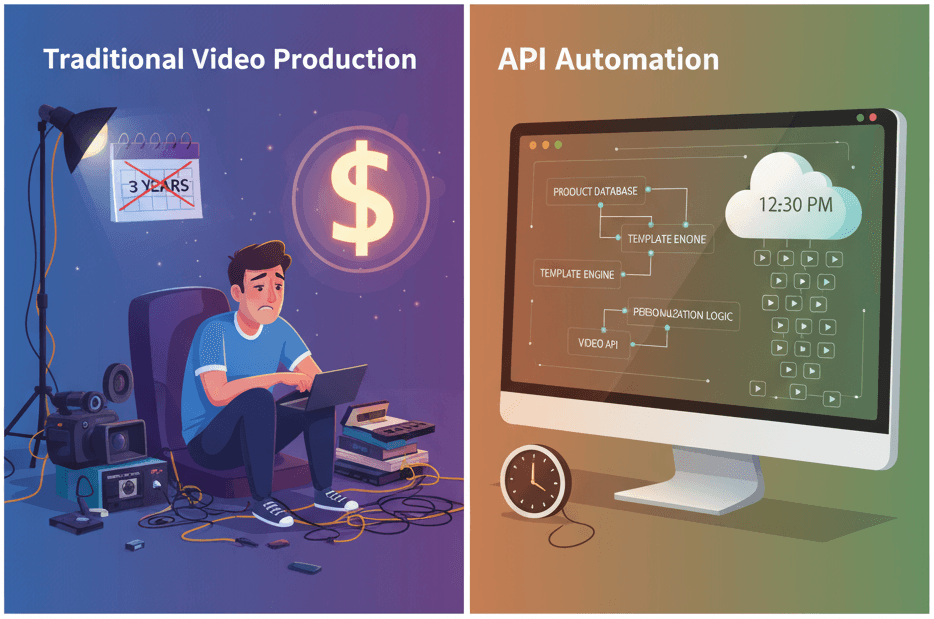
How to Generate 1,000+ Personalized Videos with API Automation (2026 Update)
A 30-second 1080p render costs $0.10 on a template API and $1.50+ on a generative one. Build the bulk pipeline: 1,000 personalized videos queued in under 20 minutes.
May 18, 2026
4 Best Video APIs for Developers (2026 Mid-Year Update)
We compared Renderly, Shotstack, Creatomate, and JSON2Video on price, speed, and DX. Subscription costs run $0.10 to $0.84 per minute at 1080p.
June 8, 2026
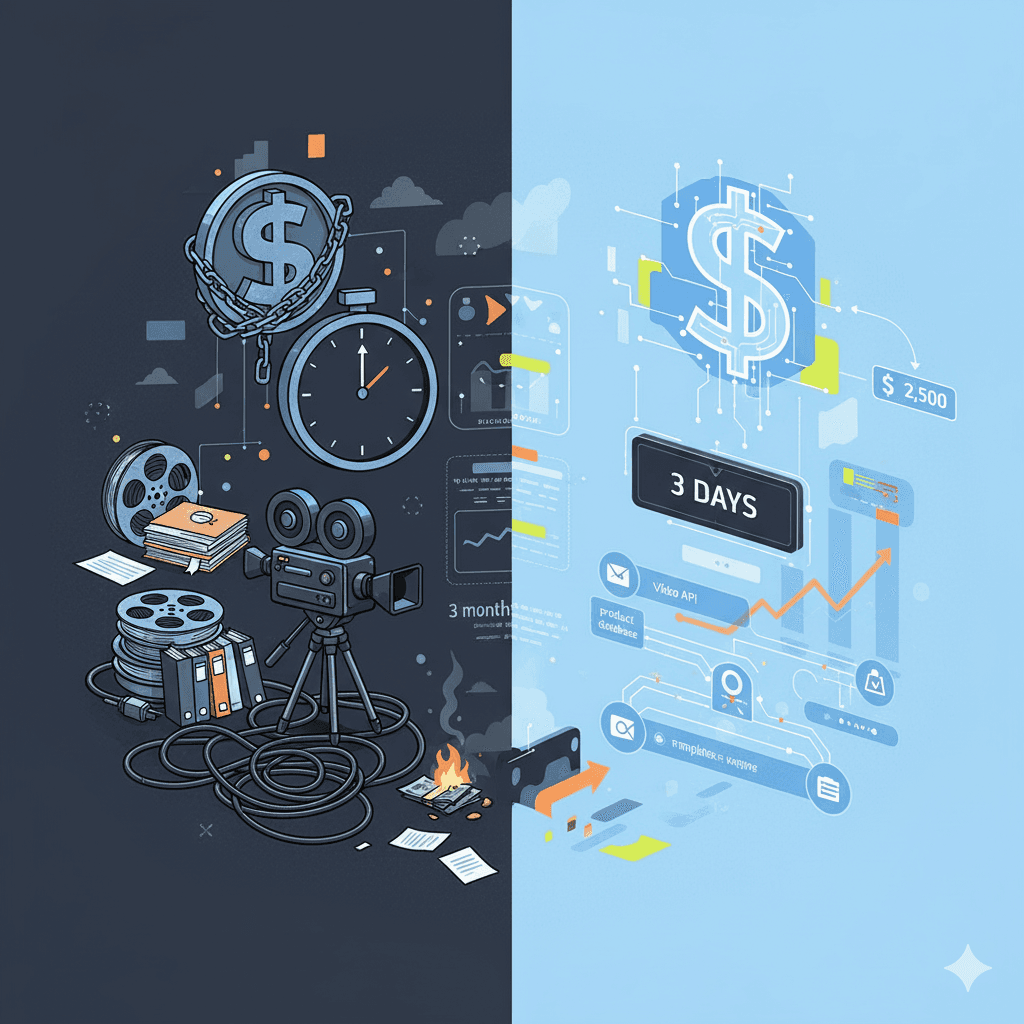
Video API vs Traditional Video Production: 2026 Cost Comparison
Agency video runs $1,000–7,000 per finished minute (Synthesia, 2025). Template APIs render the same minute for $0.10–0.20. The real cost math, tier by tier.
August 5, 2026
How to Create Automated Videos with Make.com (Step-by-Step Guide)
Build a no-code Make.com video pipeline in 30 minutes. Make meters in credits now - 1 module run costs 1 credit, so a 5-module render scenario runs 5 per video.
August 24, 2026
What Is Programmatic Video? A Developer's Explainer
Programmatic video means two unrelated things. For developers it means rendering a video file from JSON - one POST, no editor, from $0.10 a minute.
August 25, 2026