
Automate Instagram Reels: One Template, One Row per Post
Run a Reels account off a spreadsheet. Lock one format, keep a row per post, and render the week in a single pass for half a credit a video.
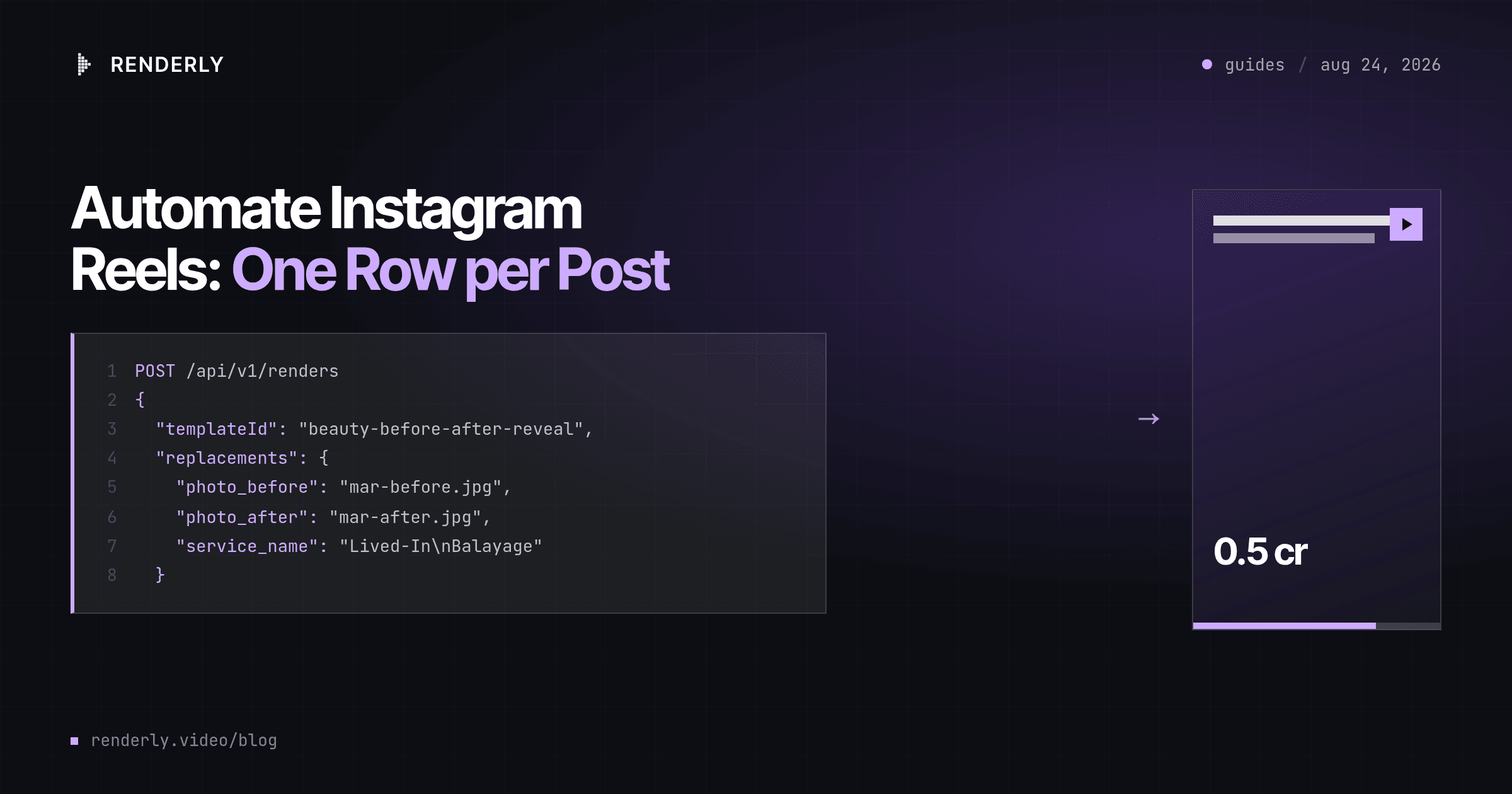
Automating Reels means locking one format and feeding it rows. Keep a line per post in a spreadsheet, send one API request per line, and a week of Reels renders in about a minute. Each 28-second Reel costs half a credit, so an account that posts daily runs on 15 credits a month.
The finished video
This guide renders Beauty Before & After Reveal - a 28-second 9:16 Reel built around one moment: a magenta seam travels across a locked frame and peels the finished result off the before photo. Five scenes carry it - the client in the chair, the wipe, the full-bleed reveal, a service card, and a booking close.
Eight fields change per post. Watch the output on the template page before you write a single row.
What you need
- A Renderly API key. Create one in the dashboard under Settings → API keys.
- A spreadsheet with one row per post.
- Two photographs per Reel, at URLs that serve the file directly: the before and the after.
Step 1 - Pick the one Reel format you repeat
An account is a format, not a pile of videos. The fourth Reel a follower sees should be recognisable before the caption finishes loading, and that recognition is the only compounding asset in the whole exercise.
So pick one template and stop editing it. Renderly ships more than twenty social templates - a before and after, a service menu, a class schedule, a booking window, a package card. Choose the one that matches the thing you already do every week. From here you are not designing, you are writing rows.
Step 2 - Keep one row per post in the week's log
The queue is not a content calendar to be invented. It is the work you already did:
| photo_before | photo_after | service_name | stylist_name | service_note |
|---|---|---|---|---|
| .../mar-before.jpg | .../mar-after.jpg | Lived-In\nBalayage | Nadia Farrell | Four hours, three lifts... |
| .../joss-before.jpg | .../joss-after.jpg | Blunt\nBob | Priya Raman | Cut dry, one length... |
salon_name and booking_line are the same on every row, so write them once
and fill down. The other six change per post, which means a week of Reels is
about ten minutes of typing and two photographs a client.
Step 3 - Write the two photographs so the seam lands
photo_after is one field, and the template spends it in 46 overlays: three
real appearances, plus 43 single-frame slices between frames 165 and 207 that
are the seam wipe itself. One URL fills all of them.
That is why the reveal only works when both photographs are shot from the same
distance and angle. A different crop between before and after reads as two
videos cut together rather than one thing changing. photo_before is used
twice - full-bleed on the opener, then again as the left half of the split.
Step 4 - Check the type against the Instagram chrome
Two fields sit in fixed boxes at display sizes, so they wrap where you tell them to and nowhere else:
{
  "service_name": "Lived-In\nBalayage",
  "service_note": "Four hours, three lifts and one\nclear gloss, cut dry, finished\nwith a soft bevel."
}service_name gets a 326px box on the opener and a 417px box on the reveal,
which is two lines of display type. A third line clips.
Then check the frame itself. booking_line sits 1,237px down a 1,920px frame,
mid-frame and clear of everything. credit_line sits at 1,756px, inside the
band Instagram's caption and username row covers, so treat it as a signature
rather than as information. And the very first frame is a bare photograph,
because salon_name only arrives at frame 5 - set the cover frame a beat in
rather than letting Instagram grab frame 0.
Step 5 - Render one row per post
One row becomes one POST:
curl -X POST https://renderly.video/api/v1/renders \
  -H "Authorization: Bearer $RENDERLY_API_KEY" \
  -H "Content-Type: application/json" \
  -d '{
    "templateId": "beauty-before-after-reveal",
    "replacements": {
      "photo_before": "https://cdn.example.com/mar-before.jpg",
      "photo_after": "https://cdn.example.com/mar-after.jpg",
      "service_name": "Lived-In\nBalayage",
      "stylist_name": "Nadia Farrell",
      "salon_name": "Maison Vermeil",
      "service_note": "Four hours, three lifts and one\nclear gloss, cut dry.",
      "booking_line": "maisonvermeil.com · 020 7946 0912",
      "credit_line": "Nadia Farrell · Lived-In Balayage"
    },
    "webhookUrl": "https://your-app.com/hooks/renderly"
}'Any field you leave out keeps the template's default, so a row with a missing photograph still renders and still costs half a credit. Check the sheet before the run rather than the finished Reels.
The request returns a job ID immediately, because rendering is asynchronous. To loop the rows, the Google Sheets guide has it as an Apps Script and the CSV guide has it as a resumable script for a file on disk.
Step 6 - Collect the finished Reels and schedule the posts
Because webhookUrl was included, Renderly posts back per job:
{
  "event": "render.completed",
  "data": {
    "jobId": "cm9x2k4p10001qw8r7a3b2c1d",
    "status": "COMPLETED",
    "outputUrl": "https://cdn.renderly.video/renders/cm9x2k4p10001qw8r7a3b2c1d.mp4",
    "creditsUsed": 0.5,
    "durationInFrames": 840,
    "width": 1080,
    "height": 1920,
    "fps": 30
  },
  "timestamp": "2026-08-24T09:12:44.110Z"
}Write outputUrl back to the row. Publishing is a separate job - the Instagram
Graph API takes a hosted video URL and a caption - and separating the two is the
point: render the week on Monday, release one a day.
Payloads are signed with HMAC-SHA256. Verify the signature before you trust the body; the webhooks guide covers the check.
What this costs at scale
Renderly bills 1 credit per minute of 1080p output, rounded up to the nearest half credit. This Reel runs 28 seconds, so each post costs half a credit.
| Reels per month | Credits | Plan |
|---|---|---|
| 12 - three a week, one account | 6 | Creator, $29/mo |
| 30 - one a day | 15 | Creator, $29/mo |
| 240 - 20 accounts, three a week | 120 | Creator, $29/mo |
| 1,000 | 500 | Business, $99/mo |
The row worth sitting with is the third. Twenty client accounts posting three times a week use 60% of the cheapest paid plan, which puts the cost of an agency's Reels output somewhere other than the rendering.
Where to go next
The queue is the work, and it lives in a spreadsheet. Wire it up with the Google Sheets guide, or read the faceless Shorts guide for the opposite case, where the content is written in a batch rather than logged as it happens.
If the Reels in question are paid rather than organic, the variant matrix is a different problem with a different answer: batch-rendering ad variants measures it.
Frequently asked
Does Renderly post to Instagram for me?
Can the same render cover TikTok and YouTube Shorts?
Will posting the same format every week look repetitive?
What happens if my service name is too long?
Do I have to use a before-and-after format?
How much does one Reel cost?
Related guides
Faceless YouTube Shorts Automation: Render a Month of Uploads
Run a faceless Shorts channel from a spreadsheet. Lock one format, write a batch of facts, add an AI voiceover, and render a month of uploads in one pass.
Google Sheets to Video: Automate Video Creation from a Sheet
Turn spreadsheet rows into finished videos. Connect a Google Sheet to the Renderly API with Apps Script, map columns to variables, and render every row.