
JSON to Video API: Render an MP4 From One Request
Use a JSON to video API: send one JSON document with the canvas, the timing and every layer, and get an MP4 back. The fields, the units and the errors to avoid.
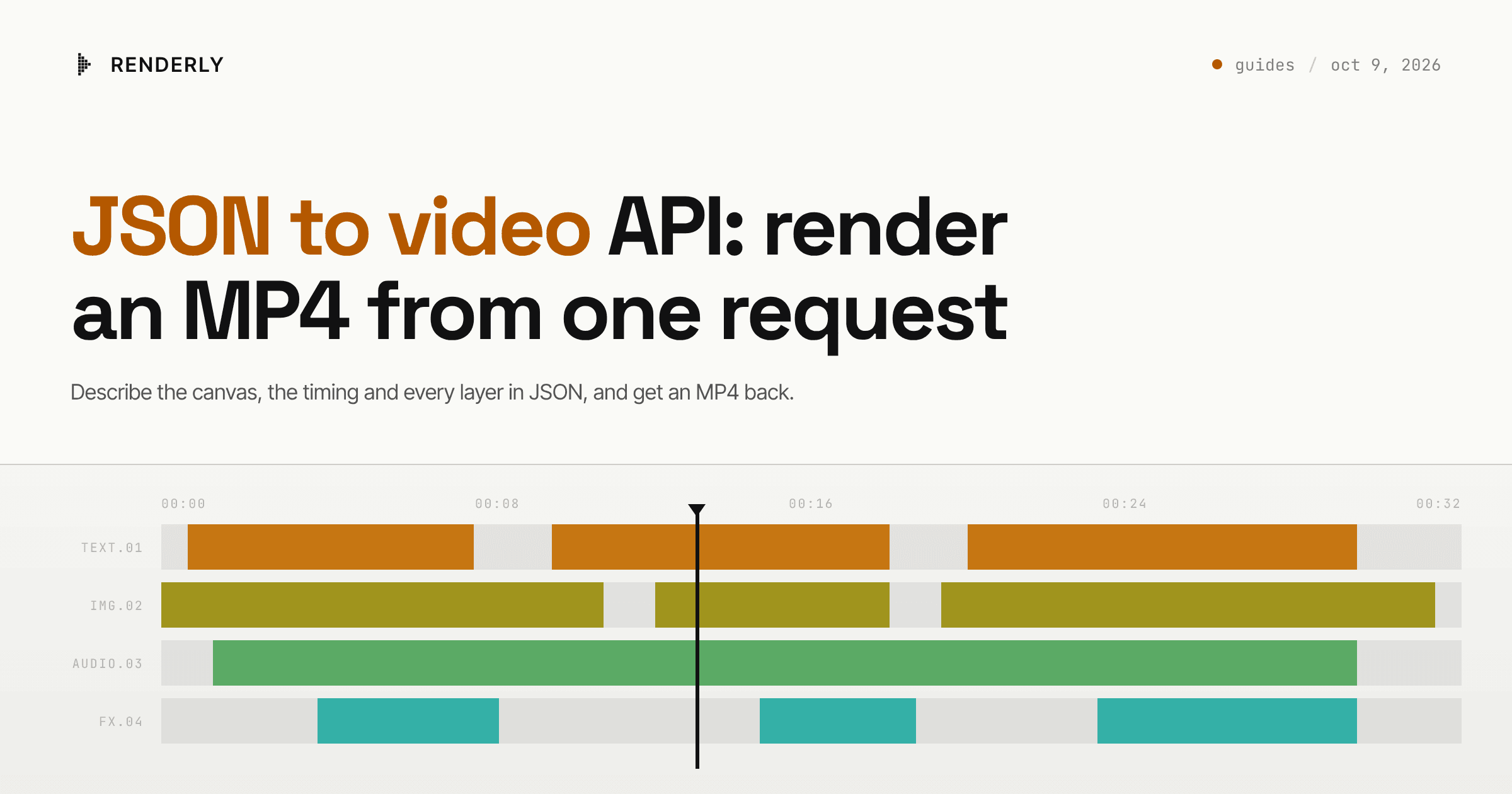
A JSON to video API takes one JSON document that describes the canvas, the
timing and every layer, and returns an MP4. With Renderly you send that
document as inputProps to POST /api/v1/renders. You do not need a saved
template. Check it for free on the preview endpoint first. The 5-second card
on this page costs 0.5 credits.
The finished video
This page uses Daily Social Card - Quote, an 8-second 1080x1080 card with an intro, a quote scene and a sign-off. The JSON in this guide rebuilds its quote scene by hand as a 5-second card, with four layers, so you can see every field the renderer reads.
What you need
- A Renderly API key. Create one in the dashboard under Settings → API keys.
- Code that builds the JSON. Any language that can send an HTTPS request works.
- Public URLs for any image, video or audio file the video uses.
Step 1 - Set the canvas and the length
The top level of inputProps holds the canvas. width and height are pixels
and default to 1920 and 1080. fps defaults to 30. durationInFrames has no
default, so a body without it returns a 400. A 5-second video at 30 fps is 150
frames. backgroundColor fills the frame behind every layer.
The canvas size also sets the price. Up to 1920x1080 pixels costs 1 credit per minute, up to 2560x1440 costs 2, and anything larger costs 4.
Step 2 - Place each layer on the canvas
overlays is a flat list of layers on one timeline. Every layer needs these
fields:
| Field | Unit | What it does |
|---|---|---|
id | number | Unique per layer |
type | string | text, image, video, sound, shape, caption, sticker, effect or group |
from, durationInFrames | frames | When the layer starts and how long it stays |
left, top, width, height | pixels | The layer's box on the canvas |
row | number | Stacking order. Row 0 draws on top of row 1 |
styles | object | Colour, font, fill, animation. Required on every type except captions and groups |
Text sits in content. Media sits in src. Three details cause most failed
requests:
fontSizeis a string such as"84px". A bare number returns a 400. AddfontSizeFixed: trueto render at exactly that size. Without it the size is a maximum, and long text shrinks to fit its box.- Animation lengths (
enterDuration,exitDuration) are seconds, not frames. - Give layers that overlap different rows. Two layers on the same row collide.
The overlays reference lists the styles fields for
each type.
Step 3 - Preview the JSON for free
Send the body to POST /api/v1/previews before you render it. The endpoint
takes exactly the body the render endpoint takes, costs no credits and creates
no render job. It returns a previewUrl that plays the video in a browser, a
quote in credits, and a warnings list. Two warnings matter most for
hand-built JSON:
UNKNOWN_FIELDnames each field the schema does not know. The API removes it and renders without it, so a misspelledfontSizeegives no error, only a video that looks wrong.TEXT_MAY_CLIPnames text that is likely too long for its box.
The previewing guide covers the full response.
Step 4 - Send the JSON to the render endpoint
This request renders the card. It passed the API's own schema check with no removed fields:
curl -X POST https://renderly.video/api/v1/renders \
  -H "Authorization: Bearer $RENDERLY_API_KEY" \
  -H "Content-Type: application/json" \
  -d '{
    "inputProps": {
      "width": 1080, "height": 1080, "fps": 30, "durationInFrames": 150,
      "backgroundColor": "#1C1815",
      "overlays": [
        { "id": 1, "type": "text", "content": "“",
          "from": 0, "durationInFrames": 150, "row": 2,
          "left": 96, "top": 60, "width": 360, "height": 360,
          "styles": { "color": "#C9512A", "fontFamily": "Playfair Display",
            "fontWeight": "800", "fontSize": "300px", "fontSizeFixed": true,
            "lineHeight": "1", "animation": { "enter": "scale" } } },
        { "id": 2, "type": "text", "name": "the_line", "isDynamic": true,
          "content": "We suffer more in\nimagination than in\nreality.",
          "from": 0, "durationInFrames": 150, "row": 0,
          "left": 110, "top": 384, "width": 920, "height": 300,
          "styles": { "color": "#F2ECE0", "fontFamily": "Geist",
            "fontWeight": "700", "fontSize": "84px", "fontSizeFixed": true,
            "lineHeight": "1.08", "textAlign": "left",
            "animation": { "enter": "slideUp" } } },
        { "id": 3, "type": "shape", "content": "rectangle",
          "from": 15, "durationInFrames": 135, "row": 3,
          "left": 110, "top": 738, "width": 64, "height": 4,
          "styles": { "fill": "#C9512A" } },
        { "id": 4, "type": "text", "name": "attribution", "isDynamic": true,
          "content": "SENECA",
          "from": 15, "durationInFrames": 135, "row": 1,
          "left": 200, "top": 718, "width": 500, "height": 44,
          "styles": { "color": "#F2ECE0", "fontFamily": "JetBrains Mono",
            "fontWeight": "600", "fontSize": "28px", "fontSizeFixed": true,
            "letterSpacing": "4px", "textAlign": "left",
            "animation": { "enter": "fade" } } }
      ]
    },
    "webhookUrl": "https://api.yourapp.com/hooks/renderly"
}'The response's data object carries a jobId, mode: "direct" and
creditsUsed: 0.5. A render.completed event reaches your webhookUrl when
the MP4 is ready, and GET /api/v1/renders/{jobId} returns its outputUrl in
data too. The webhooks guide
covers the signature check, and the rendering guide
covers polling. If an image, video
or sound layer has an empty src, the API returns a 400 that names the layer,
and charges no credits.
Step 5 - Mark the fields that change per video
Two layers above carry a name and isDynamic: true. Keep the JSON fixed in
your code, and add a replacements object next to inputProps in the same
request body:
"replacements": {
  "the_line": "Ship the small\nversion first.",
  "attribution": "TUESDAY NOTES"
}A replacement changes content on text and shape layers and src on image,
video and sound layers. A key that matches no dynamic layer changes nothing,
and the preview reports it as UNKNOWN_REPLACEMENT. For the full binding model,
and for when to save the JSON as a project instead, see
dynamic video templates.
What this costs at scale
Renderly bills 1 credit per minute of output at 1080p or less, rounded up to the nearest half credit. The 5-second card rounds up to 0.5 credits.
| Videos per month | Credits | Plan | Cost |
|---|---|---|---|
| 100 | 50 | Creator, $29/mo (200 credits) | included |
| 1,000 | 500 | Creator + 300 extra credits at $0.15 | $74 |
| 1,000 | 500 | Business, $99/mo (1,000 credits) | included |
The same card at 3840x2160 costs four times the rate. At 5 seconds it still rounds up to 0.5 credits, but a one-minute 4K video costs 4.
Where to go next
To render the same data at 9:16 and 16:9, see the multi format guide. To render in each customer's brand, see the white label guide. To send one request per row of a file, the CSV guide loops over the rows.
Frequently asked
Do I need a template to render video from JSON?
Is timing in seconds or in frames?
Why did my request return a 400?
What happens to a field the API does not know?
How much does a JSON render cost?
Related guides
Multi Format Video API: One Render per Format
Use a multi format video API the right way: one request per aspect ratio from the same data, so text stays inside each frame instead of being cropped.
White Label Video API in Your Customer's Brand
Use a white label video API to render videos in each customer's brand: one project per brand, your own storage and webhooks, and no vendor logo in the frame.
Bulk Video from CSV: Generate One Video per Row
Turn a CSV export into finished videos. Map headers to template variables, send one render request per row from a resumable script, and collect every result.