
Dynamic Video Templates: Variable-Based Video Creation
91% of businesses use video and 82% report good ROI (Wyzowl 2026). Dynamic video templates let you build one design and render thousands of unique videos.

Founder
Editing 500 listing videos by hand is a scheduling problem with no good answer. Editing one video and rendering 500 variations from it is a data problem, and data problems scale. That shift is what dynamic video templates unlock. The demand is not in doubt: 91% of businesses now use video as a marketing tool, 84% of consumers want more video from the brands they follow, and 92% of marketers plan to hold or raise video spend in 2026 (Wyzowl, 2026).
This guide is the mechanic behind all of that. We'll define what a dynamic template actually is, then open up the real binding model that turns a static design into a variable-driven one. You'll see the JSON, build a template step by step, and render one video - or thousands - from a single API call.
Key Takeaways
- A dynamic video template is a design with some layers marked as variables; you build once and render one unique video per row of data
- Renderly binds variables by an overlay's
name, not by{{ }}string interpolation - safer, and it works for binary media like video and images- Text and shape layers swap their
content; video, image, and sound layers swap theirsrc- the field depends on the layer type- Video works: 83% of marketers say it directly increased sales and 85% say it helped generate leads (Wyzowl, 2026)
What Is a Dynamic Video Template?
A dynamic video template is a video design where specific layers are marked as variables instead of fixed content. You build the look once - scenes, motion, branding, timing - then tag the pieces that should change per output. Feed it data and it renders one unique video per row, while every untagged layer stays locked. This is the engine behind personalized video at scale.

The contrast with a static template is simple. A static template renders the identical video every time - useful, but you get one output. A dynamic template separates design from data: the design is reusable, and the data is whatever you supply at render time. One template becomes a factory.
This is why the pattern is spreading fast across the tooling market: image-template APIs are extending into full video, and nearly every video API now ships some form of template-plus-data rendering. The idea is the same everywhere, but how a tool binds a variable to a layer is where the real differences hide. That binding model is worth understanding, because it decides how robust your pipeline is.
How Does Variable-Based Video Creation Work?
Variable-based video creation works by flagging individual layers as dynamic and binding each to a named key in a data object. In Renderly's engine, any overlay with isDynamic: true becomes a variable. The overlay's name is the key; it's matched against a replacements object, and the engine swaps a type-appropriate field. No text scanning, no token syntax.
Here's the core rule most tools never expose. Which field gets replaced depends on the layer type:
- Text and shape overlays → the
contentfield is replaced - Video, image, and sound overlays → the
srcfield is replaced
At render time the engine deep-clones the template, walks the overlays, and for each isDynamic overlay whose name appears in replacements, swaps the right field. The replacements object holds default values; a render request sends its own replacements, which merge over the defaults, with the request's values winning. Then the replacements block is stripped from the final props handed to the renderer.
Below is a trimmed slice of Renderly's real real-estate-listing template:
{
  "replacements": {
    "headline": "1428 Maple Grove Lane",
    "price": "$1,250,000",
    "photo_exterior": "https://cdn.example.com/listings/1428-maple.jpg"
  },
  "overlays": [
    { "type": "text",  "name": "headline",      "content": "1428 Maple Grove Lane", "isDynamic": true },
    { "type": "text",  "name": "price",          "content": "$1,250,000",            "isDynamic": true },
    { "type": "image", "name": "photo_exterior", "src": "https://cdn.example.com/listings/1428-maple.jpg", "isDynamic": true },
    { "type": "text",  "content": "Just Listed", "isDynamic": false }
  ]
}Notice the last overlay. isDynamic: false makes "Just Listed" permanent brand framing - it renders identically on every listing while headline, price, and photo_exterior change. Real overlays carry more fields too (position, timing, styling); we've trimmed those for readability.
Why Name-Binding Beats {{ }} Interpolation
Binding by name is a deliberate design choice, and it's more robust than string templating. Token substitution - scanning text for {{ price }} and replacing it - is fragile in ways that bite at scale. Name-binding avoids all of them.
First, no accidental matches: a token scanner can hit {{ price }} inside a caption you never meant to touch, but a named variable matches only the layers that carry that name. Second, no escaping problems, since you're never parsing user text for delimiters. Third, and most important, it works for binary media. You can't string-interpolate a video file into a placeholder. You can point a video layer's src at a new URL. Name-binding treats text and media the same way - one key, every layer that carries it, one field per layer type.
How Do You Build a Dynamic Template Step by Step?
Building a dynamic template is four steps: design the base video, mark the layers that should change, define default values, and preview. In Renderly's editor the whole thing is visual, but underneath it produces the same JSON structure shown above. The design stays constant; only the tagging and defaults are new work.

Step 1 - Design the base video. Lay out your scenes and overlays as you would any video: text, images, background clips, shapes, motion, timing. Get it looking right with placeholder content. This is the part you do once.
Step 2 - Mark the variable layers. For each layer that should change per output, set isDynamic: true and give it a clear, stable name - headline, price, photo_exterior. That name is the contract your data will bind to, so keep it descriptive and don't rename it casually. Leave everything else at isDynamic: false; those become your locked brand framing.
Step 3 - Define default replacements. Fill the replacements object with a sensible default for each variable name. Defaults matter for two reasons: they make the template previewable on its own, and they act as a fallback - any variable a render request omits keeps its default. That means a partial payload still renders cleanly instead of failing.
Step 4 - Preview with defaults. Render once with no overrides. You're verifying the design holds up, text doesn't overflow, and media frames correctly. Because the field swapped depends on type - content for text, src for media - a preview also confirms you tagged each layer with the right type. Once it looks right, the template is a reusable asset. It's the same technique whether you're producing real estate listing videos or a product video for every SKU.
Rendering One Video, or Thousands, From the Template
You render by sending one POST /api/v1/renders request per data row: a template ID plus that row's replacements. You get a job ID back immediately, and a webhook fires when the MP4 is ready. Loop your data and the same template becomes thousands of videos. AI and automated tools cut production time by roughly 80% versus manual editing (Socialive, 2025).
Here's a single render against the real-estate template, with a one-off webhook callback:
curl -X POST https://renderly.video/api/v1/renders \
  -H "Authorization: Bearer $RENDERLY_API_KEY" \
  -H "Content-Type: application/json" \
  -d '{
    "templateId": "real-estate-listing",
    "replacements": {
      "headline": "1428 Maple Grove Lane",
      "price": "$1,250,000",
      "photo_exterior": "https://cdn.example.com/listings/1428-maple.jpg",
      "clip_tour": "https://cdn.example.com/listings/1428-tour.mp4"
    },
    "webhookUrl": "https://yourapp.com/webhooks/renderly"
}'The response returns a job you can track:
{
  "success": true,
  "data": {
    "jobId": "job_9f3a...",
    "status": "pending",
    "creditsUsed": 1,
    "mode": "template",
    "estimatedDurationMinutes": 1
  }
}The body accepts one of three sources: a templateId for a public system template, a projectId for your own saved project, or direct inputProps. The mode field in the response echoes which one you used. You can poll GET /api/v1/renders/:jobId for status, but prefer webhooks - render.completed arrives with a download URL, and render.failed arrives with a reason.
One Template, Thousands of Videos
The payoff is a loop. Turn an array of rows - listings, products, leads - into one render each:
async function renderListing(listing) {
  const res = await fetch("https://renderly.video/api/v1/renders", {
    method: "POST",
    headers: {
      Authorization: `Bearer ${process.env.RENDERLY_API_KEY}`,
      "Content-Type": "application/json",
    },
    body: JSON.stringify({
      templateId: "real-estate-listing",
      replacements: {
        headline: listing.address,
        price: listing.priceFormatted,
        photo_exterior: listing.photos.exterior,
        clip_tour: listing.tourClip,
      },
      webhookUrl: "https://yourapp.com/webhooks/renderly",
    }),
  });
  return res.json(); // { success, data: { jobId, status: "pending", ... } }
}

for (const listing of listings) {
  await renderListing(listing);
}That's the whole idea. One template, one loop, and the cost math changes completely. Template and API rendering runs roughly $0.50-$30 per minute versus $1,000-$5,000 for freelance production (Synthesia, 2025).
Three Ways to Feed Data Into a Template
There are three practical ways to get data into a template, and each suits a different team. All three send the same replacements under the hood, so the output is identical - the difference is who's driving and how much code is involved. Video pays off across all of them: 83% of marketers say video directly increased sales (Wyzowl, 2026).
The first is a spreadsheet or CSV driven by a small script. You keep rows in a sheet, a script reads each row, maps columns to variable names, and fires a render. Great for a marketer who's comfortable with a bit of automation and wants full control over the data. The second is a no-code tool - Zapier, Make, or n8n - where a trigger (a new row, a new CRM lead, a new product) maps fields to variables and calls the render step with zero code. The third is the raw API, wired directly into your app or backend, which is where developers building personalized outreach videos or product pipelines end up.
| Path | Best for | Code required | Trigger style |
|---|---|---|---|
| Spreadsheet / CSV | Marketers with light scripting | A little (a loop) | Manual or scheduled batch |
| No-code (Zapier/Make/n8n) | Marketing-ops, non-developers | None | Event-driven (row / lead / product) |
| Raw API | Developers, product pipelines | Yes | Fully programmatic, real-time |
There's no wrong choice. Start where your team already lives, and move toward the API as volume and real-time needs grow.
What Dynamic Templates Unlock
Dynamic templates unlock volume that manual editing can't touch: a video per listing, per product, per lead, per locale - from one design. That matters because video reliably moves the numbers marketers care about. In Wyzowl's 2026 survey, 83% of marketers said video directly increased sales and 85% said it helped generate leads (Wyzowl, 2026).
The vertical applications write themselves once you have the mechanic. Real estate agents render a walkthrough per listing. E-commerce brands render an ad per SKU. Sales teams render personalized outreach videos with a prospect's name and company. Global brands render localized variants by swapping text and voiceover per market. Each is the same template-plus-data pattern pointed at a different data source - and when you need real volume, here's how to generate 1,000 videos from the API.
Our finding: You've probably seen numbers like "personalized video lifts click-to-open 16×" or "boosts conversions 500%." We tried to source them and couldn't - they circulate across marketing blogs with no traceable primary study behind them. We won't repeat them. We stick to Wyzowl's verifiable survey figures, which are less dramatic but real: 82% of marketers report good ROI from video in 2026, down from 93% in 2025 - a healthy dose of honesty the inflated stats never include.
When Do You Need Dynamic Templates, and When Don't You?
You need dynamic templates when you're producing many videos that share a design but differ in data. If you're making one hero video, a launch film, or a bespoke brand piece, a dynamic template is overkill - just edit it once. The deciding factor is repeatability: same structure, changing content, more than a handful of times.
A quick decision framework. Ask two questions. First, does the video's structure stay the same while only specific fields change? If yes, it's a candidate. Second, will you make it more than a few times, or does it need to update when the underlying data changes? If yes, a template pays for itself fast. One-off, artistically bespoke videos fail both tests, and that's fine - templates aren't meant for them.
The break-even is lower than most teams expect. Even at a dozen videos, the setup cost of tagging variables is recovered, and past a few hundred it's not a comparison anymore. This is also the core of the template-based vs AI-generated video decision: templates win when you need on-brand consistency and faithful data across every render, not novelty per video.
Conclusion
Dynamic video templates turn video production from a per-asset editing chore into a data pipeline. The mechanic is small and worth remembering: mark a layer isDynamic, give it a name, and bind that name to a value in replacements - text and shapes swap content, media swaps src. That name-binding, rather than fragile {{ }} interpolation, is what makes the pattern robust enough to render thousands of videos without a single accidental match.
The economics follow the mechanic. One template plus a loop over your data produces a unique video per row, at roughly $0.50-$30 per minute against $1,000-$5,000 for freelance work (Synthesia, 2025). Video still delivers: 82% of marketers report good ROI (Wyzowl, 2026).
Ready to build one? Explore the templates and API at renderly.video, tag your first variable, and render a video from a single request on free credits.
Frequently asked
What is a dynamic video template?
How is variable-based video creation different from find-and-replace templating?
How do you generate hundreds or thousands of videos from one template?
What's the difference between a static and a dynamic video template?
Do I need to be a developer to use dynamic video templates?
Related Articles
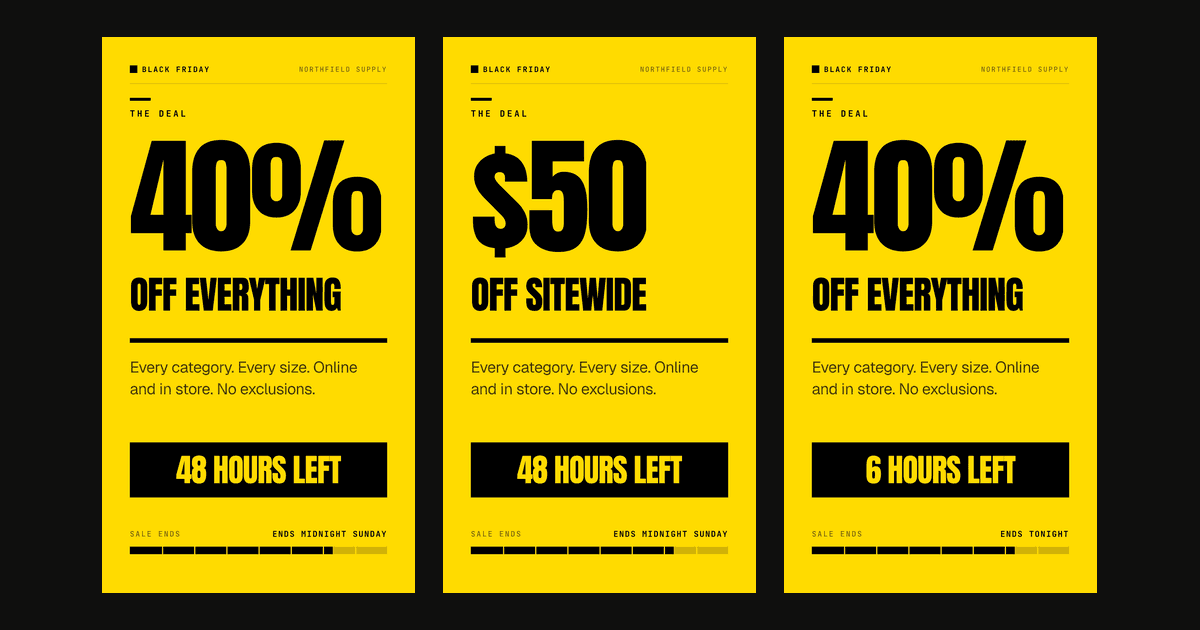
Social Media Video Automation: Batch-Render Ad Variants
TikTok suggests 3-5 creatives per ad group across 3-5 ad groups, so up to 25 videos. We rendered variants of one 9:16 template in 13 to 19 seconds each.
August 20, 2026
Personalized Video at Scale: The Complete Guide (2026)
83% of consumers can spot AI video and 36% trust those brands less. Here's how to scale personalized video in 2026 without falling into the avatar trap.
June 4, 2026
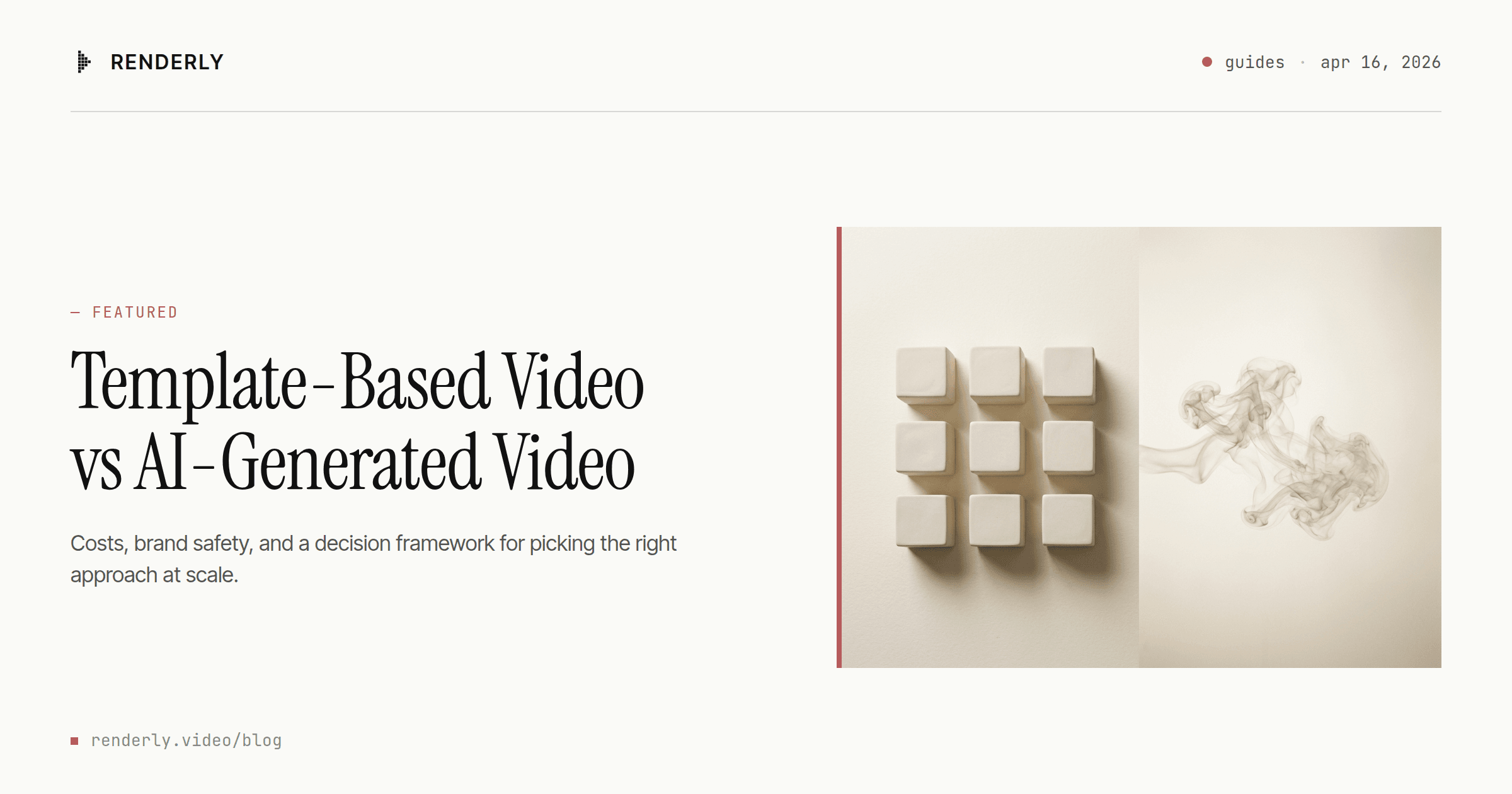
Template-Based Video vs AI-Generated Video: Which Should You Choose?
Template video vs AI video in 2026: a 1080p minute costs $0.10-$0.20 to render from a template and $4.80-$24.00 to generate with Veo 3.1. Here's the decision rule.
April 16, 2026
How to Automate Real Estate Listing Videos with an API
474,976 new US listings hit the market in May 2026 — almost none got a video. Here's how to turn listing data into property videos with one API call.
June 12, 2026
E-commerce Product Video Automation: Catalog to Video at Scale
85% of shoppers say a video convinced them to buy. Here's how an ecommerce product video API turns a Shopify catalog into a video ad for every SKU.
June 20, 2026
How to Create Personalized Outreach Videos That Convert
Sales emails with video get 26% more replies (Salesloft). Here's how to make a personalized outreach video for every prospect at scale - from a CRM, with one API call.
July 12, 2026
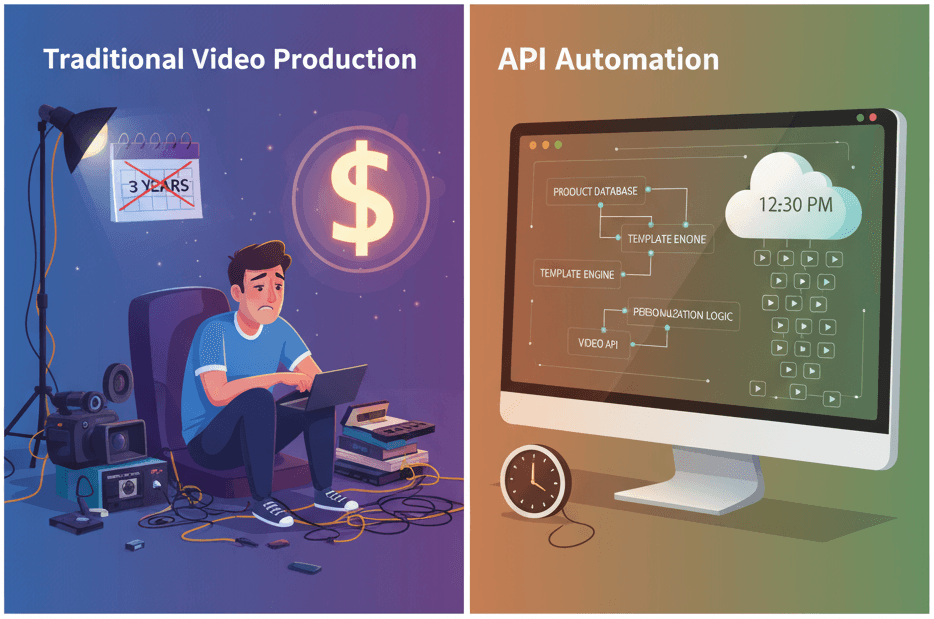
How to Generate 1,000+ Personalized Videos with API Automation (2026 Update)
A 30-second 1080p render costs $0.10 on a template API and $1.50+ on a generative one. Build the bulk pipeline: 1,000 personalized videos queued in under 20 minutes.
May 18, 2026