
Content Recap - Photo Plate
The photo-led sibling of Content Recap, for pieces that arrive with an image library. A 31-second 9:16 recap where a photograph fills every single frame and the writing sits on an inset chalk plate laid over it, bottom-anchored at a fixed line so only its top edge moves: short copy leaves three-quarters of the picture visible, a long pull leaves a third, and the photograph simply donates the space. Seven scenes: a cover carrying the headline under a deep-green category kicker, the four points each paired with their own picture and numbered 01-04, a full-bleed 2x2 contact sheet at the midpoint that is nothing but photography, and a close where the image drops to grayscale so the QR tile is the only thing competing for attention. Instrument Serif set dark on chalk rather than light on ink, a four-segment progress rule instead of a counter, and the deep green used exactly three times in the whole video, never on a photograph. Twelve variables: the nine that v1 and v2 already take (headline, point_1 through point_4, publication_name, article_url, qr_image, hero_image) plus image_1, image_2 and image_3, so the same RSS or CMS-webhook row renders through any of the three looks once the scraper also pulls the first three in-body images. Nothing is used once - the hero opens the video, returns in the contact sheet, and comes back tighter-cropped on the last point. Pick this one when the piece has real photography behind it; pick v1 or v2 when it does not, because this template has nowhere to hide a missing picture.
- Aspect ratio
- 9:16 · Vertical
- Duration
- ~31s
- Category
- Social Media
Try it with your own copy
Edit a field and the frame re-renders in your browser. No account, no credits - previews are free because they cost a browser paint, not a render.
What you can customize
This template exposes 12 dynamic fields you can swap per video - edit them in the editor or pass them to the API to batch-render variations at scale. The monospace name is the exact key to send in replacements.
Hero Image
urlhero_imagehttps://images.unsplash.com/photo-1758874384555-37d50c0ee81a?fm=jpg&q=80&w=1512&h=2688&fit=crop
Headline
textheadlinePersonalized Video at Scale: The Complete Guide
~47 characters max · 3 lines
Publication Name
textpublication_nameRenderly Blog
~58 characters max · 1 line
Image 1
urlimage_1https://images.unsplash.com/photo-1594521870728-a988b3fc4d99?fm=jpg&q=80&w=1080&h=1920&fit=crop&crop=faces
Point 1
textpoint_183% of consumers can spot an AI video. 36% trust the brand less.
~52 characters max · 3 lines
Image 2
urlimage_2https://cdn.pixabay.com/photo/2016/11/19/14/00/code-1839406_1280.jpg
Point 2
textpoint_2Personalized video is 3.5× more likely to convert and 4× more likely to make a customer feel valued.
~99 characters max · 5 lines
Image 3
urlimage_3https://cdn.pixabay.com/photo/2015/01/08/18/29/entrepreneur-593358_1280.jpg
Point 3
textpoint_3A thousand videos: $50 on a template API, $5,000 with a human in the loop.
~70 characters max · 4 lines
Point 4
textpoint_4Avatar APIs are fastest to the first video and slowest to the first thousand - a template’s marginal cost at video 1,001 is essentially zero, so past a couple hundred variants the curve flips.
~159 characters max · 6 lines
Qr Image
urlqr_imagehttps://api.qrserver.com/v1/create-qr-code/?size=600x600&margin=0&color=141412&bgcolor=FFFFFF&data=https%3A%2F%2Frenderly.video%2Fblog%2Fpersonalized-video-at-scale-complete-guide-2026
Article Url
textarticle_urlrenderly.video/blog
~32 characters max · 1 line
Render it from the API
Copy either call below. Both already carry this template's ID and its real variable keys - swap the values for your own.
1. Preview it — free
Same body as a render. Costs no credits, creates no job. Returns a public URL that plays the video in a browser, plus a list of problems with your payload — a mistyped key is otherwise ignored in silence.
curl -X POST https://renderly.video/api/v1/previews \
  -H "Authorization: Bearer $RENDERLY_API_KEY" \
  -H "Content-Type: application/json" \
  -d '{
  "templateId": "content-recap-v3",
  "replacements": {
    "hero_image": "https://images.unsplash.com/photo-1758874384555-37d50c0ee81a?fm=jpg&q=80&w=1512&h=2688&fit=crop",
    "headline": "Personalized Video at Scale: The Complete Guide",
    "publication_name": "Renderly Blog",
    "image_1": "https://images.unsplash.com/photo-1594521870728-a988b3fc4d99?fm=jpg&q=80&w=1080&h=1920&fit=crop&crop=faces",
    "point_1": "83% of consumers can spot an AI video. 36% trust the brand less.",
    "image_2": "https://cdn.pixabay.com/photo/2016/11/19/14/00/code-1839406_1280.jpg"
  }
}'2. Render it
Change one word in the URL. Keep templateId — it is what links your call to this template, so later improvements reach you automatically.
curl -X POST https://renderly.video/api/v1/renders \
  -H "Authorization: Bearer $RENDERLY_API_KEY" \
  -H "Content-Type: application/json" \
  -d '{
  "templateId": "content-recap-v3",
  "replacements": {
    "hero_image": "https://images.unsplash.com/photo-1758874384555-37d50c0ee81a?fm=jpg&q=80&w=1512&h=2688&fit=crop",
    "headline": "Personalized Video at Scale: The Complete Guide",
    "publication_name": "Renderly Blog",
    "image_1": "https://images.unsplash.com/photo-1594521870728-a988b3fc4d99?fm=jpg&q=80&w=1080&h=1920&fit=crop&crop=faces",
    "point_1": "83% of consumers can spot an AI video. 36% trust the brand less.",
    "image_2": "https://cdn.pixabay.com/photo/2016/11/19/14/00/code-1839406_1280.jpg"
  }
}'The body above shows 6 of 12 variables. Send any subset — every key you leave out renders its authored default. Read the full contract, with character limits, from GET /api/v1/templates/content-recap-v3/variables. See the previewing guide, the rendering guide, or the OpenAPI spec.
Frequently asked questions
How do I customize the Content Recap - Photo Plate template?
Open the template in the Renderly editor and replace its 12 customizable fields (such as Hero Image) with your own text, images, or video. Every change previews instantly before you render.
How much does it cost to render this template?
Rendering is credit-based - 1 credit equals 1 minute of 1080p video, billed by the second. You only pay when you export, and credits never expire on the pay-as-you-go plan.
Can I generate this video at scale via the API?
Yes. POST this template's ID and a replacements object to /api/v1/renders - one call per row of data, 12 fields swappable per video. Send the same body to /api/v1/previews first to check it for free. No-code integrations like Zapier work the same way.
More Social Media templates
Crypto Price Alert
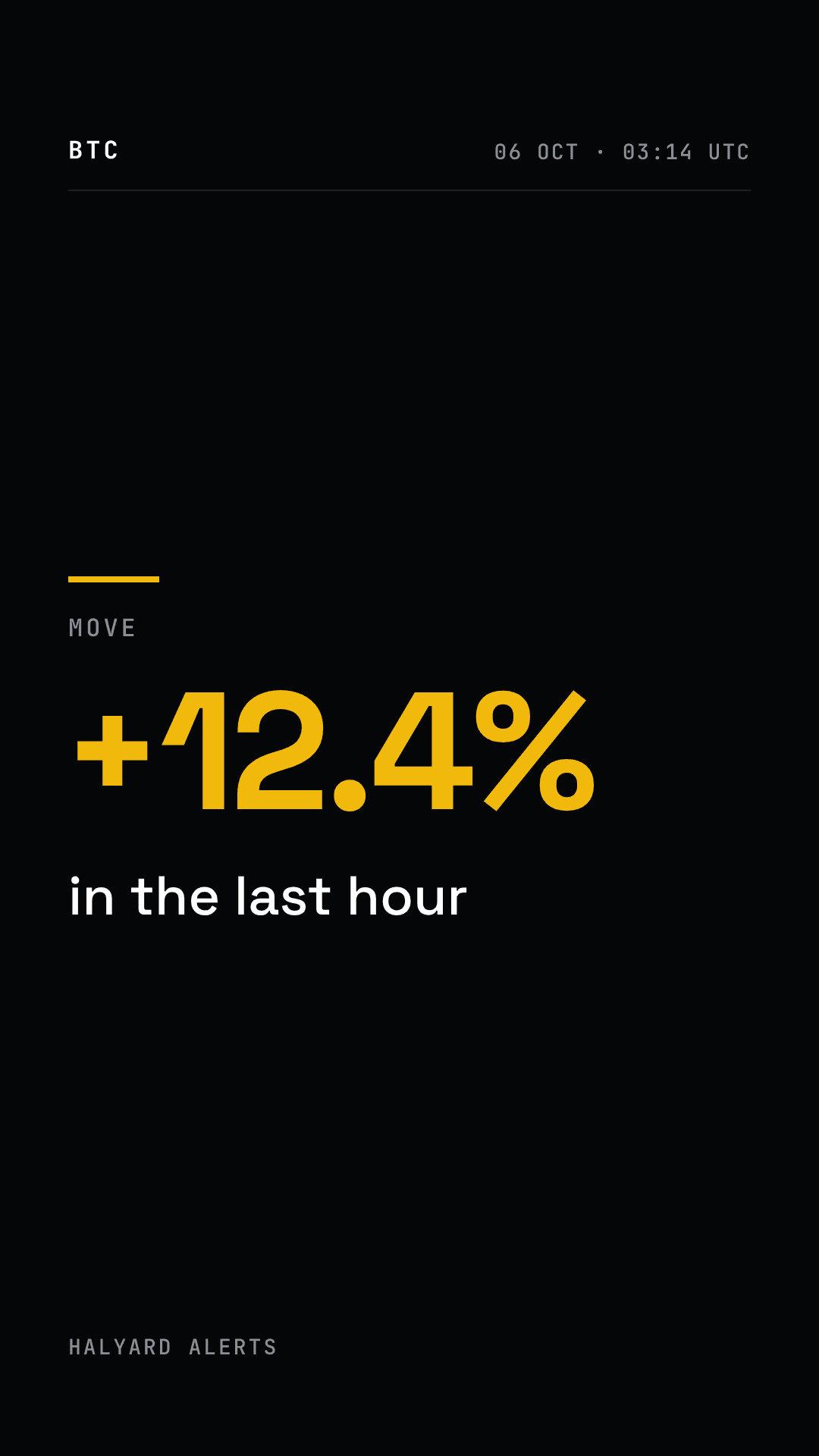
A dark, fast vertical alert card for one crypto asset and one price move, fired when a threshold is crossed: the asset, the percentage move in crypto gold, the timeframe, the price now against where it started, and a call to action. 15 seconds, 9:16 (1080x1920). Dynamic fields: asset_symbol, asset_name, move_pct (sign included), timeframe, price_now, price_from, alert_time, source_name and cta_line. Reads the same for a 3% move or a 40% drop, up or down.
Reddit Story Reader
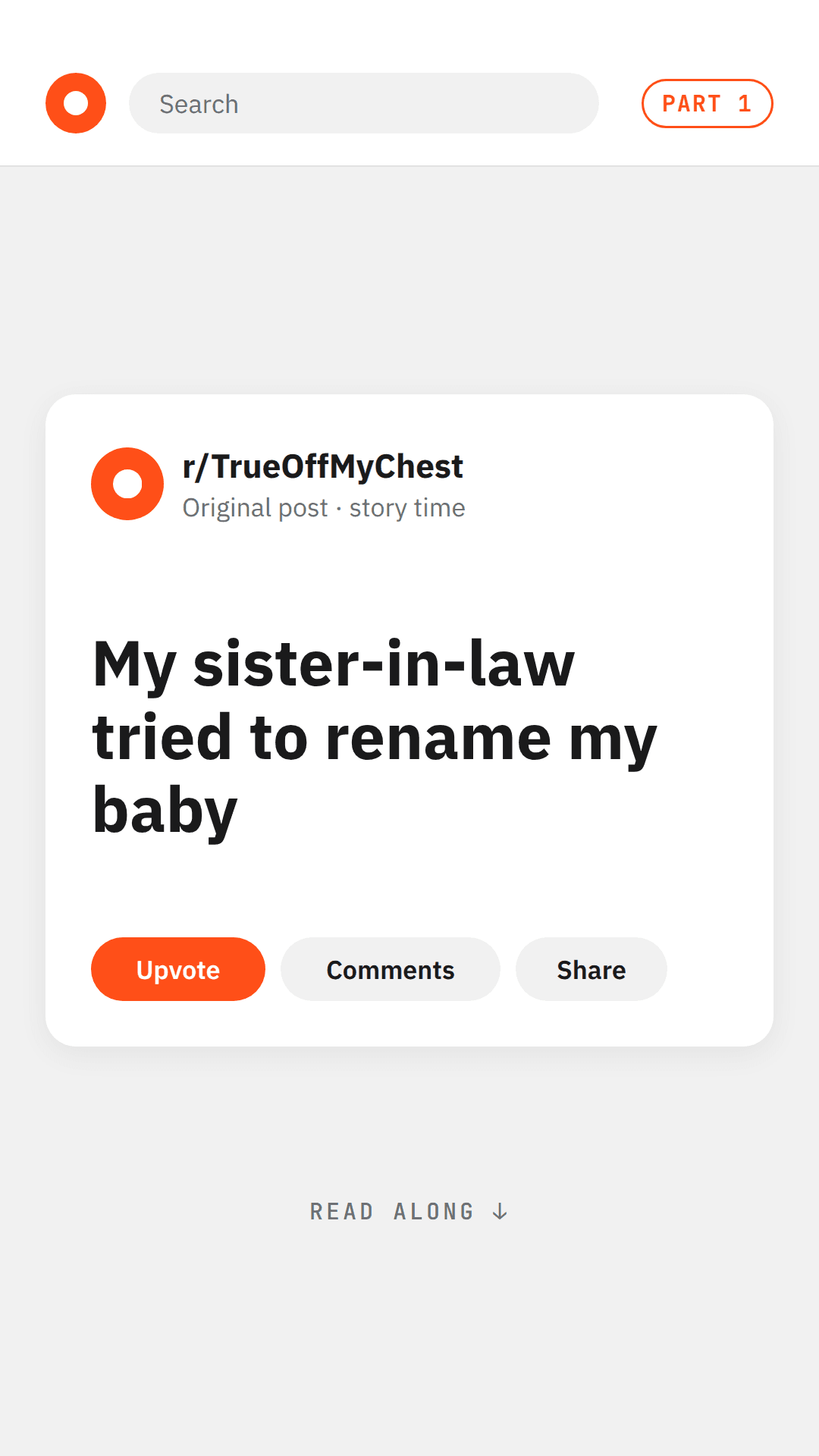
A screen-native story-reader short for faceless channels: a forum post card with the title and source, then three body pages in grey panels with a page counter and progress bar, and an end card that sets up the next part. 53 seconds, 9:16 (1080x1920). Dynamic fields: post_title, source_label, page_1, page_2, page_3 (up to about 380 characters each), part_label, outro_line and channel_handle. Longer stories render as several parts.

Motivational Quote Reel
The moving sibling of the Daily Quote card: one quote over slow, graded footage with an optional AI-narrated read. 23 seconds, 9:16 at 1080x1920, five scenes - a title card, the quote, the attribution, a near-black quote card built to be screenshotted, and a follow outro - in near-black, warm white and a single warm-amber accent, set in Cormorant Garamond with JetBrains Mono furniture. Dynamic fields: series_label, date_label, the_line, attribution, handle (text), background_clip (video) and narration (sound, filled per render with a text-to-speech value). It uses the same field names as the Daily Social Card - Quote, so one row a day renders both the square card and the vertical reel.