
Renderly AI Video: Prompt-Made B-Roll Inside Your Renders
Renderly now generates short AI video clips from prompts and puts them in your template. 0.5 credits per second, about a minute per clip, repeats free.

Founder
The fourth AI feature in Renderly is live today: AI video. You put a text prompt on a video slot in your template, and Renderly generates a short moving clip for it, places it in the slot, and renders the finished video. Real b-roll, no stock library, no second tool.
Last week we shipped AI images. Moving backgrounds were the obvious next step, and now they work the same way. Here's the shape of a request:
POST https://renderly.video/api/v1/renders
Authorization: Bearer rnd_...

{
  "templateId": "your-template-id",
  "videoStyle": "cinematic, golden hour, shallow depth of field",
  "replacements": {
    "clip_a": { "video": { "prompt": "slow drone shot over misty pine forest at dawn" } },
    "clip_b": { "video": { "prompt": "waves rolling onto a quiet sandy beach, gentle camera push in" } }
  }
}We ran exactly those two prompts on production, in an 18-second composition with a 6-second slot and a 12-second slot. The render answered at once with status: "GENERATING", both clips were ready in about a minute, and the finished video was done 155 seconds after the request. It cost 7.5 credits: 3 for the 6-second clip, 4 for the 8-second clip, and 0.5 for the render.

The third frame is the interesting one. The beach slot is 12 seconds long, but clips top out at 8, so Renderly made an 8-second clip and looped it. That frame comes from after the clip's first pass ended, and you can't tell.
Key Takeaways
- A video variable now accepts
{"video": {"prompt": "..."}}, and one render call makes the clips and the video- Clips are 4, 6 or 8 seconds at 720p with no audio; a longer slot loops the clip
- 0.5 credits per second (fast) or 1.5 (quality), charged only for clips that succeed
- The render shows
GENERATINGwhile clips are made, usually about a minute; an identical request is free
What's in the release?
AI video in renders. Any isDynamic video layer accepts a video value instead of a URL. It works with templates, saved projects and raw inputProps, up to 6 clips per render, and it mixes freely with text, images, voiceover and captions.
A new render status. While clips are being made, GET /api/v1/renders/:id returns status: "GENERATING" plus aiVideos: { total, completed }. When the last clip is ready, the render moves to PENDING and the normal flow takes over. Your webhooks work the same as before.
A standalone endpoint. POST /api/v1/ai/videos starts one clip and returns a job id straight away. Poll GET /api/v1/ai/jobs/:id until it's COMPLETED, and the clip is in your media library. Use it to try a prompt before you put it in a template.
An MCP tool. renderly_generate_video lets Claude and other AI assistants make clips, and renderly_create_render accepts video values too. It's available on API-key connections today.
AI video works through the API and MCP only. The dashboard editor has no AI video button, so send a render request to use it.
Each video value takes a few optional fields:
| Field | Values | Default |
|---|---|---|
prompt | What the clip shows, up to 2,000 characters | required |
tier | fast or quality | fast |
duration | 4, 6 or 8 seconds | shortest that covers the slot |
aspectRatio | 16:9 or 9:16 | the shape of the slot |
style | Free text placed before the prompt | the render's videoStyle |
Why does the render wait in GENERATING?
Because a video clip takes longer to make than an image. Our probes measured about 45 to 60 seconds for a 4-second clip, and a render can ask for several. So instead of holding your request open, Renderly answers right away, makes the clips in the background, and starts the render the moment they're ready.
You don't have to do anything new. If you already poll the render status or listen for the render.completed webhook, AI video renders just take a minute longer. If you want to show progress, aiVideos.completed counts up as each clip finishes.
How do AI video clips fit the slot?
Renderly reads the box of the video layer you're filling. A landscape background gets a 16:9 clip and a vertical slot in a short gets a 9:16 one. The length comes from the slot too: the shortest clip that covers it, up to 8 seconds.
When a slot is longer than 8 seconds, the clip loops. We picked looping over slowing the clip down because b-roll is made for it: water, trees, traffic and crowds repeat without anyone noticing, while slow motion looks odd past a small stretch.
Want the clips in one look? A shared videoStyle, such as "cinematic, golden hour", goes in front of every prompt in the render, and a per-clip style replaces it for one slot. It works the same way as imageStyle for AI images.
What does it cost?
AI video draws from the same credit balance as rendering, priced per generated second:
| Clip length | Fast | Quality |
|---|---|---|
| 4 seconds | 2 credits | 6 credits |
| 6 seconds | 3 credits | 9 credits |
| 8 seconds | 4 credits | 12 credits |
You pay for the clip you get, not the slot it fills, so a looped 8-second clip in a 12-second slot costs 4 credits on the fast tier.
Repeats are free. Renderly stores every clip. When we sent the same two-clip render again, both clips came from storage: no GENERATING step at all, and the charge was 0.5 credits, just the render. Change the videoSeed when you want a fresh take.
Failures are refunded. We also tested a prompt the provider refuses, a real celebrity likeness. The render failed after 39 seconds with the message "The video prompt was refused by the provider's safety filter", all 2.5 credits came back, and our test webhook received one render.failed event. Before any of that, Renderly checks every prompt, every target layer and your balance, so a typo in a variable name costs nothing.
Previews never generate video, because a preview can't wait a minute. They list the clips they skipped under aiSkipped.videos and charge nothing.
Getting started
API keys are self-serve. Grab one from your Renderly dashboard under Settings → API Keys.
The quickest way to try it is one clip:
curl https://renderly.video/api/v1/ai/videos \
  -H "Authorization: Bearer rnd_..." \
  -H "Content-Type: application/json" \
-d '{ "prompt": "waves rolling onto a quiet sandy beach", "duration": 4 }'Then put prompts on the video slots of any template:
- AI features guide - fields, pricing, the GENERATING status and the full examples
- Rendering guide - render statuses, polling and webhooks
- MCP guide - generate clips and videos from Claude
- API reference - the OpenAPI spec, under the "AI" tag
AI video also completes the faceless-video toolkit. Put a script on a voiceover slot, prompts on your image and video slots, and a transcribe value on the captions, and one request returns a narrated, captioned short with moving b-roll. Start with AI voiceover and auto-captions and AI images if you haven't used them yet.
If you build something with AI video, we'd like to see it. Write to us at support@renderly.video.
Frequently asked
What does the Renderly AI video feature do?
How much does AI video cost?
How long does a clip take to generate?
What happens when a template slot is longer than the clip?
What if the AI provider refuses my prompt?
Can I combine AI video with AI images and voiceover?
Related Articles
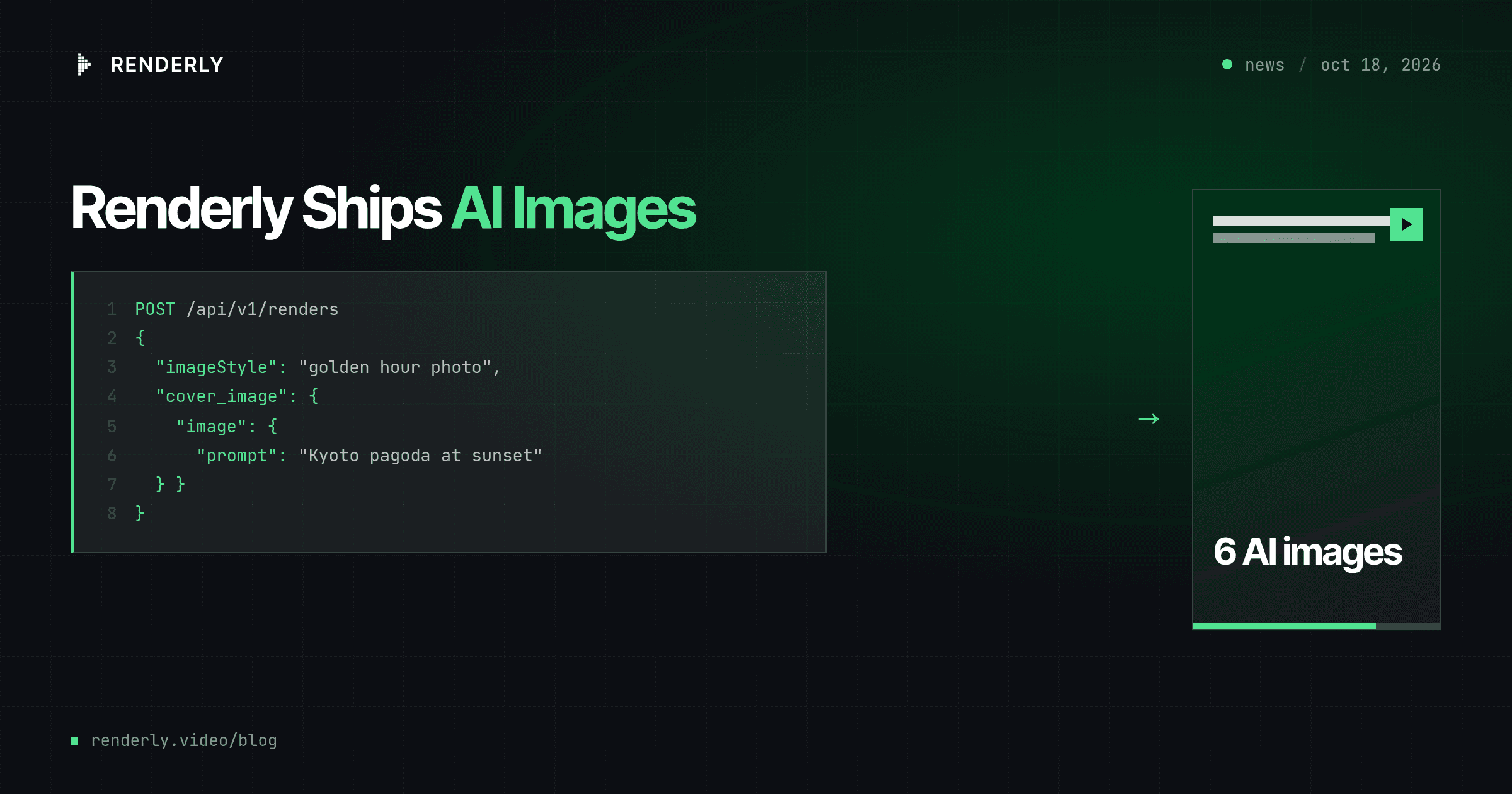
Renderly Ships AI Images: Prompts In, Finished Video Out
Renderly now generates the images of your video from text prompts inside the render call. 0.5 credits per image, 0.2 on the fast tier, and repeats are free.
October 18, 2026
Renderly Ships AI Voiceover and Auto-Captions
Renderly now turns a script into a narrated, word-synced-captioned video in one API call. AI voiceover (12 curated voices, 992-voice catalogue) + auto-captions, flat credit pricing.
July 19, 2026
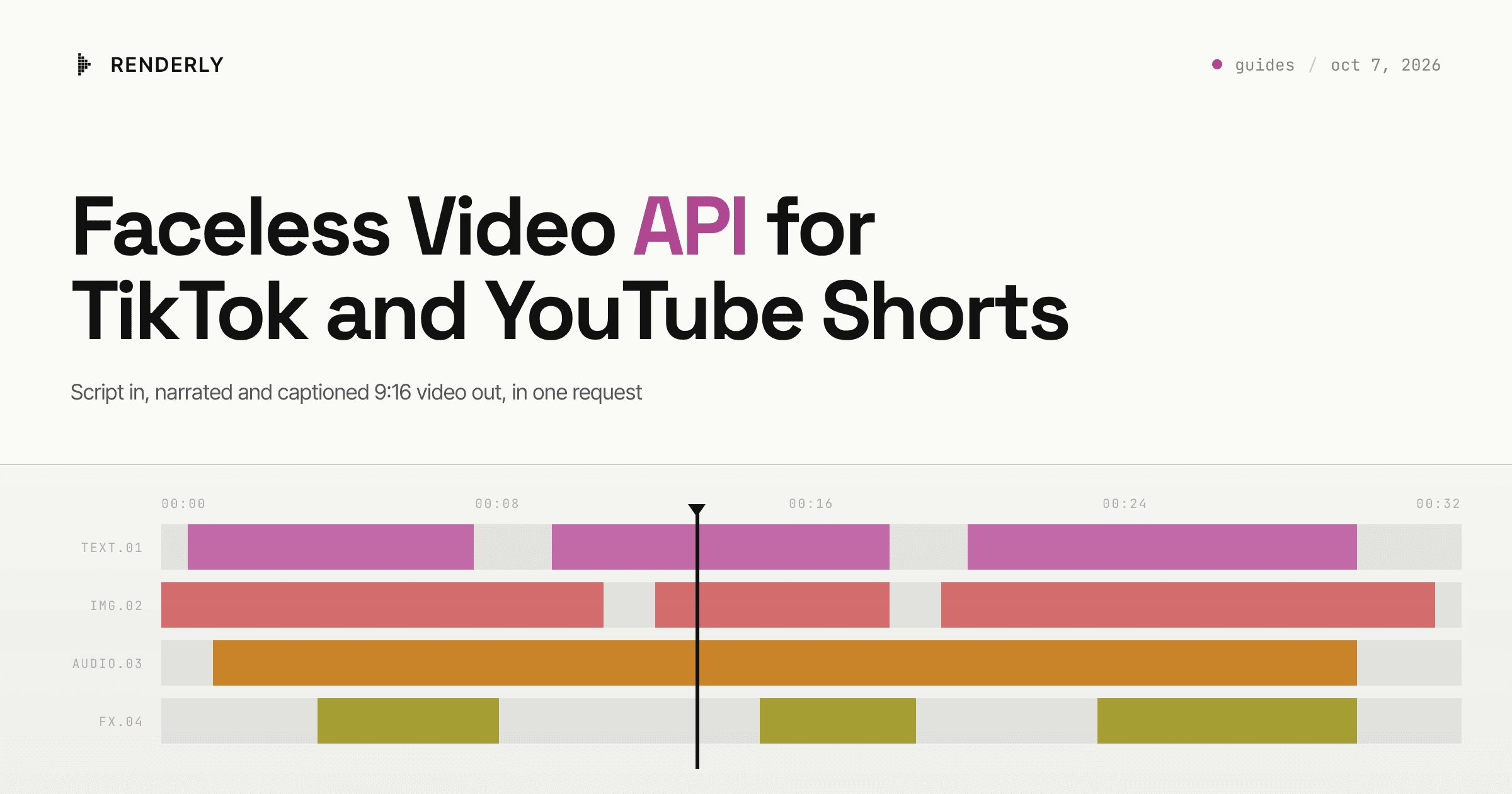
Faceless Video API for TikTok and YouTube Shorts
Turn a script into a 9:16 faceless video with AI voiceover and word-synced captions in one API call. The request, the real cost per clip, and how to post it.
October 7, 2026
How to Set Up Video Rendering Webhooks (Production Guide)
Video rendering is asynchronous — polling wastes 90%+ of requests. This guide covers HMAC SHA-256 signature verification, retry semantics, idempotency, and the raw-body pitfall that breaks most webhook handlers.
May 28, 2026