
Event / Webinar - Promo + Reminder
A two-faced 32-second 16:9 event template that serves both the acquisition push and the personalized confirmation in one render: scenes 01-03 are the hype promo (event title, the speaker, and a "Save your seat" CTA climax on a full accent-blue field) and scenes 04-07 are the personalized reminder (a "You're in, {name}" confirmation, a "See you Thursday" countdown beat, a clean invite recap card, and a quiet brand sign-off). Near-black promo flips to cool-white reminder, tied together by an electric-blue accent. Swap eight dynamic fields - event title, event datetime, day label, first name, speaker name, speaker title, speaker headshot, and host logo - to batch-render a promo blast for a list and a unique confirmation/reminder for every registrant off an event-platform webhook.
- Aspect ratio
- 16:9 · Horizontal
- Duration
- ~32s
- Category
- Events
Try it with your own copy
Edit a field and the frame re-renders in your browser. No account, no credits - previews are free because they cost a browser paint, not a render.
What you can customize
This template exposes 8 dynamic fields you can swap per video - edit them in the editor or pass them to the API to batch-render variations at scale. The monospace name is the exact key to send in replacements.
Host Logo
urlhost_logohttps://renderly-video.s3.ap-east-1.amazonaws.com/templates/event-webinar-northwind-logo.png
Event Title
textevent_titleThe Programmatic Video Playbook
~57 characters max · 2 lines
Event Datetime
textevent_datetimeThu, Jun 26 · 11:00 AM PT
~50 characters max · 1 line
Speaker Headshot
urlspeaker_headshothttps://renderly-video.s3.ap-east-1.amazonaws.com/templates/event-webinar-speaker.jpg
Speaker Name
textspeaker_nameDr. Mara Vance
~22 characters max · 1 line
Speaker Title
textspeaker_titleVP Engineering, Renderly
~49 characters max · 1 line
First Name
textfirst_nameSarah
~7 characters max · 1 line
Day Label
textday_labelTHURSDAY
~16 characters max · 1 line
Render it from the API
Copy either call below. Both already carry this template's ID and its real variable keys - swap the values for your own.
1. Preview it — free
Same body as a render. Costs no credits, creates no job. Returns a public URL that plays the video in a browser, plus a list of problems with your payload — a mistyped key is otherwise ignored in silence.
curl -X POST https://renderly.video/api/v1/previews \
  -H "Authorization: Bearer $RENDERLY_API_KEY" \
  -H "Content-Type: application/json" \
  -d '{
  "templateId": "event-webinar-promo-reminder",
  "replacements": {
    "host_logo": "https://renderly-video.s3.ap-east-1.amazonaws.com/templates/event-webinar-northwind-logo.png",
    "event_title": "The Programmatic\nVideo Playbook",
    "event_datetime": "Thu, Jun 26 · 11:00 AM PT",
    "speaker_headshot": "https://renderly-video.s3.ap-east-1.amazonaws.com/templates/event-webinar-speaker.jpg",
    "speaker_name": "Dr. Mara Vance",
    "speaker_title": "VP Engineering, Renderly"
  }
}'2. Render it
Change one word in the URL. Keep templateId — it is what links your call to this template, so later improvements reach you automatically.
curl -X POST https://renderly.video/api/v1/renders \
  -H "Authorization: Bearer $RENDERLY_API_KEY" \
  -H "Content-Type: application/json" \
  -d '{
  "templateId": "event-webinar-promo-reminder",
  "replacements": {
    "host_logo": "https://renderly-video.s3.ap-east-1.amazonaws.com/templates/event-webinar-northwind-logo.png",
    "event_title": "The Programmatic\nVideo Playbook",
    "event_datetime": "Thu, Jun 26 · 11:00 AM PT",
    "speaker_headshot": "https://renderly-video.s3.ap-east-1.amazonaws.com/templates/event-webinar-speaker.jpg",
    "speaker_name": "Dr. Mara Vance",
    "speaker_title": "VP Engineering, Renderly"
  }
}'The body above shows 6 of 8 variables. Send any subset — every key you leave out renders its authored default. Read the full contract, with character limits, from GET /api/v1/templates/event-webinar-promo-reminder/variables. See the previewing guide, the rendering guide, or the OpenAPI spec.
Frequently asked questions
How do I customize the Event / Webinar - Promo + Reminder template?
Open the template in the Renderly editor and replace its 8 customizable fields (such as Host Logo) with your own text, images, or video. Every change previews instantly before you render.
How much does it cost to render this template?
Rendering is credit-based - 1 credit equals 1 minute of 1080p video, billed by the second. You only pay when you export, and credits never expire on the pay-as-you-go plan.
Can I generate this video at scale via the API?
Yes. POST this template's ID and a replacements object to /api/v1/renders - one call per row of data, 8 fields swappable per video. Send the same body to /api/v1/previews first to check it for free. No-code integrations like Zapier work the same way.
More Events templates
Conference Booth Invite
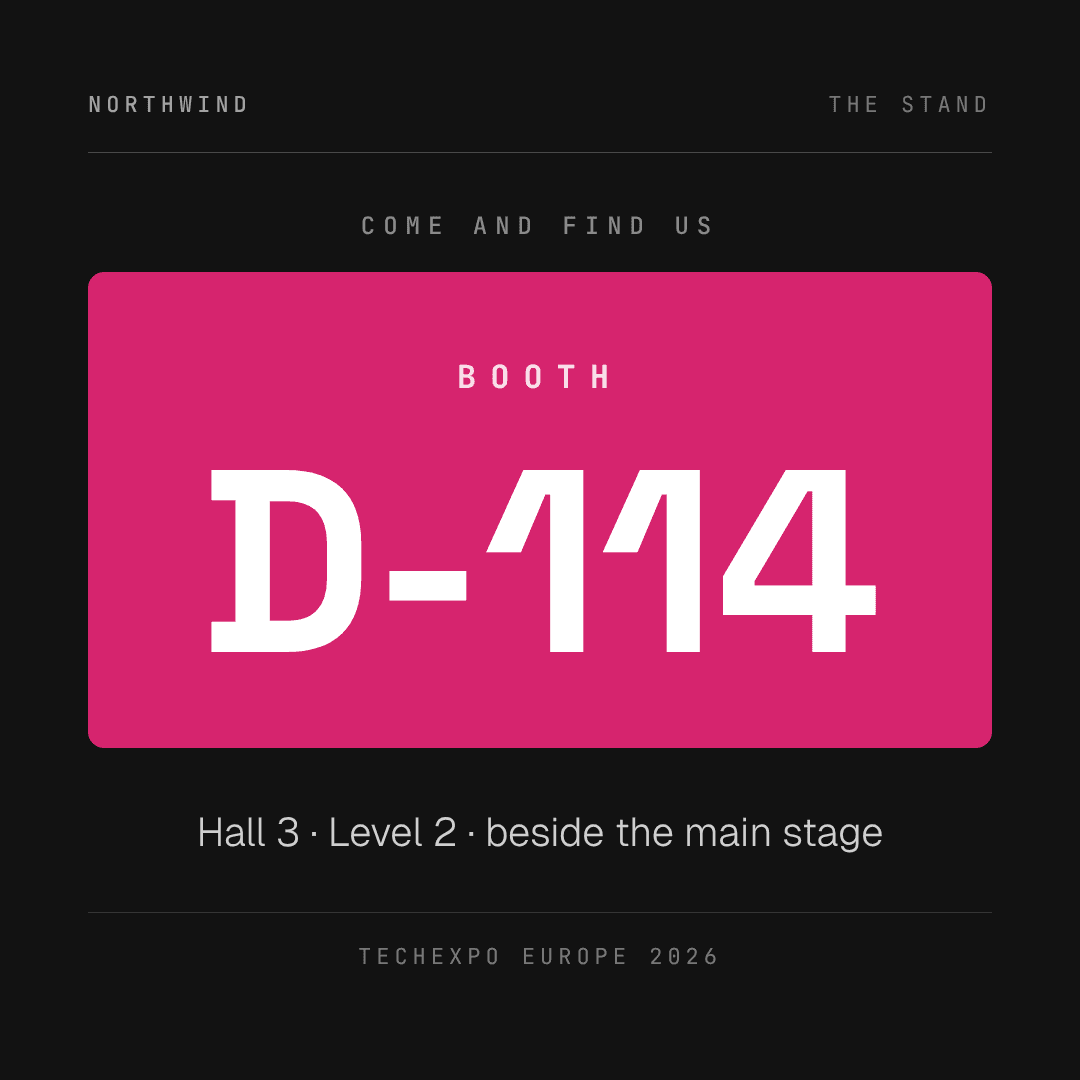
The pre-event card an exhibitor sends the week before a trade show: we're at this show, we're at this booth, come and find us. Four scenes in 25 seconds at 1080x1080 (1:1), built backwards from the booth number — scene 02 spends the entire frame on a magenta slab carrying the stand code at 260px, the one fact a reader has to recall from a muted autoplay. The ground flips paper to ink to paper to magenta so the piece keeps moving without a transition effect, and the close stacks show, dates and stand into a white recap card that works as a standalone screenshot. Twelve dynamic fields are swapped per render: company_name, event_name, event_dates, event_venue and the event_image photograph set the show; booth_number and booth_hall carry the wayfinding; offer_1, offer_2 and offer_3 give three reasons to walk over; cta_label and cta_url close the ask. The minimum viable set is five (company_name, event_name, event_dates, booth_number, cta_url) — a team doing eight shows a year fills a spreadsheet once and gets eight cards.
Yoga & Meditation Studio Session
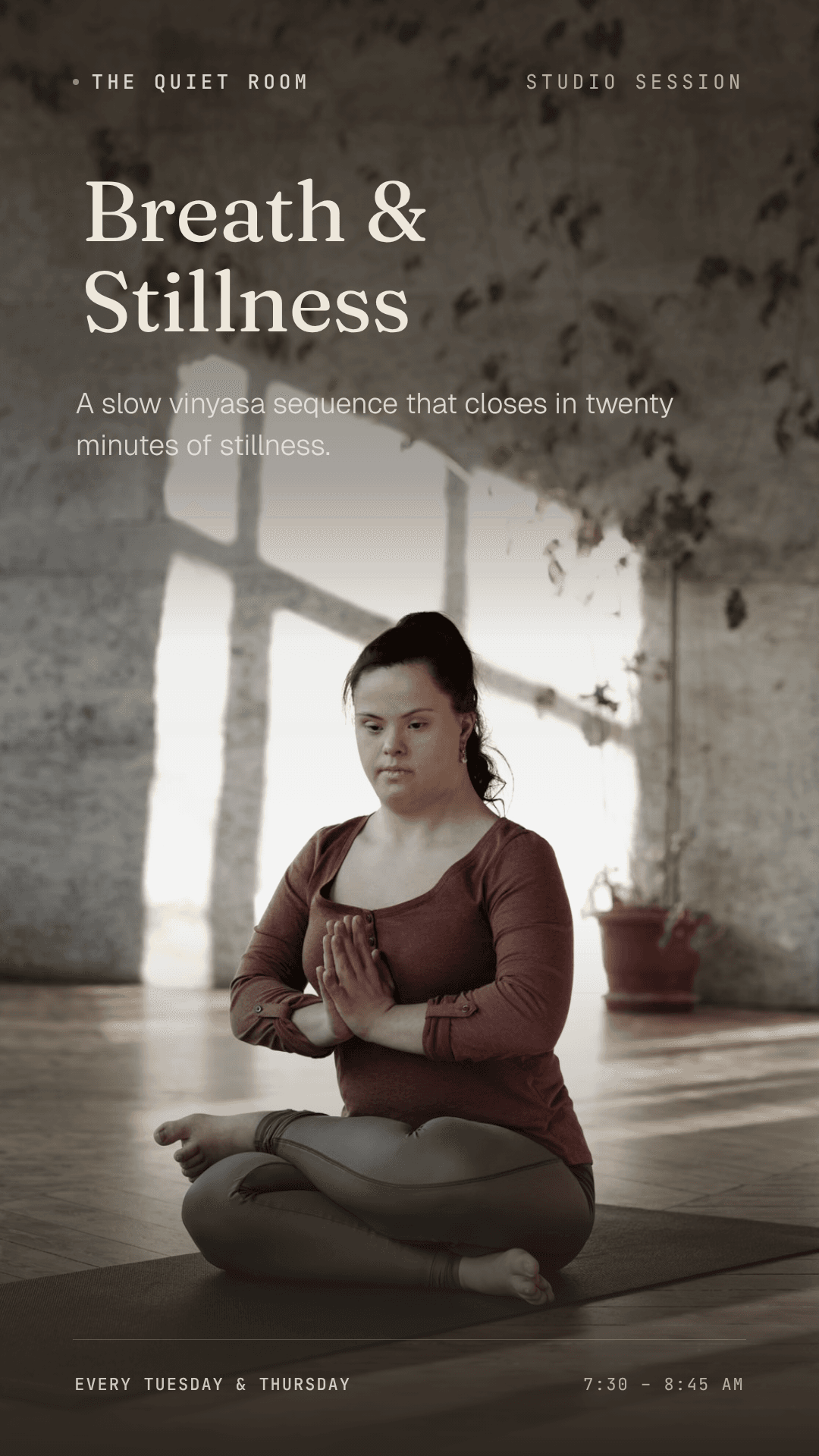
A 41-second, 1080×1920 (9:16) weekly-session announcement for a yoga, meditation, or breathwork studio, built from a 6-scene design handoff (Breath & Stillness). It opens on a full-bleed hero photo naming the session, holds a completely static "breathing rings" beat with no copy, introduces the teacher against a clay ground, lays out day/time/location on an oat ground, recaps everything on a saturated sage card, and closes on a second full-bleed photo with the booking link — fading to a dark tone rather than cutting to black. Fourteen dynamic fields swap per render: 11 text (studio_name, session_name, session_line, teacher_name, teacher_title, teacher_note, session_day, session_time, session_location, booking_line, booking_note) and 3 images (hero_photo, teacher_photo, closing_photo), letting one studio re-render the same template for any recurring class by only changing the session, teacher, and schedule.
Halloween Event & Offer
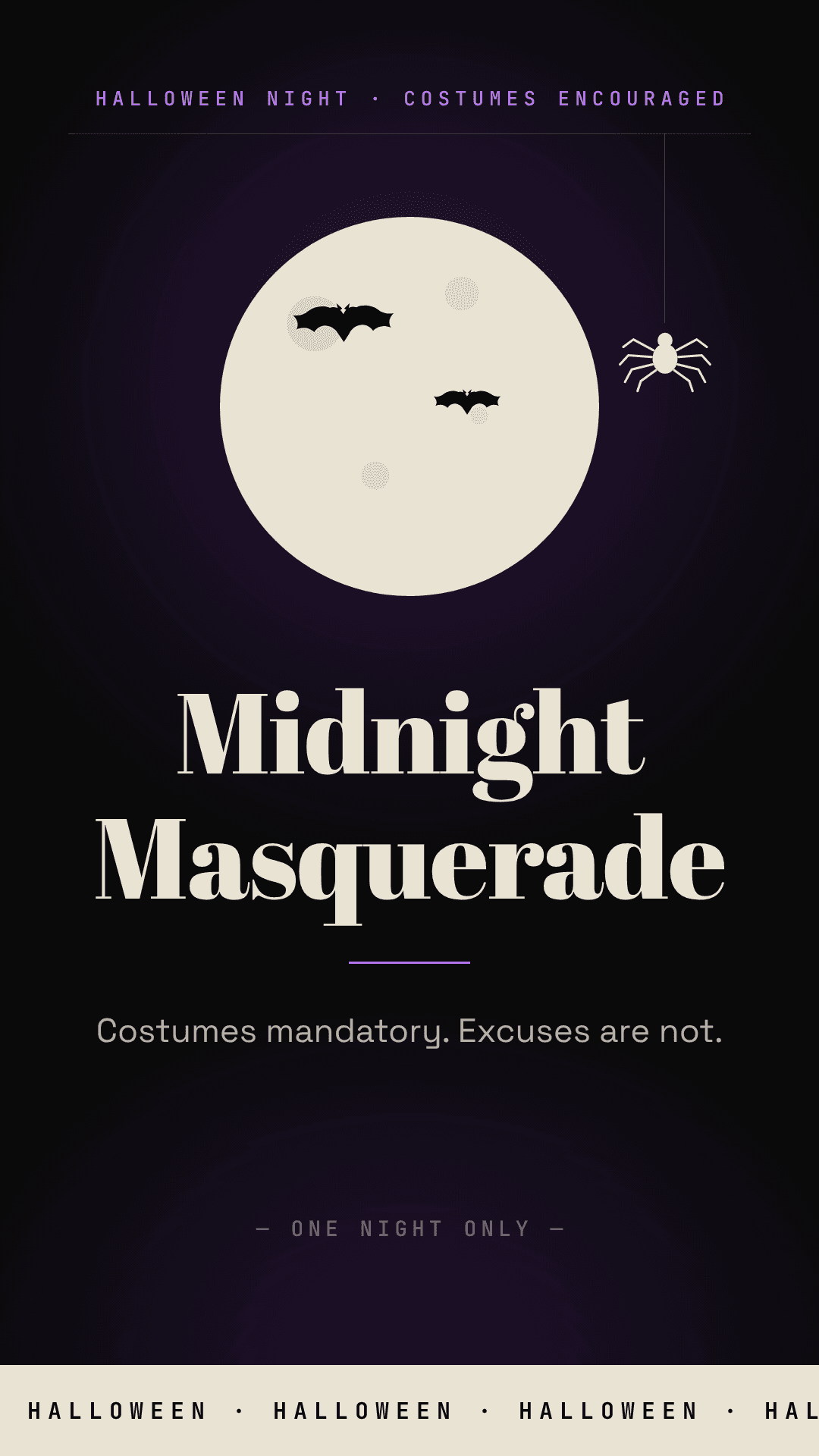
A Halloween poster in motion for bars, restaurants, gyms and retailers — five scenes that carry the event, the date, the venue and the offer, plus the link that turns a viewer into a booking. 1080×1920 (9:16), 36 seconds at 30fps. The register is a good bar's flyer rather than a horror film: a fat-face Abril Fatface didone set in title case on void black, a poison-purple accent, and deliberately no orange — the whole spooky budget is three drawings (a bone moon, one spider on a thread, a family of scallop-winged bats). The ground flips scene to scene (void, bone, graded photo, a full purple flood for the offer, void) so each cut lands like a switch being thrown. Twelve fields swap per render: event_name, event_tagline, event_date, door_time, venue_name, venue_address, venue_photo (the one photograph, full-bleed 9:16 and hard-graded into the palette), offer_value (the graphic claim inside the black stamp), offer_detail, offer_terms (optional — a discount code or a house rule), cta_line, and brand_logo (optional — it replaces the moon mark). event_date appears three times in three treatments and event_name, door_time, venue_name and offer_detail each appear twice, so one CSV row per venue renders a whole street's worth of posters, and next year the same rows render again with two fields changed.