
The Complete Guide to Automating Video Creation in 2026
Automate video creation in 2026 with templates, APIs, and AI agents. An expert production company charges about $1,000/min; a template render, $0.10-0.20.

Founder
Updated September 2026: agency pricing re-checked against its source, a no-code vs. API cost model built from Zapier's and Make's current price ladders, and OpenAI's removal of its video API.
A 31-second property video, narrated by an AI voice, cost us 1.5 credits to produce: about $0.30, from one API call, with no microphone and no editor. An expert production company charges about $1,000 per finished minute for a produced video (Synthesia, 2025). That gap is the entire story of video automation.
The adoption curve has caught up to it. 63% of video marketers used AI tools to create or edit video in 2026, up from 51% the year before, in a survey with twelve consecutive years of data behind it (Wyzowl, 2026). Video stopped being a project somewhere in that jump. It became a pipeline.
This guide maps the 2026 terrain: what video automation actually is, the three competing architectures, which tools fit which jobs, and how to build your first automated workflow this week. Whether you're a marketing ops lead drowning in personalized video requests or a developer sizing up a video API, you'll leave with a concrete plan.
One warning before we start. The statistics circulating about this market are unusually bad, and a few of the most-quoted numbers are off by an order of magnitude. We check the big ones as we go.
Key Takeaways
- A template render costs $0.10-0.20 per finished minute at 1080p on Renderly's published rates, against about $1,000 per minute from an expert production company (Synthesia, 2025)
- 63% of video marketers used AI tools to create or edit video in 2026, up from 51% a year earlier (Wyzowl, 2026)
- The no-code fee rarely forces the move to an API. At 1,000 videos a month it's about 7 cents a video on Zapier and 1 cent on Make - the logic outgrows the builder first
- There are now three integration surfaces, not two: no-code builders, direct API, and AI agents calling render tools over MCP
- The widely-quoted "$11.2B AI video market" figure is wrong by roughly 10x. Independent research puts 2025 at $717-788 million
What Is Video Automation in 2026?
Video automation is the use of software, APIs, and AI to programmatically generate or assemble videos from reusable templates and structured data, replacing manual tasks like inserting text, syncing audio, trimming clips, and exporting renders. 63% of video marketers used AI tools to create or edit video in 2026, up from 51% a year earlier (Wyzowl, 2026), and 91% of businesses now use video marketing at all, tied for an all-time high in that survey.
The term covers a much wider surface than most people think. It isn't only "AI makes a video for you." It's also a Zapier Zap that renders a welcome clip when a new customer signs up. It's a nightly job that turns 500 product rows into 500 Shopify demos. It's a webhook that fires a personalized outreach video the moment a lead hits the CRM.

The important distinction, and the one most articles blur, is between generation and assembly. Generation means creating net-new pixels with a model (Runway, Veo, Pika). Assembly means arranging pre-made or templated assets programmatically, which is what a template render API like Renderly does. Both are "automation." They have very different cost curves, quality profiles, and failure modes.
That boundary moved in 2026, and it's worth being precise about how. Assembly engines started generating audio even though they still don't generate pixels: text-to-speech narration from a script field, and speech-to-text captions transcribed back off that narration. So a template render can now produce something that didn't exist before the request, without any of the cost or brand-control problems of generative video. If you learned the generation/assembly split in 2024, update it: the line is about pixels now, not about whether a model is involved.
Most "AI video" coverage still conflates the two. For business use cases like ads, product demos, personalized outreach, and localization, assembly almost always wins on consistency and cost. Generation shines when you genuinely need novel footage that doesn't exist yet.
Why Automate? The ROI Case for 2026
An expert production company charges about $1,000 per minute of finished video, and a remote production company $250-500 (Synthesia, 2025). A template render costs $0.10-0.20 per minute at 1080p on Renderly's published rates. Those numbers don't measure the same work. The agency figure covers concept, script, crew, and shoot. But once a template exists, every variation after the first lands on the low number, and that's where automation earns its keep.
The cost gap is the headline. The speed story matters just as much. A standard corporate video takes about eight weeks from kickoff to final delivery (Lemonlight, 2026); a template render comes back in minutes. That doesn't only save money, it changes what marketing can attempt. Campaigns can react to news the same day. Sales reps can personalize outreach on demand. Product teams can ship a demo video with every release note.
There's a second-order effect that's easy to miss. When the marginal cost of a variation approaches zero, output multiplies, and more output means more experiments, more learning, more winners. Teams that automate don't only save money. They compound faster.
An itemized receipt makes the point better than a percentage does. A 31-second real estate listing video we rendered in July 2026, narrated by a 77-word AI voiceover, came to 1.5 credits: 1.0 for the render, 0.5 for the voiceover. At pay-as-you-go rates of $0.20 per credit, that's $0.30 for the finished file, or $0.15 on a subscription. Burning in word-synced captions transcribed from that same narration would have added nothing - those captions are free, since the word timings come back with the narration audio itself and there's nothing left to transcribe. There's no line item for a studio, a microphone, or an editor, because there wasn't one.
For the deeper economic breakdown, see our video API vs. traditional production cost comparison, and for the narration workflow specifically, our walkthrough of adding an AI voiceover to a listing video.
The Three Architectures of Automated Video
Automated video in 2026 falls into three distinct architectures: pure AI generation (Runway, Veo, Pika), template-based assembly (template render APIs such as Renderly), and hybrid pipelines that combine both. They aren't competitors so much as different tools for different jobs. Independent research sizes the AI video generator market at $716.8 million in 2025, growing to a projected $847 million in 2026 at an 18.8% CAGR (Fortune Business Insights, 2026), and all three architectures are growing inside that number.
That figure deserves a footnote, because you have probably seen a much larger one. A claim that the AI video market "hit $11.2 billion in 2025 and will reach $71.5 billion by 2030" circulates widely on statistics-roundup blogs. We went looking for its primary source and couldn't find one. Every firm that actually publishes a methodology lands roughly an order of magnitude lower:
| Source | 2025 market size | Projection | CAGR |
|---|---|---|---|
| Fortune Business Insights | $716.8M | $3.35B by 2034 | 18.8% |
| Grand View Research | $788.5M | $3.44B by 2033 | 20.3% |
| Research and Markets | $1.07B | $1.97B by 2030 | 12.8% |
| Widely-quoted blog figure | $11.2B | $71.5B by 2030 | 36% |
The three sourced estimates disagree with each other by a factor of about 1.5, which is normal for a young category where "AI video generator" means different things to different analysts. The fourth number disagrees with all of them by a factor of eleven. Treat it as folklore. This matters practically: if you're building a business case on market size, a 10x error in your top-line number will not survive a finance review.
Pure generation creates novel footage from a text prompt or storyboard. It's magical for creative exploration and scenes that don't exist - a giraffe on a skateboard, a fictional product in motion, abstract B-roll. The trade-offs: high cost per second, limited brand control, and variable consistency between runs.
There's a fourth trade-off, and 2026 made it concrete: the model can disappear. OpenAI removed its Videos API and every Sora 2 model on September 24, 2026, and its deprecations page lists no replacement. Any product that called that endpoint needs a new provider, and a new provider means new prompts and a different look. We cover where to move former Sora 2 calls in a separate guide. A template has no such dependency. The same JSON renders the same video next year.
Template-based assembly defines a video "shell" with static branding and dynamic slots (text, images, video backgrounds, colors). You pass data, the engine populates the slots, and you get a perfectly on-brand render. It's predictable, cheap at scale, and easy to QA. Variation is bounded, which is a feature, not a bug, for business video.
Hybrid combines them: use AI to generate novel B-roll, then drop it into a templated frame for titles, logos, lower thirds, and CTAs. You get creative freedom where it matters and brand discipline everywhere else.
Which one fits? Ask whether the video is the same shape every time. A welcome clip, a product demo, a captioned short with the same layout every day - those are deterministic jobs, and a template does them cheaper and identically on every run. If you were asking a generative model for that kind of templated, captioned short-form, the work never needed new pixels. It needed a layout and a data feed.
How Does Template-Based Video Automation Work?
Template-based automation defines a reusable video shell where dynamic slots (text, images, video backgrounds, colors, durations, and now narration) get populated from a data source at render time: one shell, many payloads. A 30-second 1080p render costs 0.5 credits on Renderly, which is $0.05-0.10 depending on the plan, because renders bill in half-credit steps.
A template has five anatomical parts:
- Static layers - logo, brand colors, fonts, watermark, intro/outro
- Dynamic slots - marked fields (headline, product image, CTA text)
- Generated slots - fields filled by a model at render time rather than by your data, such as a narration track synthesized from a script string, or captions transcribed from that narration
- Data binding - mapping incoming JSON fields to slots
- Render config - output resolution, duration, aspect ratio, codec
Part three is the 2026 addition, and it's the one that quietly removes a whole stage from most pipelines. A narration slot used to mean you supplied an audio file, which meant you recorded one. Now the slot takes a script and produces the audio itself. The mechanics of how slots get named and bound are worth understanding properly before you build anything real, and we cover them in dynamic video templates.
The data source can be anything: a Google Sheets row, an Airtable record, a CRM contact, a webhook payload from Shopify. At render time, the engine walks the slot list, pulls values from the payload, and composites a finished MP4.
The magic isn't the render. It's that one template can produce unbounded variations. 500 products in a Shopify store? 500 demo videos from one template. 10,000 leads in a CRM? 10,000 personalized outreach clips. Want Spanish, French, and Portuguese versions? Same template, different data payloads.
This is exactly how teams produce personalized video at industrial scale, and the vertical playbooks differ more than you'd expect. We walk through a full end-to-end example in our guide to generating 1,000+ personalized videos, with vertical-specific builds for real estate listings, e-commerce catalogs, and sales outreach. Our personalized video at scale pillar covers the broader strategy, including why AI avatar fatigue is reshaping the production-approach decision in 2026.
No-Code vs. API: Which Path Should You Take?
Start no-code. On current monthly pricing, a four-step render flow costs about 7 cents a video in platform fees on Zapier at 1,000 videos a month, and about 1 cent on Make.com (Zapier and Make pricing pages, September 2026). Neither number forces the move to a direct API. What forces it is logic the builder can't hold.
That runs against the usual advice, which says to switch at some volume threshold. We used to say it too. When we priced the flow step by step against both vendors' current ladders, the fee turned out to be small next to everything else, so here is the model in full.
How the fee is counted. A typical render flow has four steps: a new spreadsheet row triggers it, one step calls the render API, a second trigger catches the render.completed webhook, and a final step writes the video URL back to the row. Zapier never charges a task for a trigger, and each successful action uses one, so this flow costs 2 tasks per video. Make counts every module action as one credit, triggers included, which puts the same flow at about 4 credits per video. That Make figure is our estimate from Make's counting rule, not a published example, and polling triggers can add more.
| Videos/month | Zapier tasks | Zapier Professional | Per video | Make credits (est.) | Make Core | Per video |
|---|---|---|---|---|---|---|
| 100 | 200 | $29.99 | $0.30 | 400 | $10.59 | $0.11 |
| 1,000 | 2,000 | $73.50 | $0.07 | 4,000 | $10.59 | $0.01 |
| 5,000 | 10,000 | $193.50 | $0.04 | 20,000 | $18.82 | $0.004 |
| 10,000 | 20,000 | $283.50 | $0.03 | 40,000 | $34.12 | $0.003 |
| 50,000 | 100,000 | $733.50 | $0.015 | 200,000 | $214.31 | $0.004 |
Monthly billing, read from zapier.com/pricing and make.com/en/pricing on 2026-09-23. Each volume uses the smallest tier that covers it. Annual billing is cheaper on both. At 100 videos, Make's free plan (1,000 credits) would cover the flow.
The number to compare the fee against is the render itself. A 30-second 1080p render costs $0.05-0.10 on Renderly's plans. So at 1,000 short videos a month, Zapier's 7 cents a video can nearly double what each video costs you, while Make's 1 cent barely registers. If the fee is what worries you, switch builders before you switch to code. At 50,000 videos a month, Zapier's $733.50 is about $8,800 a year, and a few days of engineering on a direct integration pays that back. Below that, it rarely does.
When to move to the API anyway. The real triggers aren't about money:
- Branching the builder can't express. Different templates per record, a narration only when a field is filled, a retry that changes the payload. Paths and filters cover some of this, and each extra action step adds a task.
- Batches. A scenario runs one row at a time. Submitting 5,000 renders at once, throttled, with one idempotency key per record, is ten lines of code and a long afternoon in a builder.
- Video inside your own product. If your users trigger the render, the call belongs in your backend, not in a Zap that you own and they can't see.
- Debugging at volume. When one render in a thousand fails, you want the request, the response and the job ID in your own logs, not in a task history you page through.
No-code strengths: zero engineering time, visual debugging, instant connections to 9,000+ apps on Zapier alone (Zapier, 2026), and an owner who doesn't need to code. You can ship a working Airtable-to-video pipeline in under an hour.
Direct API strengths: no platform fee, full control over retry logic, custom branching, batch submission, and observability in your own stack. The cost moves from a monthly fee to the engineering time someone spends to build and own the integration.
Many teams run both: no-code for experiments and one-off campaigns, the API for the stable pipeline that runs every night. A self-hosted n8n instance sits between them, with no per-task fee but a server you now maintain.
For concrete no-code walkthroughs, see our step-by-step guides for Zapier, Make.com, and n8n. Whichever route you take, wire up render webhooks early. Polling a render endpoint on a timer is the single most common way a working prototype turns into an expensive one.
Can AI Agents Render Video Now?
Yes, and this is the integration surface that appeared mid-2026: an AI assistant calls a render API directly as a tool, with no workflow builder and no glue code in between. The connective tissue is the Model Context Protocol, an open standard for exposing tools to AI applications that both Renderly and Vivideo now ship video servers for. If no-code was the second surface after raw API calls, agents are the third.
The practical difference is where the logic lives. In a Zap, you decide in advance what happens: this trigger, that field mapping, this render. With an agent, you describe the outcome and it assembles the call. "Take the three listings that went live this morning, write a 30-second narration for each in the same tone as last week's, and render them vertical for Reels" is a single instruction that would be a fairly involved scenario in Make.
Worth being honest about where this actually fits, because the demos oversell it. In our own use, agent-driven rendering has been excellent for the long tail: one-off videos, exploratory batches, the request that arrives on Slack at 4pm and doesn't justify building a workflow. It is not what you want running your nightly 5,000-render catalogue job. Agents are non-deterministic by design, and a pipeline you can't diff is a pipeline you can't debug at three in the morning.
So the decision tree grew a branch, but the old one still holds. Scheduled and high-volume work belongs in an API integration. Recurring business processes belong in a no-code scenario. Ad-hoc and exploratory work is where agents are genuinely faster than either. Our walkthrough of creating videos with Claude covers the setup end to end.
The 2026 Video Automation Stack
The modern video automation stack breaks into four layers: rendering engines, automation glue, data sources, and delivery. Most teams run exactly one tool per layer. Layer 1 is the one that locks you in. Swapping engines later means rebuilding every template you own, so this is the layer to think hardest about, and per-minute rates vary widely between vendors. Our video API pricing comparison puts the published rates side by side.

Layer 1 - Rendering engines produce the MP4. There are four kinds:
- Template render APIs - JSON in, MP4 out, with dynamic slots bound to your data. Renderly is one: Remotion-based, credit pricing, inline TTS and captions
- After Effects in the cloud - existing AE projects rendered with swapped text and media, best if your designers already live in AE
- Image APIs that added video - strong for social cards, usually thinner on timelines and audio
- Self-hosted FFmpeg or Remotion - no per-minute fee, but you own the servers, the queue and the codec upgrades. We cover that trade in FFmpeg alternatives
Layer 2 - Automation glue orchestrates triggers, data flow, and delivery:
- Zapier - widest app integration, best for marketers
- Make.com - visual scenarios, stronger branching, better at complex flows
- n8n - self-hostable, code-friendly, favored by engineers
- MCP servers - the 2026 entrant, letting AI assistants call render tools directly with no scenario to maintain
Layer 3 - Data sources feed the templates:
- Spreadsheets (Google Sheets, Airtable, Excel)
- CRMs (HubSpot, Salesforce, Pipedrive)
- E-commerce (Shopify, WooCommerce, Stripe)
- Event streams (webhooks, Segment, custom APIs)
Layer 4 - Delivery gets the video in front of the viewer:
- Webhooks to your app
- S3/CDN storage
- Email (Resend, SendGrid, Customer.io)
- Social APIs (YouTube, LinkedIn, TikTok)
Most 2026 stacks use one tool per layer. For a named, side-by-side look at layer 1, see our best video APIs for developers compared.
Building Your First Automated Video Workflow
One canonical six-step workflow covers most repeatable business video jobs: spreadsheet → no-code platform → template render API → webhook → delivery. It's where most teams start, and you can ship it this week.
Step 1 - Pick one high-value video job. Not all of them. Personalized welcome videos for new signups, product demo clips, or weekly recap videos are good starting points. Pick the one with the highest volume or highest manual cost.
Step 2 - Build the template. In Renderly (or any template render API), design a 15-30 second template with 3-5 dynamic slots. Keep it simple: a headline, a product image, a CTA, a background video. Resist the urge to make 14 variables. Make the template shippable, not perfect. If the video wants narration, add an empty narration slot now rather than later: it ships silent and costs nothing until a render fills it with a script.
Step 3 - Prepare your data source. Add columns in Airtable or Google Sheets that map 1:1 to your template slots. If your template has headline, product_image_url, and cta_text, your sheet has exactly those columns.
Step 4 - Wire up the automation. In Make.com, create a scenario: "When a new row is added to Airtable, call Renderly render endpoint with these fields." This step takes 15-20 minutes the first time, and at 2 Zapier tasks or about 4 Make credits per video it's the only recurring cost besides the render.
Step 5 - Handle the render webhook. Renderly fires a render.completed webhook when the MP4 is ready. Catch it in your automation tool and either update the Airtable row with the video URL or trigger delivery.
Step 6 - Deliver the video. Email the creator, post to a Slack channel, upload to the CRM, or attach to a drip campaign. The delivery step is where automation actually pays off - the video reaches the viewer without anyone touching a keyboard.
Once this pipeline is solid for one job, cloning it for the next one takes an afternoon, not a week. That's the compounding return of getting the first workflow right.
Common Pitfalls (and How to Avoid Them)
The five most common automation failures in 2026 are template rigidity, data-quality errors, render queue bottlenecks, brand drift from AI-generated assets, and narration that outruns the video. None of them is an edge case. Expect to hit at least one in your first month.
Template rigidity. Teams design a template for a specific campaign, then try to force-fit the next campaign into it. Result: ugly compromises and broken variants. Fix: build 3-4 base templates, not one universal one. Templates are cheap; awkward renders are expensive.
Data quality errors. Garbage in, garbage render. Empty headline fields produce blank cards. Missing product images produce missing products. Fix: validate your data source before hitting the render API. Required-field checks and image URL HEAD checks at ingest time save hours of failed renders later.
Render queue bottlenecks. Batch jobs of 1,000+ videos can clog queues, especially on cheaper plans. Fix: throttle submissions, and let the render.completed webhook tell you when each one finishes instead of polling. Don't submit 5,000 videos at 2pm on launch day. Spread them over the day before.
Brand drift from AI assets. Mixing AI-generated B-roll with brand templates can produce off-palette, off-tone visuals. Fix: lock AI generation to a constrained prompt library, review generated assets into an approved pool, and only template-swap from the pool. Never let a live prompt hit a customer-facing video.
Narration that outruns the video. This one is new, and it catches everybody once. A script field feels like text, so people write text: three sentences that read fine on the page and take 19 seconds to say over a 12-second scene. Fix: budget roughly 2.5 words per second of video and count before you render. A 30-second video holds about 75 words, not a paragraph.
Conclusion: Start With One Workflow
Video automation in 2026 isn't a question of whether. 91% of businesses use video marketing, 93% of video marketers call it an important part of their strategy, and 92% plan to spend the same or more on video in 2026 (Wyzowl, 2026). The question is what you automate first.
The best move isn't a grand automation strategy. It's picking one high-volume video job, building one template, wiring one data source, and shipping it this week. The second workflow takes half the time. The third is an afternoon. By the end of the quarter, you have a pipeline instead of a bottleneck.
So pick your highest-volume video need today. Build the minimum pipeline. Ship it. Then come back and build the next one. Nobody gets good at this in one heroic push. You get there one workflow at a time.
Ready to render your first automated video? Start with Renderly's Zapier integration or compare the engines in our best video APIs for developers breakdown to pick the right layer 1 for your stack.
Frequently asked
How much does it cost to automate video creation?
What's the best video automation tool in 2026?
Can I automate video creation without coding?
How many videos can I generate per month?
Can an automated video include a voiceover?
Is AI-generated video good enough for brand marketing?
Related Articles
How to Automate Video Creation with Zapier (Step-by-Step Guide)
Automate video creation with Zapier and Renderly across 9,000+ apps. Two Zapier tasks per video, credits refunded on failure — the full build plus the real cost math.
August 18, 2026
How to Build Automated Video Workflows with n8n (Step-by-Step Guide)
n8n hit 183k+ GitHub stars and 230k+ active users in 2026 — the fastest-growing workflow automation platform. This guide walks through building a video automation workflow with n8n + Renderly's API in under 45 minutes.
May 25, 2026
Dynamic Video Templates: Variable-Based Video Creation
91% of businesses use video and 82% report good ROI (Wyzowl 2026). Dynamic video templates let you build one design and render thousands of unique videos.
July 16, 2026
Personalized Video at Scale: The Complete Guide (2026)
83% of consumers can spot AI video and 36% trust those brands less. Here's how to scale personalized video in 2026 without falling into the avatar trap.
June 4, 2026
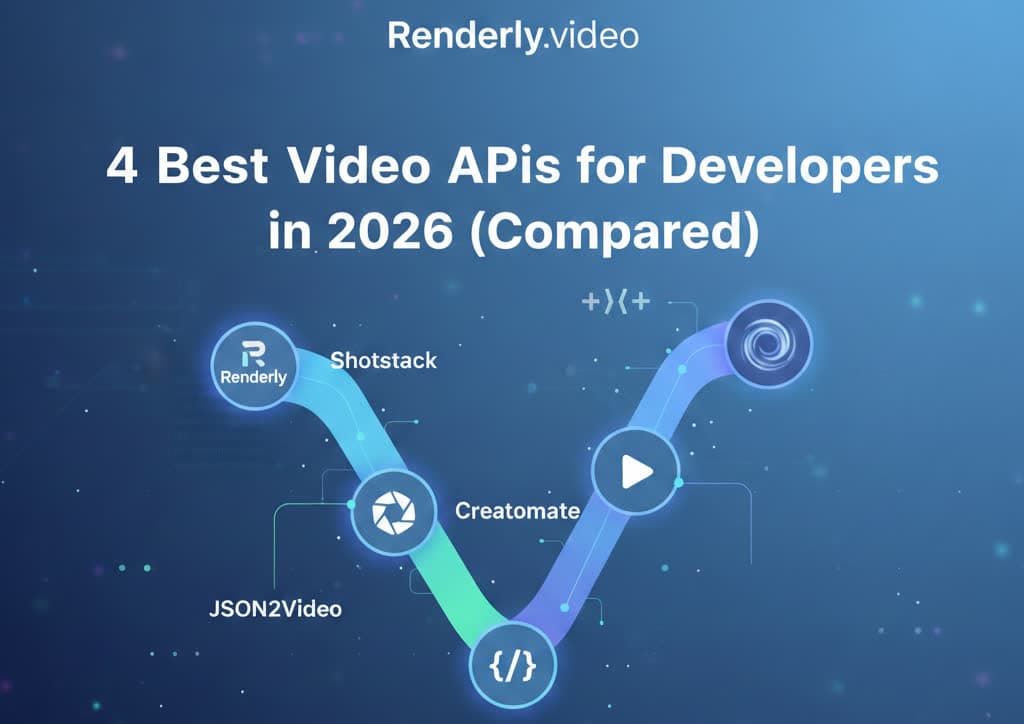
4 Best Video APIs for Developers (2026 Mid-Year Update)
We compared Renderly, Shotstack, Creatomate, and JSON2Video on price, speed, and DX. Subscription costs run $0.10 to $0.84 per minute at 1080p.
June 8, 2026
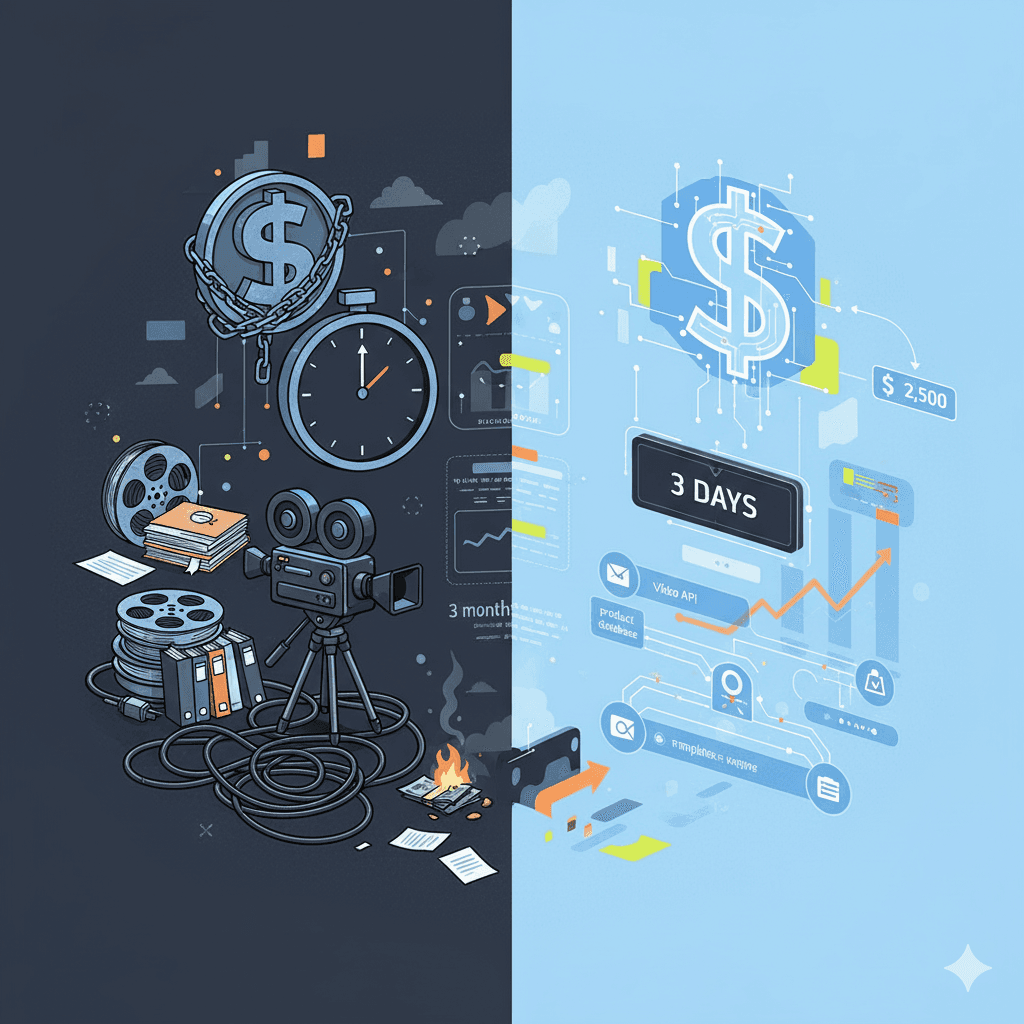
Video API vs Traditional Video Production: 2026 Cost Comparison
Agency video runs $1,000–7,000 per finished minute (Synthesia, 2025). Template APIs render the same minute for $0.10–0.20. The real cost math, tier by tier.
August 5, 2026