
AI YouTube Video Cost: 6 Real Videos, Every Fix
What an AI YouTube video costs: six 5-minute science videos at $3.50 to $5.90 each at list prices, 191 AI clips, 42 fixes, the full bill.

Founder
A 5-minute AI YouTube video cost us about $3.50 to $4.50 at list prices, plus about 15,000 voice points on a Vbee plan. The first video made with the full pipeline cost about $5.90. The largest line in every bill is the AI clips: $2.05 to $3.77 a video.
This page is the real bill for six Vietnamese science videos on our channel Toro Tò Mò, made from late October to mid-November 2026. It also lists every clip we had to fix: 42 fixes for 191 AI clips, about 1 in 4.5. We caught 30 of them before the render and 12 after a person reviewed the video. We report cost and quality only. The channel is new, so we make no claims about views or revenue.
Key Takeaways
- Six videos of 4:47 to 5:22 each. Five of them cost $3.52 to $4.49 at list prices, and the first one $5.91. A rework of two videos after viewer feedback cost $1.25 more.
- AI clips are the largest cost: 26 to 33 clips per video, 191 to 228 seconds of 480p footage, $2.05 to $3.77.
- We logged 42 fixes for 191 clips: 30 before the render and 12 after review. Paid fixes were about 19% of the clip bill.
- The errors are physical: wrong directions, water that flows when it should not, objects that break or grow. Some fixes are free.
- A fact list, a physics check and a person who watches every video keep the channel clear of "mass-produced" content. They cost time, not money.
What one AI YouTube video costs, line by line
The clip prices come from the vendors' own pages, read on 2026-11-19. ByteDance's BytePlus ModelArk page lists Seedance 1.0 Pro Fast at $1 per million tokens, and 48,600 tokens or $0.05 for a 5-second clip at 864x480. That is about $0.0097 per second. The clip column in the table is what the Vercel AI Gateway charged us for each video: list price, measured as the drop in our gateway balance.
| Video (topic) | Length | AI clips | Clip seconds | Clips | Stills | Music | Captions | Total |
|---|---|---|---|---|---|---|---|---|
| 2: If the Earth stopped spinning | 4:47 | 32 | 220 | $3.77 | $1.31 | $0.08 | $0.75 | $5.91 |
| 3: If lightning hits your plane | 5:05 | 26 | 191 | $2.10 | $1.04 | $0.08 | $0.90 | $4.12 |
| 4: How trees help stop floods | 5:06 | 29 | 213 | $2.41 | $1.01 | $0.08 | $0.30 | $3.80 |
| 5: If the Earth spun faster | 5:09 | 31 | 197 | $2.05 | $1.14 | $0.08 | $0.25 | $3.52 |
| 6: If you fell into Jupiter | 5:15 | 33 | 228 | $2.88 | $1.28 | $0.08 | $0.25 | $4.49 |
| 7: If a lift cable snaps | 5:22 | 33 | 228 | $2.77 | $1.14 | $0.08 | $0.25 | $4.24 |
| Rework of 3 and 4 (new openings) | - | 7 | - | $0.51 | $0.24 | $0 | $0.50 | $1.25 |
How each column is priced:
- Clips: the gateway bill, retakes included. Video 2 also includes 4 clips at 720p ($0.73), made before we moved to 480p, and the science fixes after review ($0.39). Video 4 includes one fix after review ($0.12).
- Rework: after viewer feedback we gave videos 3 and 4 new openings: 7 new stills, 7 new clips, 3 retakes and a new transcription each. The log gives one bill for both videos, so it is a row of its own.
- Stills: 29 to 39 per video, retakes included. We made them with the Renderly image API, at 0.5 credits per 1K image. For a price any creator can compare, the table uses Google's list price for Nano Banana 2.1 on the Gemini API pricing page: "Equivalent to $0.0336 per 1K image". The stills with our character went through gpt-image-2 instead, so this column is an estimate.
- Music: one Lyria call per video, priced at Lyria 3.5. The same Gemini page lists "Lyria 3.5 (Full Song) ... $0.08 per song".
- Captions: Renderly's captions API, which charges 0.25 credits per started audio minute. The table converts credits at $0.20, the pay-as-you-go price. Videos 2 and 3 ran the transcription three times (3.75 and 4.5 credits) because we changed the voice twice.
- Voice (not in the total): Vbee's Anh Tú Pro voice uses 3 points per character, so a 5,000-character script is about 15,000 points. On 2026-11-19 Vbee's price page sold extra points at ₫12,000 per 50,000 on its two higher plans. At that rate one video's voice is about ₫3,600. Video 2 was voiced three times, the first time with a free local model.
Not counted: 8 to 20 short Gemini calls per video that check the voice and the audio, the Claude Code subscription that runs the pipeline, and our own computer. The 3x upscale of every clip and the final render run on a local GPU and CPU. The renders we timed took 7 to 9 minutes for a 5-minute video.
Why we made the clips at 480p
Seedance 1.0 Pro Fast at 720p costs a little more than twice the 480p price, because BytePlus counts tokens by width x height x frame rate x seconds. In a test in October 2026, a 480p clip upscaled 3x on our own GPU looked as sharp at 100% zoom as a 720p clip upscaled 2x, and our character stayed the same. So every video after the pilot made every scene that is not a diagram into a 480p clip, then upscaled it to 2560x1440.
That choice is why a 5-minute video with more than 3 minutes of AI footage costs about $2 to $3 in clips. At 720p the same footage would cost about twice as much. The price list compares this model with Veo, Kling and Gemini Omni, where one finished minute costs from $1.80 to $24 at 720p.
The model choice is a rule in our runbook: Seedance by default, because it follows the still closely and is fast (32 clips in 23 minutes). Veo 3.1 Lite only when something must appear or disappear, at $0.03 per second without audio on the Vertex AI pricing page. Seedance does not remove objects well.
The failure log: 42 fixes for 191 clips
Every clip is checked before the render, and every fix goes into the log with the scene, the error and the prompt that worked. Across the six videos we made 42 fixes for 191 clips, about 1 for every 4.5 clips. We caught 30 before the render. A person found 12 more after it, by watching the video:
| Video | Clips | Fixes before the render | Fixes after review | Fix cost |
|---|---|---|---|---|
| 2 | 32 | 6 | 8 (5 retakes, 3 free reverses) | $0.51 + $0.39 |
| 3 | 26 | 3 | - | $0.25 |
| 4 | 29 | 3 | 1 (new still and clip) | $0.26 + $0.12 |
| 5 | 31 | 4 | - | $0.22 |
| 6 | 33 | 7 | - | $0.61 |
| 7 | 33 | 7 | - | not split out |
| Rework of 3 and 4 | 7 | - | 3 | in the $0.51 rework bill |
| Total | 191 | 30 | 12 |
A fix is one extra take, one free reverse, or in a few cases one retry after a gateway error. In videos 2 to 6, fixes cost $2.36 of the $12.48 spent on 480p clips, about 19% of the clip bill. That leaves out the 3 rework retakes, which the log bills together with the new clips. In video 7, 3 scenes went back to a still with a slow camera move because no take was right.
The errors fall into four groups.
1. Wrong direction. Seedance does not know which way things move. A toy globe turned from east to west. A city sunset rose instead of sinking. Jupiter's Great Red Spot, which turns counterclockwise, turned clockwise. Motorbikes that faced right rolled to the left. A globe or a sunset is easy to miss at full speed, so we now measure the direction of motion with an optical-flow script on every clip of that kind.
2. Physics the model continues. The model keeps going with whatever it sees. Water ran out of a sponge in a scene where the sponge soaks it up. Small burn marks on a plane grew into a large smear. Storm waves broke a sea dyke that holds in the story. Veo 3.1 Lite did it too: a probe that should melt like wax exploded.
3. The unusual becomes normal. A planet with one belt of land at the equator, our picture of a stopped Earth, became today's Earth twice. A "deep abyss with no bottom" in Jupiter's clouds became a rock pit, and land appeared under the clouds.
4. One word changes the scene. With the word "lightning" in the prompt, a clip of a planet seen from space made a bolt in empty space, even with "inside the cloud bands". The third take worked without the word.
How we fixed them, and what it cost
Most fixes are a new take with a more exact prompt. The prompts that worked say what must not happen, and give the motion to something harmless:
- "the spots stay exactly the same size and do not grow, spread or change"
- "the dyke stays whole and unbroken, no stones move, no water flows over or through it"
- "the buffalo calf keeps holding the sponge at the same place ... there is no water on the ground and nothing drips; only the ferns sway"
- "A still painting of a planet: the planet does not rotate and nothing on it moves or changes; only the small stars in the dark background twinkle softly; camera fixed"
A wrong direction is free to fix. Play the take in reverse with ffmpeg. The reversed clip ends on the still, so it still matches the scene. This fails when something else in the clip shows the reversal: reversed motorbikes made the rain fall upward, so that scene got a new still with the motorbikes parked.
Some pictures do not survive any model. In video 7, a lift shaft where one cable breaks and six hold grew smoke and lost more cables in two Seedance takes, and Veo 3.1 Lite turned the wall lamps into flames. Open lift doors closed by themselves in two takes. The fallback is the still with a slow push-in, and the sound effect carries the moment. Plan a still for every scene, so a failed clip never blocks the video.
How we keep it from being "mass-produced"
YouTube renamed its "repetitious content" policy on 2025-07-15: "We're making a minor update to our 'repetitious content' policy to better clarify this includes content that is repetitive or mass-produced. We are also renaming this policy from 'repetitious content' to 'inauthentic content.'" The same page asks that monetized content "Not be mass-produced, generic, repetitive, or manipulative. It should be made for the enjoyment or education of viewers, rather than for the sole purpose of getting views" (YouTube Help, "YouTube channel monetization policies", support.google.com/youtube/answer/1311392, read 2026-11-19).
Three steps in our pipeline answer that, and none of them costs money:
- A fact list with sources. Each script starts from a research file. Every fact in the script is checked against it before the voice is made, and the sources go into the video description.
- A science check. Scales and distances in space must look right, or the screen says "not to scale" and shows the real numbers. Directions of motion are measured, not guessed.
- A person watches every video before upload. Phil reviews the final video and the fact list. Viewer feedback changes the rules: after friends found the first openings slow, every video now opens on the event, with a real sound effect.
The cost of these steps is time. The cost of skipping them is a channel full of globes that turn the wrong way.
What this means for a faceless YouTube channel
- Budget about $4 for a 5-minute video with AI footage on most scenes, at 480p plus an upscale. Expect fixes to be about 20% of the clip line. If you need 720p clips without an upscale, roughly double the clip line.
- The clip line is the one to cut. Every scene that is a diagram, a chart or text on a still is a scene with no clip cost. Video 3 had 12 diagram scenes and the lowest clip seconds of the six.
- Do not let the model draw text, numbers or diagrams. Our diagrams, captions, the channel intro and the outro are drawn in code and placed on the timeline, so they are the same in every video. That is what a template render does well, and an AI model does badly.
- Check every clip at full speed and frame by frame where things move. 12 of our 42 fixes were found only after the render, by a person.
For the per-second price of every major model, see our AI video cost per second list. For voice and captions through one API, see faceless video with voiceover and captions.
Frequently asked
How much does a 5-minute AI YouTube video cost to make?
What is the most expensive part of an AI YouTube video?
How often does an AI video clip need a retake?
What kind of mistakes do AI video models make?
Is an AI-made YouTube channel allowed to earn money?
Related Articles
AI Video Cost per Second: November 2026 Prices
AI video costs $0.01 to $0.60 per second in November 2026. Per-second and per-minute list prices for Gemini Omni, Veo 3.1, Seedance and Kling 4.0.
November 12, 2026
Template-Based Video vs AI-Generated Video: Which Should You Choose?
Template video vs AI video in 2026: a 1080p minute costs $0.10-$0.20 to render from a template and $4.80-$24.00 to generate with Veo 3.1. Here's the decision rule.
April 16, 2026
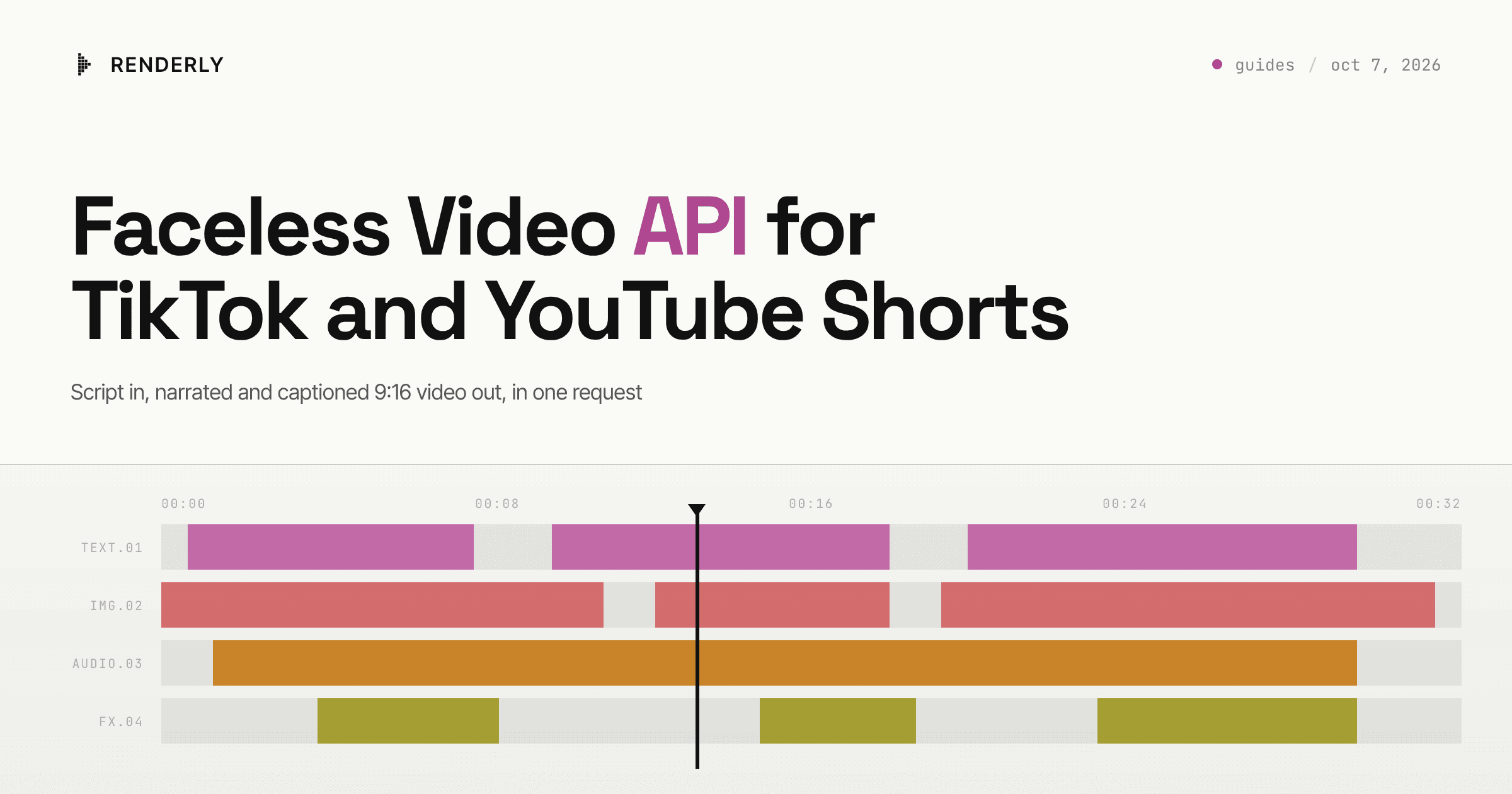
Faceless Video API for TikTok and YouTube Shorts
Turn a script into a 9:16 faceless video with AI voiceover and word-synced captions in one API call. The request, the real cost per clip, and how to post it.
October 7, 2026
Renderly Ships AI Images: Prompts In, Finished Video Out
Renderly now generates the images of your video from text prompts inside the render call. 0.5 credits per image, 0.2 on the fast tier, and repeats are free.
October 18, 2026