
How to Add an AI Voiceover to Real Estate Videos via API
Add an AI voiceover to a real estate listing video with one API call - no recording, no audio editing. Script → narrated 31s video for 1.5 credits (~$0.30).

Founder
Every listing video is better with a voice on it - and almost none get one, because a voiceover means a microphone, a quiet room, a decent read, and someone willing to do all three again for the next property. Per listing. Forever. That's why the narration line item is the first thing cut from automated video pipelines.
This tutorial puts it back for the cost of a JSON field. You'll take a listing template with an empty narration slot, write a 77-word script, and send one API call that returns a fully narrated 31-second property video - the exact request we verified end to end, credit receipt included. No recording, no audio files, no second pass.
Key Takeaways
- A
ttsreplacement value turns a script into narration at render time - the template's empty narration slot fills, the composition stretches to the real audio length if needed, and the whole thing is one API call- The verified demo: 77-word script → narrated 31-second listing video for 1.5 credits (0.5 voiceover + 1.0 render), about $0.30 pay-as-you-go
- Script pacing rule: ~2.5 words per second of video, and spell out numbers ("three million, four hundred ninety-five thousand") - TTS reads them more naturally than digits
- Add a
transcribevalue pointing at the narration and the same call also burns in word-synced captions
What does an AI voiceover via API actually mean?
An AI voiceover via API means the narration is generated from text at render time, inside the render request itself. In Renderly, a tts value on a sound variable turns a script into speech - twelve curated voices, plus any id from Speechify's 992-voice catalogue across 36 locales, up to 4,096 characters per request - for 0.5 credits per started 1,000 characters, and drops it straight into the template's narration slot (AI features guide, 2026).
There are two routes to the same audio. The standalone endpoint, POST /api/v1/ai/voiceover, takes text and returns an mp3 in your media library - useful when you want to pre-generate, listen, and reuse. The declarative route puts the same tts object inside a render's replacements, so the narration is generated, placed, and mixed in one call - and if the audio runs longer than the composition, the video stretches to fit it.
This tutorial teaches the one-call route, because for per-listing automation it's the whole game: nothing to download, nothing to host, nothing to attach. We'll borrow the standalone endpoint once, as a cheap voice-preview trick in Step 2. (For the full release picture - including auto-captions - see the launch announcement.)
Step 1: Set up a template with a narration slot
The teaching object of this whole tutorial is one overlay. In your template, add a sound overlay, mark it isDynamic, name it narration - and leave src empty:
{
  "type": "sound",
  "name": "narration",
  "isDynamic": true,
  "content": "narration",
  "src": "",
  "from": 0,
  "durationInFrames": 930,
  "styles": { "volume": 1.0 }
}That empty src is the pattern. Most TTS tutorials have you generate an audio file, download it, upload it somewhere public, then attach it - four steps and a storage problem, repeated per video. An empty-src sound slot inverts that: the template ships silent, needs no placeholder audio, and every render voices itself. The designer owns the mix once; the API fills the words forever.
Here's the template we verified this on - a 31-second, six-scene coastal listing for the fictional "Salt & Cedar" brand (1920×1080, 930 frames at 30 fps), with a licensed music bed sitting at volume 0.32 under the narration:
Four variables drive it:
| Variable | Type | What it controls |
|---|---|---|
listing_address | text | Headline in the opening scene, sign-off in the closing scene |
city_location | text | Location line across scenes 1, 2, and 5 |
price | text | "Offered at" figure in scene 1, animated price reveal in scene 6 |
narration | sound | The voiceover - an empty slot until render time |
Notice that's the same text-variables-plus-media pattern from our real estate automation guide - this post won't re-teach template building or MLS field mapping; that guide covers both, and the templates guide covers the isDynamic system. The narration slot just plugs one more variable into it.
Step 2: Write a script that sounds right
The pacing math comes first: multiply your video's seconds by ~2.5 to get your word budget. Spoken narration at a natural pace runs about 150 words a minute, so a 31-second video holds roughly 77 words. Count your words before you render - a script that's 20 words over doesn't get faster, it makes the video longer.
Here's the exact script from the demo, all 77 words of it:
Just listed in Montauk: twenty-seven Dune Crest Road. Tucked where the dunes meet the door, this is coastal living at its finest. Inside - sun-drenched spaces, walls of glass, a chef's kitchen in white oak, and a wrap-around deck over the water. Four bedrooms. Three baths. Thirty-two hundred square feet. And open sand, just a two-minute walk away. Offered at three million, four hundred ninety-five thousand. Book your private tour with Salt and Cedar today.
Two writing lessons from building it. First, we paced the sentence breaks to the scene changes - "Inside -" lands as the interior scene cuts in, the stats sentence rides the stats card. Your script is a shot list; write it against the template's beats.
Second, spell out every number. We wrote "twenty-seven Dune Crest Road" and "three million, four hundred ninety-five thousand" because text-to-speech reads spelled-out numbers the way an agent would say them - digits like "$3,495,000" invite robotic or ambiguous reads. Same for abbreviations: "Road", not "Rd"; "square feet", not "sq ft".
Then pick a voice. There are twelve curated ones - claudette, emily, geffenv1, henry, hugh_32, jacob, jordan, julie, monica, nick, phil, ruby - plus any id from Speechify's full 992-voice catalogue across 36 locales, and the wrong way to choose is rendering full videos until one sounds right. Instead, send a single sentence to the standalone endpoint (POST /api/v1/ai/voiceover) for each candidate: even a 60-character test bills as one started 1,000-character block, so each preview costs 0.5 credits and ten seconds. We landed on jordan - deep and unhurried reads like a luxury listing should. If the read feels rushed or sluggish, adjust speed (0.5×-4×) before you rewrite anything.
One budget you'll basically never hit: 4,096 characters per request, which is several minutes of speech - a 30- or 60-second spot uses a fraction of it.
Step 3: Send the render request
One POST does everything - and you don't need to save anything in Renderly first. The template JSON from Step 1 goes straight into the request as inputProps, and the replacements object fills its isDynamic slots. Here's the request behind the demo above, with inputProps trimmed to one overlay of each kind so the shape is readable:
POST https://renderly.video/api/v1/renders
Authorization: Bearer rnd_...

{
  "inputProps": {
    "width": 1920,
    "height": 1080,
    "fps": 30,
    "durationInFrames": 930,
    "overlays": [
      { "type": "image", "name": "photo_hook", "src": "https://images.unsplash.com/photo-1499793983690-e29da59ef1c2?w=1920&q=80", "from": 0, "durationInFrames": 150 },
      { "type": "text", "name": "listing_address", "isDynamic": true, "content": "27 Dune Crest Road", "from": 0, "durationInFrames": 150 },
      { "type": "text", "name": "price", "isDynamic": true, "content": "$3,495,000", "from": 780, "durationInFrames": 150 },
      { "type": "sound", "name": "music", "src": "https://renderly-video.s3.ap-east-1.amazonaws.com/templates/promo-music.mp3", "from": 0, "durationInFrames": 930, "styles": { "volume": 0.32 } },
      { "type": "sound", "name": "narration", "isDynamic": true, "src": "", "from": 0, "durationInFrames": 930, "styles": { "volume": 1.0 } }
    ]
  },
  "replacements": {
    "narration": {
      "tts": {
        "text": "Just listed in Montauk: twenty-seven Dune Crest Road. Tucked where the dunes meet the door, this is coastal living at its finest. Inside - sun-drenched spaces, walls of glass, a chef's kitchen in white oak, and a wrap-around deck over the water. Four bedrooms. Three baths. Thirty-two hundred square feet. And open sand, just a two-minute walk away. Offered at three million, four hundred ninety-five thousand. Book your private tour with Salt and Cedar today.",
        "voice": "jordan"
      }
    }
  }
}Read the two halves together and the whole system is visible: inputProps is the video (every scene, every overlay, the music bed at 0.32 - a full listing template is this same list, ~50 overlays long), and replacements is the data. The narration slot ships with an empty src; the tts value fills it at render time. Want to run the exact 6-scene demo? Download the full template JSON we used and paste it in as inputProps unchanged.
(If you have saved the template as a project in the editor, send "projectId": "..." instead of inputProps - the replacements behave identically. Everything below applies to both.)
The response returns a jobId with status pending. You can poll GET /api/v1/renders/:jobId, but the better pattern is a webhookUrl on the request or a registered endpoint - Renderly fires render.completed with the download URL the moment the MP4 is ready. Our webhooks guide covers signatures and retries; we won't re-teach it here.
What happens between pending and completed, in plain English:
- The narration is generated from your script in the requested voice
- The mp3 is saved to your media library - you keep it, reusable like any upload
- Its URL is swapped into the empty
narrationslot - The overlay - and the composition, if the audio runs longer - stretches to the measured audio length
- The video renders and is billed on the real, final duration
And the receipt for this one: 0.5 credits for the voiceover (the 77-word script is well inside one started 1,000-character block) plus 1.0 credit for the 31-second render - 1.5 credits total, about $0.30 pay-as-you-go. Both charged only on success; a failed operation refunds automatically.
Step 4: Scale it - one narrated video per listing
Everything property-specific in that request lives in replacements, so scaling is string interpolation - the inputProps stay byte-identical across every listing. Here's the entire diff between two listings:
{
  "replacements": {
    "listing_address": "27 Dune Crest Road",
    "city_location": "Montauk, New York",
    "price": "$3,495,000",
    "narration": { "tts": { "text": "Just listed in Montauk: twenty-seven Dune Crest Road...", "voice": "jordan" } }
  }
}{
"replacements": {
"listing_address": "14 Harbor View Lane",
"city_location": "Sag Harbor, New York",
"price": "$2,150,000",
"narration": { "tts": { "text": "Just listed in Sag Harbor: fourteen Harbor View Lane...", "voice": "jordan" } }
}
}The screen text comes straight from your MLS row; the script comes from a sentence skeleton with slots - Just listed in {city}: {address_spoken}. ... Offered at {price_spelled_out}. Book your private tour with {brand} today. Keep the skeleton fixed and interpolate per row, and every listing gets a read that sounds written for it.
The one helper worth writing is number-to-words for the price: $2,150,000 → "two million, one hundred fifty thousand". That's a small function or an off-the-shelf package in any language - and it's exactly the kind of detail that separates "narrated" from "obviously a robot reading a database".
From there, the loop is the same one that drives any per-record pipeline: iterate your listings, fire a render per row, collect webhooks. We've documented the batching, queueing, and error handling in how to generate 1,000+ personalized videos with API automation - the narration field rides along like any other variable.
Bonus: captions from your own narration, same call
If your template also has a caption overlay variable, one more line gets you word-synced captions transcribed from the narration generated in the same request:
{
  "replacements": {
    "narration": { "tts": { "text": "...", "voice": "jordan" } },
    "subtitles": { "transcribe": { "source": "narration" } }
  }
}Because the source is the generated voiceover, sync isn't a hope - it's a guarantee. The captions can't drift from audio they were transcribed out of.
This is also where our favorite proof point lives. To verify the demo, we ran the finished video back through the captions engine - and the transcript returned the script verbatim, with the spelled-out price formatted back to "$3,495,000". Script to speech to text and back, lossless, including the number formatting.
Caps to know: up to 3 tts and 3 transcribe values per render. And if captioning is your main event - clip windows, word-level timings, caption styling - the podcast clip captions tutorial goes deep on that half.
What does it cost at volume?
Flat rates, no metering tiers: 0.5 credits per started 1,000 characters of voiceover, on top of normal render pricing (1 credit per started minute of 1080p video), charged only on success with automatic refunds on failure. Every plan has it - Pay As You Go and Subscription draw from the same credit balance.
So this demo's economics hold at any volume: 1.5 credits per narrated 31-second listing video, about $0.30 pay-as-you-go.
Compare that with how AI voice tooling is usually priced: per-character metering that turns every script revision into a cost decision, plus a separate render bill, plus storage for the audio files in between. Flat credits from one balance make the math boring - which, for a line item you're multiplying by your inventory, is the highest compliment. Our video API pricing comparison has the wider market context.
Your listings can narrate themselves now
The whole pattern, in one breath: a sound overlay with an empty src makes your template ship silent, a tts replacement fills it with a voice at render time, and pacing math (~2.5 words per second, numbers spelled out) makes the read sound intentional. One call in, narrated video out, 1.5 credits on the receipt - and one more transcribe line captions it from its own voiceover.
API keys are self-serve at renderly.video under Settings → API Keys, and new accounts include free credits - enough to voice-test and render your first narrated listing without spending anything. The AI features guide has the full endpoint reference, and the API docs cover the render pipeline it plugs into.
Record nothing. Ship the voice anyway.
Frequently asked
How much does an AI voiceover for a video cost?
How do I make the voiceover match the video length?
Which AI voice is best for real estate videos?
Can I generate captions from the AI voiceover?
Do I need to upload an audio file to my template?
Related Articles
Renderly Ships AI Voiceover and Auto-Captions
Renderly now turns a script into a narrated, word-synced-captioned video in one API call. AI voiceover (12 curated voices, 992-voice catalogue) + auto-captions, flat credit pricing.
July 19, 2026
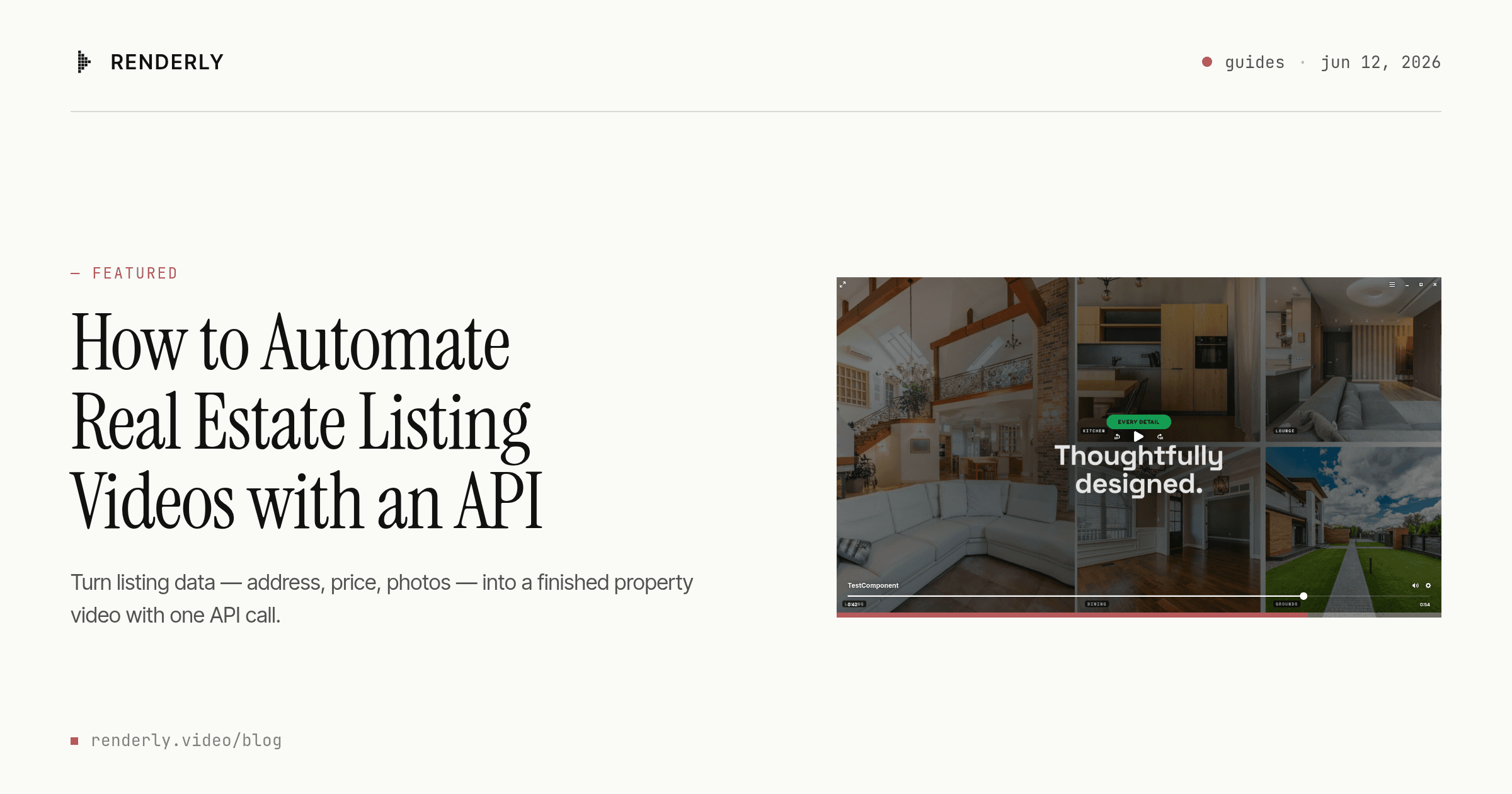
How to Automate Real Estate Listing Videos with an API
474,976 new US listings hit the market in May 2026 — almost none got a video. Here's how to turn listing data into property videos with one API call.
June 12, 2026
How to Auto-Caption Podcast Clips via API (Pay Per Clip)
Auto-caption a 9-second podcast clip via API for 0.25 credits - not 1.75 for the whole file. Word-level timings, styled captions, one replacement value.
July 21, 2026
How to Generate 1,000+ Personalized Videos with API Automation (2026 Update)
A 30-second 1080p render costs $0.10 on a template API and $1.50+ on a generative one. Build the bulk pipeline: 1,000 personalized videos queued in under 20 minutes.
May 18, 2026