
Video API Pricing Comparison 2026: The Real Cost Per Video
Five video APIs, every rate card re-checked in August 2026. One finished 1080p minute costs $0.10 to $1.38 depending on who you buy it from - and the credit math hides most of it.

Founder
Updated August 2026. Every rate card here was re-checked against the vendor's own pricing page on 2026-08-14 and each one is linked below. Renderly publishes this comparison and is one of the five vendors in it; we corrected four errors from the previous version, including two that flattered our own pricing. The correction notes are inline.
Choosing a video API should not require a spreadsheet and three sales calls. It does, because the five vendors here meter in four different units. Shotstack bills a credit per minute. JSON2Video bills a credit per second. Creatomate bills a credit per 100 million pixels. Renderly bills a credit per minute of 1080p with a resolution multiplier on top.
A "credit" means four different things. That is why pricing pages in this category cannot be compared by reading them.
So we did the math. Five template-based rendering APIs, every published rate normalized to one number: dollars per finished minute of 1080p video. No affiliate links, no sponsored placements.
Key Takeaways
- One finished 1080p minute costs $0.10 to $1.38 - a 14x spread for the same output
- Entry-tier pricing is misleading: Creatomate runs $0.84/min on Essential but $0.21/min on Beyond
- 4K is 4x on Renderly, JSON2Video, and Creatomate; Shotstack does not offer it below a custom tier
- Billing granularity matters more than rate for short clips - Renderly rounds up to 0.5 credits, JSON2Video bills by the second
- Free tiers are smaller than advertised: Creatomate's 50-credit trial is 1.6 minutes of 1080p
- AI narration adds roughly 0.5 credits to a 30-second clip on published rates, and captions built from that narration are free
Which Video APIs Are We Comparing?
This comparison covers template-based programmatic rendering APIs - services where you define a video in JSON or a template, send data, and get a finished file. That excludes generative models like Sora and Runway, which create novel footage, and delivery platforms like Mux, which stream video but do not compose it. If you are not sure which category you need, we wrote a full breakdown of template-based versus AI-generated video.
| Provider | Meters by | Entry paid plan | 1080p $/min |
|---|---|---|---|
| Renderly | Minute × resolution multiplier | Creator, $29/mo | $0.10 |
| Shotstack | Minute (any resolution) | Subscription, $39/mo | $0.20 |
| JSON2Video | Second × resolution multiplier | Professional, $49.95/mo | $0.25 |
| Creatomate | Pixel volume (100M px = 1 credit) | Essential, $54/mo | $0.84 |
| Plainly | Second (any resolution) | Starter, $69/mo | $1.38 |
Correction from the April 2026 version. That version listed Creatomate at $0.38 per 1080p minute. It reached that number by dividing the plan allowance by Creatomate's 720p credit rate and labelling the result 1080p. At the correct 1080p rate the figure is $0.84. The methodology error made Creatomate look 2.2x cheaper than it is.
Video API Pricing Compared: The Real Cost Per Minute
Normalizing to dollars per finished 1080p minute takes each vendor's plan price, divides by the allowance, and multiplies by what one minute consumes. Here is every calculation, so you can re-derive them when rate cards move.
Renderly - 1 credit per minute of 1080p, rounded up to the nearest half credit. Creator is $29 for 200 credits, so $29 ÷ 200 = $0.145/min; Business is $99 for 1,000 credits, or $0.099/min. Pay-as-you-go is $0.20 per credit with a 50-credit ($10) minimum purchase.
Shotstack - 1 credit per minute at any resolution, rounded down to the second. Subscription starts at $39 for 200 credits = $0.195/min. Pay-as-you-go is $0.30/min. Overage on a subscription bills at a 30% premium to your plan rate, or $0.25/min (Shotstack, 2026).
JSON2Video - 1 credit per second up to 1080p. Professional is $49.95 for 12,000 credits, and a minute is 60 credits: $49.95 ÷ (12,000 ÷ 60) = $0.25/min (JSON2Video, 2026).
Creatomate - 1 credit per 100 million pixels, calculated as width × height × fps × duration ÷ 100,000,000. A 1080p minute at 25fps is 1920 × 1080 × 25 × 60 ÷ 1e8 = 31.1 credits. Essential is $54 for 2,000 credits, so $0.84/min (Creatomate, 2026).
Plainly - bills the exact exported duration in seconds, no resolution multiplier. Starter is $69 for 50 minutes = $1.38/min (Plainly, 2026).
Entry pricing hides the volume story
Comparing entry tiers alone is unfair to the credit-based vendors, because their effective rate falls sharply as plans get larger. Creatomate in particular goes from most expensive to mid-pack.
| Provider | Entry tier $/min | Top published tier $/min | Improvement |
|---|---|---|---|
| Renderly | $0.145 (Creator, $29) | $0.099 (Business, $99) | 1.5x |
| Shotstack | $0.195 (from $39) | $0.20 flat, then custom | - |
| JSON2Video | $0.25 (Professional) | $0.20 (Startup, $99.95) | 1.25x |
| Creatomate | $0.84 (Essential, $54) | $0.21 (Beyond, $329) | 4.1x |
| Plainly | $1.38 (Starter, $69) | $1.08 (Pro, $649) | 1.3x |
Creatomate's Beyond plan is $329 for 50,000 credits, which works out to $0.21 per 1080p minute - still double Renderly's rate, but a quarter of what Creatomate charges on Essential. The catch is that you have to commit $329/month to reach it, and unused credits do not roll over. If your volume is lumpy, you pay the entry rate in your quiet months.
What Happens at 1,000 Videos Per Month?
At 1,000 one-minute 1080p videos, the cheapest plan that actually covers the volume costs $99 on Renderly, about $200 on Shotstack and JSON2Video, $329 on Creatomate, and $1,500+ on Plainly. The important word is covers - several vendors have no plan at this volume short of a large jump.
| Provider | Cheapest plan that covers 1,000 min | Monthly cost | Per video |
|---|---|---|---|
| Renderly | Business ($99, 1,000 credits) | $99 | $0.099 |
| Shotstack | Subscription, 1,000 credits @ $0.20 | $200 | $0.20 |
| JSON2Video | Startup ($99.95, 30,000 cr) × 2 | ~$200 | $0.20 |
| Creatomate | Beyond ($329, 50,000 cr) | $329 | $0.33 |
| Plainly | Unlimited (Pro caps at 600 min) | $1,500+ | $1.50 |
Plainly's jump is the sharpest in the category. Pro is $649 for 600 minutes; the next step covering 1,000 minutes is Unlimited at $1,500+. There is no tier between them, so crossing 600 minutes more than doubles the bill.
Billing granularity beats headline rate for short clips
For clips under a minute, how a vendor rounds matters more than what it charges. This is the single most overlooked line in video API pricing.
| Vendor | Granularity | A 15-second clip costs |
|---|---|---|
| JSON2Video | Per second | 15 credits (exactly 0.25 min) |
| Plainly | Per second | 0.25 min |
| Shotstack | Rounds down to the second | 0.25 credits |
| Creatomate | Per frame (pixel volume) | 7.8 credits (exactly 0.25 min) |
| Renderly | Rounds up to 0.5 credits | 0.5 credits (2x the raw duration) |
Renderly's half-credit floor is a real disadvantage on very short output, and it is our own rate card, so we will state it plainly: a 15-second render costs the same as a 30-second one. At 5,000 fifteen-second clips a month that is 2,500 credits rather than 1,250 - $279 on Business once overage is included, not $99.
That still lands below every alternative at that volume, but it halves the margin, and anyone modelling a short-form social pipeline should use the rounded number.
Does Resolution Change the Price?
Yes, on four of the five, and the multiplier is almost always 4x. Any vendor that meters by pixel volume charges 4x for 4K, because a 4K frame contains four times the pixels of a 1080p frame. The real differentiator is not the multiplier - it is whether 4K is available at all on the plan you are buying.
| Provider | 1080p $/min | 4K $/min | Multiplier | 4K availability |
|---|---|---|---|---|
| Renderly (Creator) | $0.145 | $0.58 | 4x | All plans, including PAYG |
| JSON2Video (Professional) | $0.25 | $1.00 | 4x | All paid plans |
| Creatomate (Essential) | $0.84 | $3.36 | 4x | All paid plans |
| Plainly (Starter) | $1.38 | $1.38 | 1x | All plans |
| Shotstack (subscription) | $0.20 | - | - | High Volume tier only |
Correction from the April 2026 version. That version stated Renderly charges the same per-minute rate at 4K with "no resolution upcharge," and listed Shotstack at 1x for 4K. Both were wrong. Renderly applies a 4x multiplier at 4K and 2x at 2K, matching how the other pixel-metered vendors bill. Shotstack does not offer 4K on pay-as-you-go or subscription plans at all - its pricing page restricts 4K to the custom High Volume tier. We have corrected the tables above and apologise for the error.
The accurate version of Renderly's 4K advantage is about access, not price: 4K is available on every plan including pay-as-you-go, and the 4x multiplier applies to a base rate 2-14x lower than the alternatives. At $0.58 per 4K minute on Creator - $0.40 on Business - it is the cheapest 4K in this comparison.
Plainly deserves credit here for the genuinely simplest model in the category: one rate, any resolution, billed by the second.
What AI Voiceover and Captions Cost on Renderly
Audio generation is where this comparison stops being like-for-like. Renderly and JSON2Video bundle AI voiceover into the render API; Shotstack, Creatomate, and Plainly expect you to bring your own audio from a separate service, so their per-minute rates above are not carrying that cost. The figures below are Renderly's published rates, included because that spend is invisible if you budget from the render rate alone: text-to-speech runs 0.5 credits per started 1,000 characters of script, and captioning a video or an external audio file runs 0.25 credits per started minute. Captions built from narration generated in the same request are free.
| Deliverable (30 seconds, 1080p) | Credits | Cost on Creator |
|---|---|---|
| Silent render | 0.5 | $0.05 |
| + AI narration (~450 characters) | +0.5 | $0.10 |
| + word-synced captions from that narration | +0 (free) | $0.10 |
Two details make the difference between a good estimate and a bad one. TTS bills per started 1,000 characters, so a 200-character script costs the same as a 1,000-character one. And captions bill per started minute when they are actually transcribed - a 30-second external clip costs a full 0.25 credits - but that charge does not apply to the table row above, because those captions come from the narration Renderly just generated, not from a separate transcription pass.
The practical read: a fully narrated, captioned short clip - captions included, as long as they are transcribed from that same narration - costs roughly 2x the silent version, not 2.5x, because the captions are free. If you are transcribing external audio or video instead of your own TTS narration, budget the render rate plus TTS plus 0.25 credits per started minute for that separate transcription.
What Hidden Costs Should You Watch For?
Four things routinely cost more than expected, and none of them appear on a pricing page.
Free tiers are smaller than they sound
| Provider | Free offer | Actual 1080p minutes |
|---|---|---|
| Shotstack | 20 min/month, watermarked sandbox | 20 min |
| JSON2Video | 600 credits, watermarked | 10 min |
| Renderly | 5 credits on signup | 5 min |
| Creatomate | 50-credit trial | ~1.6 min |
Creatomate's trial is the one to watch. Fifty credits sounds generous until you apply the pixel formula: at 1080p and 25fps it buys about 96 seconds of video. That is enough to validate an integration and not enough to benchmark anything.
Storage and retention
Rendered files do not live forever, and the retention policy determines whether you need your own bucket from day one.
- Shotstack: renders expire; longer retention requires your own S3 destination
- Creatomate: 7 days on paid plans, with 50 GB on Growth and 500 GB on Beyond
- Plainly: hard storage caps by tier - 1 GB on Starter, 15 GB on Pro
- Renderly: S3-backed with a per-account retention policy (dashboard → Settings → Storage), no bandwidth charge on download
Plainly's 1 GB on Starter is the tightest constraint in the table. At typical 1080p bitrates that is roughly 30-60 minutes of finished video before you are managing deletions by hand.
Concurrency
Throughput caps decide whether a batch finishes in an hour or overnight. Plainly publishes theirs clearly - 2 concurrent renders on Starter, 4 on Explorer, 8 on Team, 16 on Pro. Most others, Renderly included, do not publish a number, which means asking before you commit.
Overage behaviour
There are two philosophies, and the right one depends on whether you fear a surprise bill or a stalled pipeline.
- Renderly and Shotstack keep rendering and bill the overage - $0.12-0.15 per extra credit on Renderly, a 30% premium on Shotstack.
- Creatomate and JSON2Video stop when credits run out. You upgrade or wait for the next cycle.
A launch spike on a no-overage plan means renders fail while someone finds the billing page. A runaway loop on an overage plan means a bill. Pick the failure you would rather have.
Subscription or Pay-As-You-Go?
The break-even is where the monthly fee equals the same volume bought at pay-as-you-go rates. Below it, pay-as-you-go avoids funding an allowance you will not use.
| Provider | PAYG rate | Subscription | Break-even |
|---|---|---|---|
| Renderly | $0.20/min | $29 for 200 min | 145 min/month |
| Shotstack | $0.30/min | $39 for 200 min | 130 min/month |
| JSON2Video | Prepaid $49.95 / 7,200 cr ($0.42/min) | $49.95 for 200 min ($0.25/min) | Subscription always cheaper |
| Creatomate | None | From $54 | n/a |
| Plainly | None | From $69 | n/a |
Correction from the April 2026 version. That version listed break-evens of 290 minutes for Renderly and 390 for Shotstack - overstated 2x and 3x respectively. The calculation compared each subscription against its own allowance rather than against pay-as-you-go spend. Renderly's subscription pays for itself at 145 minutes per month, not 290; Shotstack's at 130, not 390.
JSON2Video is the clear case: its prepaid packs are more expensive per minute than its subscription, so the subscription wins at any volume you would actually run. Creatomate and Plainly have no pay-as-you-go tier, which means the base fee applies whether you render one video or a thousand.
How Should You Choose?
Renderly if you want the lowest cost per minute at 1080p or 4K, need 4K without a plan upgrade, and can live with the half-credit rounding on very short clips.
Shotstack if you want the simplest mental model - one credit, one minute, any resolution - and do not need 4K. Check the High Volume gate before you commit if 4K is on your roadmap.
JSON2Video if you bill in seconds and want per-second granularity, or if the new $16.95 Hobby tier fits a small workload. Watch the per-render duration caps: 1 minute on Hobby, 10 on Professional, 30 on Startup.
Creatomate if you want a visual template editor and your volume justifies the Beyond tier, where the effective rate is competitive. At entry volumes it is the most expensive credit-based option by a wide margin.
Plainly if your pipeline depends on native After Effects templates. It is the most expensive per minute here and the only one that renders AE projects, which for some teams is the whole decision.
The reliable approach is unchanged: start on a free tier, render your actual templates at your actual resolution and length, then read your credit consumption rather than a pricing page. Every vendor's published rate assumes a shape of video that may not be yours - frame rate, duration rounding, and resolution all move the number more than the headline rate does.
To model your own volume against these rates, our cost calculator runs the credit math for each vendor, and Renderly's pricing is on one page with no sales call. For head-to-head detail on a single vendor, see Renderly vs Creatomate, vs Shotstack, vs JSON2Video, or vs Plainly.
For the wider architectural picture, see the developer's complete guide to video APIs. For how these rates compare against hiring a crew, see video API vs traditional production. And if you are reselling renders to your own customers, embedding video generation in a SaaS product covers the metering side.
Frequently asked
What is the cheapest video API in 2026?
How much does it cost to generate 1,000 videos per month with an API?
Do video APIs charge more for 4K rendering?
How much do AI voiceover and captions add to a render?
Are there free video rendering APIs?
Should I use a subscription or pay-as-you-go plan for a video API?
Related Articles
Video APIs in 2026: The Developer's Complete Guide
What a video API costs, how the three architectures differ, and how to ship your first render. One 1080p minute runs $0.10-$0.84 across four verified rate cards.
August 12, 2026
4 Best Video APIs for Developers (2026 Mid-Year Update)
We compared Renderly, Shotstack, Creatomate, and JSON2Video on price, speed, and DX. Subscription costs run $0.10 to $0.84 per minute at 1080p.
June 8, 2026
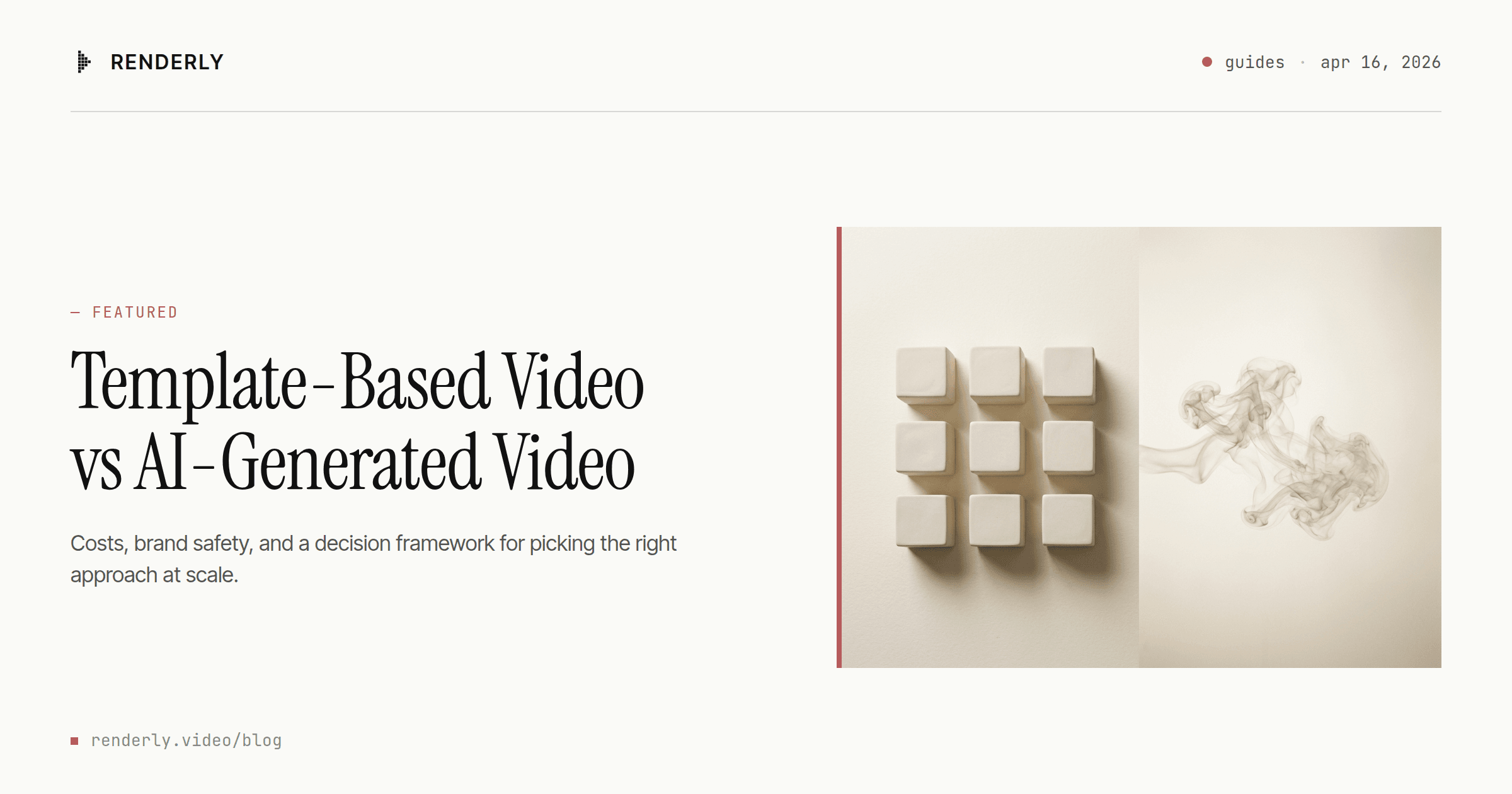
Template-Based Video vs AI-Generated Video: Which Should You Choose?
Template video vs AI video in 2026: a 1080p minute costs $0.10-$0.20 to render from a template and $4.80-$24.00 to generate with Veo 3.1. Here's the decision rule.
April 16, 2026

Video API vs Traditional Video Production: 2026 Cost Comparison
Agency video runs $1,000–7,000 per finished minute (Synthesia, 2025). Template APIs render the same minute for $0.10–0.20. The real cost math, tier by tier.
August 5, 2026
How to Embed Video Generation in Your SaaS Product
Wire a video API into your SaaS as a customer-facing feature. Multi-tenancy, quota metering, webhook routing, and the async UX - with working code. A 30s render costs $0.07.
August 13, 2026