
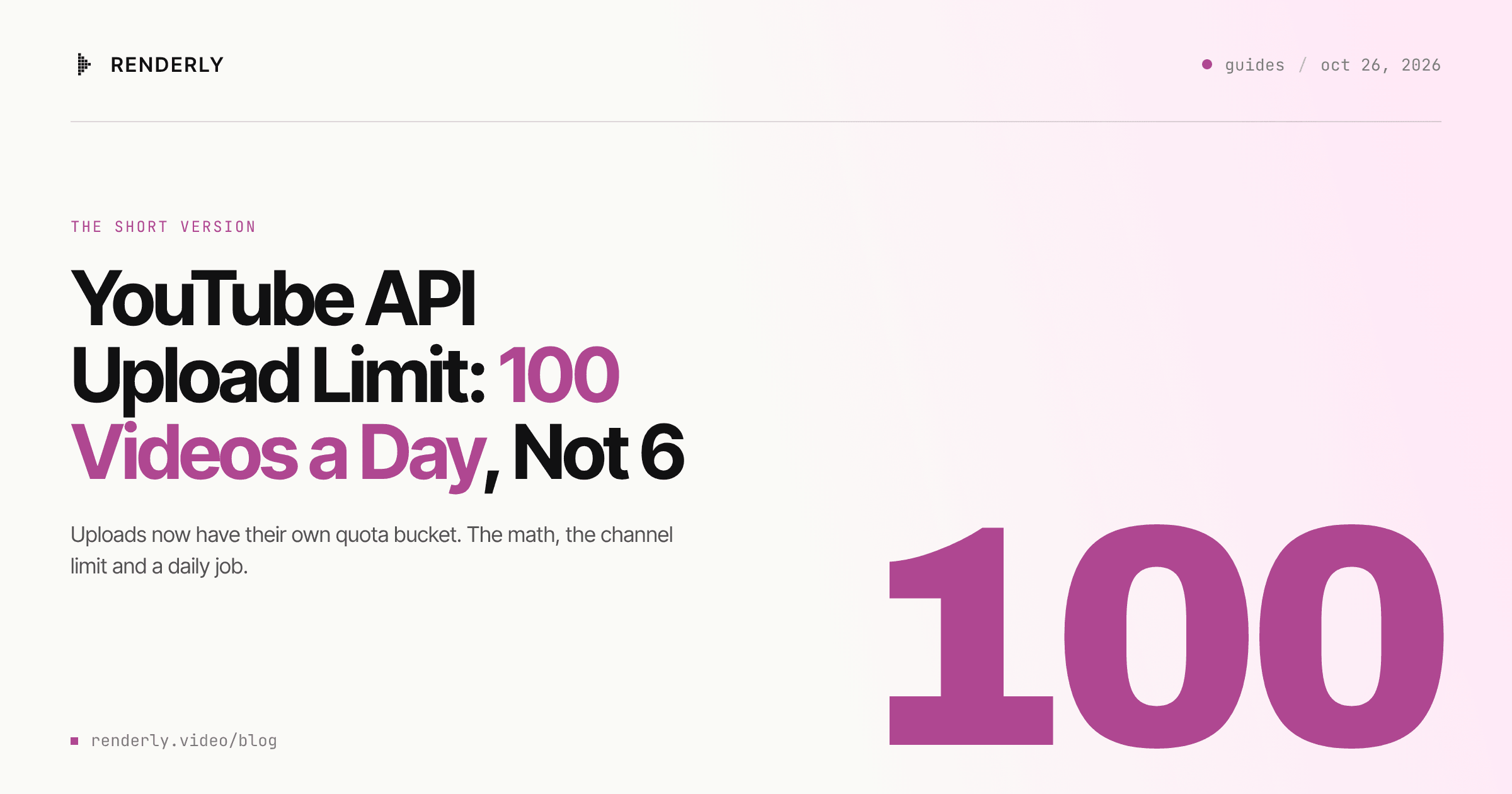
YouTube API Upload Limit: 100 Videos a Day, Not 6
The YouTube Data API now gives each project 100 videos.insert calls a day in their own quota bucket. The math, the channel limit, and a daily upload job.

Founder
A Google Cloud project can upload 100 videos a day to YouTube with the Data API. That is the default, and you do not need an audit to get it. Many guides still say the ceiling is about 6. That number was correct until December 2025, and Google has changed the upload quota twice since then.
This post gives the current numbers from Google's own pages, the second limit that is not in the quota calculator, and a daily upload job that stays inside both.
Key Takeaways
videos.inserthas its own bucket: 100 calls per day per project, at 1 unit per call. The old figure of about 6 a day came from a cost of about 1,600 units, which Google removed in December 2025.- Most other calls share a 10,000-unit bucket. A thumbnail and a playlist entry for each of 100 uploads use all of it.
- The channel has a separate daily upload limit across the web, mobile and the API. YouTube does not publish the number.
- The quota is per project, not per channel. One app that uploads for ten channels shares one budget of 100.
- Quotas reset at midnight Pacific Time. That moves from 07:00 to 08:00 UTC starting November 2, 2026.
The current limit: 100 uploads a day, in their own bucket
Google's reference for the upload method says: "Quota impact: 100 calls per day. A
call to this method has a quota cost of 1 unit in the Video Uploads quota bucket"
(YouTube Data API, Videos: insert,
last updated 2026-10-15). The quota calculator states the default for a new project:
"Projects that enable the YouTube Data API have a default quota allocation of 100
search.list calls, 100 videos.insert calls, and 10,000 units per day combined for
all other endpoints"
(YouTube Data API, Quota Calculator,
last updated 2026-10-15).
So the answer to "how many videos can my app upload per day" has two parts:
- The project limit is 100. It is a count of calls, not units.
- Another limit applies per channel. The section below covers it.
The quota belongs to the Google Cloud project, not to the YouTube channel. If one app uploads for several channels, all of them draw on the same 100 calls. If you need more, Google's quota guide says you must first complete an audit with the "YouTube API Services - Audit and Quota Extension Form" (YouTube Data API, Quota and Compliance Audits, developers.google.com/youtube/v3/guides/quota_and_compliance_audits, read 2026-10-26).
Why so many guides still say 6 a day
Google's revision history records two changes. On December 4, 2025: "The YouTube Data API documentation and Quota Calculator have been updated to reflect a change in the quota cost of a video upload from approximately 1600 units to approximately 100 units." On June 1, 2026: "API calls to the videos.insert and search.list methods will be charged to their own respective quota buckets" (YouTube Data API, Revision History, read 2026-10-26).
Before December 2025, an upload cost about 1,600 of the 10,000 daily units: 10,000 / 1,600 = 6.25, so 6 uploads a day. Any guide or AI answer that still says 6 is using the old cost.
The middle period had the same count as today but a different cost. About 100 uploads used about all 10,000 units, so there was nothing left for thumbnails or playlists. Since June 2026 the uploads have their own bucket.
The 10,000-unit bucket is now the one that runs out
Only videos.insert and search.list moved, and the newer videos.batchGetStats has
its own bucket: the revision history entry for June 3, 2026 says "A call to this method
has a quota cost of 1 unit in its own granular quota bucket." Every other method still
shares 10,000 units a day. So a pipeline that reads view counts back with
videos.batchGetStats does not touch the shared bucket. The quota calculator lists these costs for the calls an upload pipeline
usually makes after the upload:
| Call | What it does | Units per call |
|---|---|---|
videos.insert | Upload the file | 1, in the Video Uploads bucket |
thumbnails.set | Set a custom thumbnail | 50 |
playlistItems.insert | Add the video to a playlist | 50 |
videos.update | Change the title, description or status | 50 |
videos.list | Read the status back | 1 |
If each of 100 uploads gets a thumbnail and a playlist entry, that is
100 x (50 + 50) = 10,000 units. The shared bucket is then empty, and a single
videos.update to fix a typo fails until the reset. Put the metadata in the
videos.insert request body where you can, so you do not need an update call.
Two more rules from the same page affect your count:
- "All API requests, including invalid requests, incur a quota cost of at least one point." A failed upload call still uses one of your 100.
- "Daily quotas reset at midnight Pacific Time (PT)." That is 07:00 UTC during US daylight time and 08:00 UTC after it ends on November 1, 2026.
The second limit: per channel, and not published
YouTube Help says: "To ensure safety at YouTube, we limit how many videos a channel can upload in a 24-hour period across desktop, mobile, and YouTube API. Limits may vary by country/region or channel history" (YouTube Help, Common uploading errors, support.google.com/youtube/answer/10383400, read 2026-10-26). The same page says Community Guidelines strikes "will affect how much you can upload".
So a new channel can hit a limit before your project uses its 100 calls. The
videos.insert reference lists that error as uploadLimitExceeded (403): "The user
has exceeded the number of videos they may upload." Treat it as a stop for that
channel until the next day. Do not retry it, because each retry costs a call.
YouTube does not publish the channel number. Any guide that gives one is guessing.
What happened to the "private viewing" lock
From July 2020, YouTube locked uploads from unverified API projects to private. The
revision history entry for July 28, 2020 still says: "All videos uploaded via the
videos.insert endpoint from unverified API projects created after 28 July 2020 will be
restricted to private viewing mode." Our own
faceless video API post
quoted the same sentence from the videos.insert page, last updated 2026-09-14.
The videos.insert page, last updated 2026-10-15, now says the opposite: "Videos
uploaded from unverified API projects are not restricted to private viewing mode."
The revision history has no dated entry that announces the change.
Do not plan a channel on either sentence alone. Upload one test video with
privacyStatus: "public" and read status.privacyStatus in the response. If it comes
back private, your project needs the audit.
Schedule with publishAt, not with your upload time
The quota limits how many videos you upload each day. It does not limit when they
go public. The video resource has a status.publishAt field: "The date and time when
the video is scheduled to publish. It can be set only if the privacy status of the
video is private."
So the job can upload a week of Shorts in one run, each as private with its own
publishAt, and YouTube makes each one public at its time. This also gives a person a
window to watch the videos in YouTube Studio before they go live.
A daily upload job that stays under both limits
The render side and the upload side are separate jobs. The render side makes the MP4s. The upload side runs once a day and takes as many as the budget allows.
Render the batch. One POST /api/v1/renders per row. This example uses the live
Science Fact of the Day template, a 24-second
1080 x 1920 Short. The faceless YouTube Shorts guide
shows the full set of variables and how to fill them from a spreadsheet.
const res = await fetch("https://renderly.video/api/v1/renders", {
  method: "POST",
  headers: {
    Authorization: `Bearer ${process.env.RENDERLY_API_KEY}`,
    "Content-Type": "application/json",
  },
  body: JSON.stringify({
    templateId: "science-fact-of-the-day",
    replacements: {
      hook_question: "Which came first:\nsharks or trees?",
      fact_headline: "Sharks are older\nthan trees.",
      channel_name: "Strange But True",
    },
  }),
});
const { data } = await res.json(); // data.jobId, data.status === "PROCESSING"A registered webhook sends render.completed with data.outputUrl when each MP4 is
ready. Store the URL in a queue table with a publish_at time. The
webhooks guide covers the signature
check.
Upload on a budget. Run this once a day, a few minutes after the Pacific midnight
reset. It uses the googleapis Node client with an OAuth token for the channel.
import { google } from "googleapis";
import { Readable } from "node:stream";

const DAILY_UPLOADS = 90; // keep 10 of the 100 calls for retries and tests

const youtube = google.youtube({ version: "v3", auth: oauthClient });

async function uploadDue(queue) {
  const due = await queue.nextReady(DAILY_UPLOADS);
  for (const item of due) {
    const file = await fetch(item.outputUrl);
    try {
      const { data } = await youtube.videos.insert({
        part: ["snippet", "status"],
        requestBody: {
          snippet: { title: item.title, description: item.description },
          status: {
            privacyStatus: "private",
            publishAt: item.publishAt, // ISO 8601, YouTube makes it public then
            selfDeclaredMadeForKids: false,
          },
        },
        media: { body: Readable.fromWeb(file.body) },
      });
      await queue.markUploaded(item.id, data.id);
    } catch (err) {
      const reason = err.errors?.[0]?.reason;
      if (reason === "uploadLimitExceeded") break; // channel limit: stop until tomorrow
      await queue.markFailed(item.id, reason ?? err.message);
    }
  }
}Three choices in this job matter:
- The budget is lower than 100. A failed call still costs a call, and you will want a few for tests.
uploadLimitExceededends the run. It is a channel limit, so the next item for the same channel fails too.- Metadata goes in the insert. Title, description and
publishAtride in the same call, so the job does not spend 50 units on avideos.updateper video.
If you upload large files over an unstable link, use Google's resumable upload
protocol. After an interruption, you ask for the upload status, the API answers with
HTTP 308 and a Range header that shows how many bytes it has, and you send the rest (YouTube Data API, Resumable Uploads,
developers.google.com/youtube/v3/guides/using_resumable_upload_protocol). A 24-second
Short is small, so a plain upload is usually enough.
What the render side costs
Renderly bills 1 credit per minute of 1080p output, by the second. A 24-second 1080 x 1920 Short is 0.4 credits.
| Plan | Per credit | 30 Shorts (12 credits) | 100 Shorts (40 credits) |
|---|---|---|---|
| Pay-as-you-go | $0.20 | $2.40 | $8.00 |
| Creator, $29 for 200 credits | $0.145 | about $1.74 | $5.80 |
| Business, $99 for 1,000 credits | $0.099 | about $1.19 | $3.96 |
A month of one Short a day is 30 renders. The YouTube project quota would let you
upload all 30 in one day. The channel limit and your audience will usually tell you
to spread them out, and publishAt does that without extra API calls.
When this is the wrong question
- One channel, one video a day. Neither limit matters. A scheduler in YouTube Studio is enough.
- More than 100 uploads a day. You need the audit and a quota extension. Start the form early, because Google's guide gives no time for the review.
- TikTok and Shorts from one render. The faceless video API post covers one 9:16 render for both platforms.
Frequently asked
How many videos can I upload to YouTube per day with the API?
Why do some guides say you can only upload 6 videos a day?
Do other API calls still use the 10,000-unit quota?
When does the YouTube API quota reset?
Are uploads from an unverified API project still locked to private?
How much does it cost to render 30 YouTube Shorts with Renderly?
Related Articles
Faceless Video API for TikTok and YouTube Shorts
Turn a script into a 9:16 faceless video with AI voiceover and word-synced captions in one API call. The request, the real cost per clip, and how to post it.
October 7, 2026
How to Set Up Video Rendering Webhooks
Polling a render burns your API rate limit. Set up video rendering webhooks with HMAC SHA-256 verification, retries, idempotency and the raw-body fix.
May 28, 2026
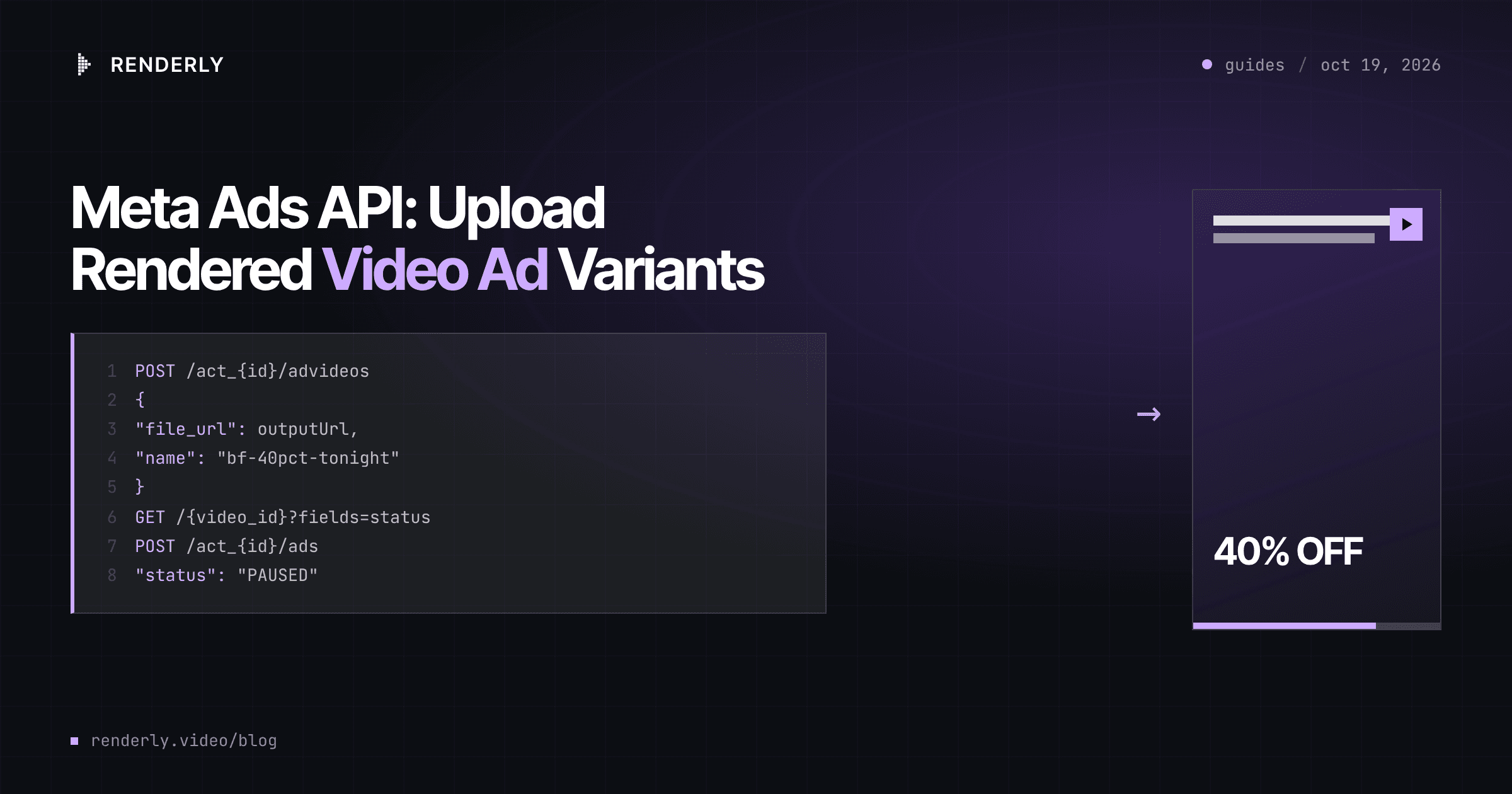
Meta Ads API: Upload Rendered Video Ad Variants
Render a video ad variant from a template, hand the MP4 URL to Meta's advideos edge, wait for processing, and create a paused ad. Four calls per variant.
October 19, 2026

How to Generate 1,000+ Personalized Videos with API Automation (2026 Update)
A 30-second 1080p render costs $0.10 on a template API and $1.50+ on a generative one. Build the bulk pipeline: 1,000 personalized videos queued in under 20 minutes.
May 18, 2026